Recruiting is a conversation business. A recruiter's week is a chain of calls and meetings: candidates asking about roles, clients briefing new vacancies, screening calls, interviews, debriefs and offers. The best recruiters are excellent on the phone, but there are only so many hours, and the calls that matter most often arrive when they are already on another one.
Candidates notice. A strong candidate who calls about a role and reaches voicemail may be talking to a competing agency by the afternoon. A hiring manager who cannot get hold of their recruiter starts to wonder whether the search is getting attention. And every interview that ends without proper notes makes the next conversation, with the candidate or the client, a little weaker.
This article explains how recruiting agencies can use Cypher LM to answer every candidate call, book screening calls and interviews during the conversation, prepare for each call with a brief, and capture detailed notes from interviews held on Google Meet. It also covers outreach to candidate lists and the limits worth knowing before you start.
The recruiting week, and where it leaks
Most agencies lose time and candidates in the same few places.
Inbound candidate calls. A job advert goes live and the phone starts ringing. Candidates want to know the salary range, whether the role is hybrid, where the office is, and whether their experience is enough. Each call is short, but together they can consume a recruiter's morning.
Scheduling. Arranging screening calls and interviews means matching the candidate's availability with the recruiter's and, later, the hiring manager's. Every round of "does Tuesday work?" adds a day.
Context. Recruiters speak to dozens of candidates a week. Remembering what each one said about notice periods, salary expectations and locations is hard, and getting it wrong in front of a candidate or client is costly.
Write-ups. Interview notes are essential for the client submission and for the candidate's file, but writing them takes time that recruiters would rather spend on the next call.
A voice agent and a meeting copilot address each of these leaks without changing how your recruiters work with people.
Answering candidate calls around the clock
A Cypher LM voice agent answers web calls and, when a number is connected, phone calls in a natural voice, replying in under a second. Candidates often call in the evening, after their own working day; the agent is there at those hours as well as at peak times.
For a recruiting agency, the agent can:
- Answer questions about open roles from the job descriptions you upload: responsibilities, location, working pattern, salary range where you choose to share it, and the hiring process.
- Ask a short set of screening questions you define, such as current role, notice period, right to work, location preference and salary expectations.
- Book a screening call with the right recruiter during the call.
- Take a clear message for anything it should not handle, such as offer negotiations or feedback on a specific application.
Every call is written up. The recap includes a summary, the key details the candidate shared, action items and a drafted follow-up, so the recruiter who calls back knows exactly where things stand.
Setting fair, consistent screening
Because the agent asks the same questions in the same way, every candidate gets a consistent first conversation. That consistency is valuable, but decide carefully what the agent asks. Keep screening questions focused on the requirements of the role, avoid questions about personal characteristics that have nothing to do with the job, and make sure your instructions tell the agent that it does not make decisions about candidates. Hiring decisions belong to people.
Booking screening calls and interviews during the call
The fastest way to lose a good candidate is a slow process. Booking during the first call removes the back-and-forth.
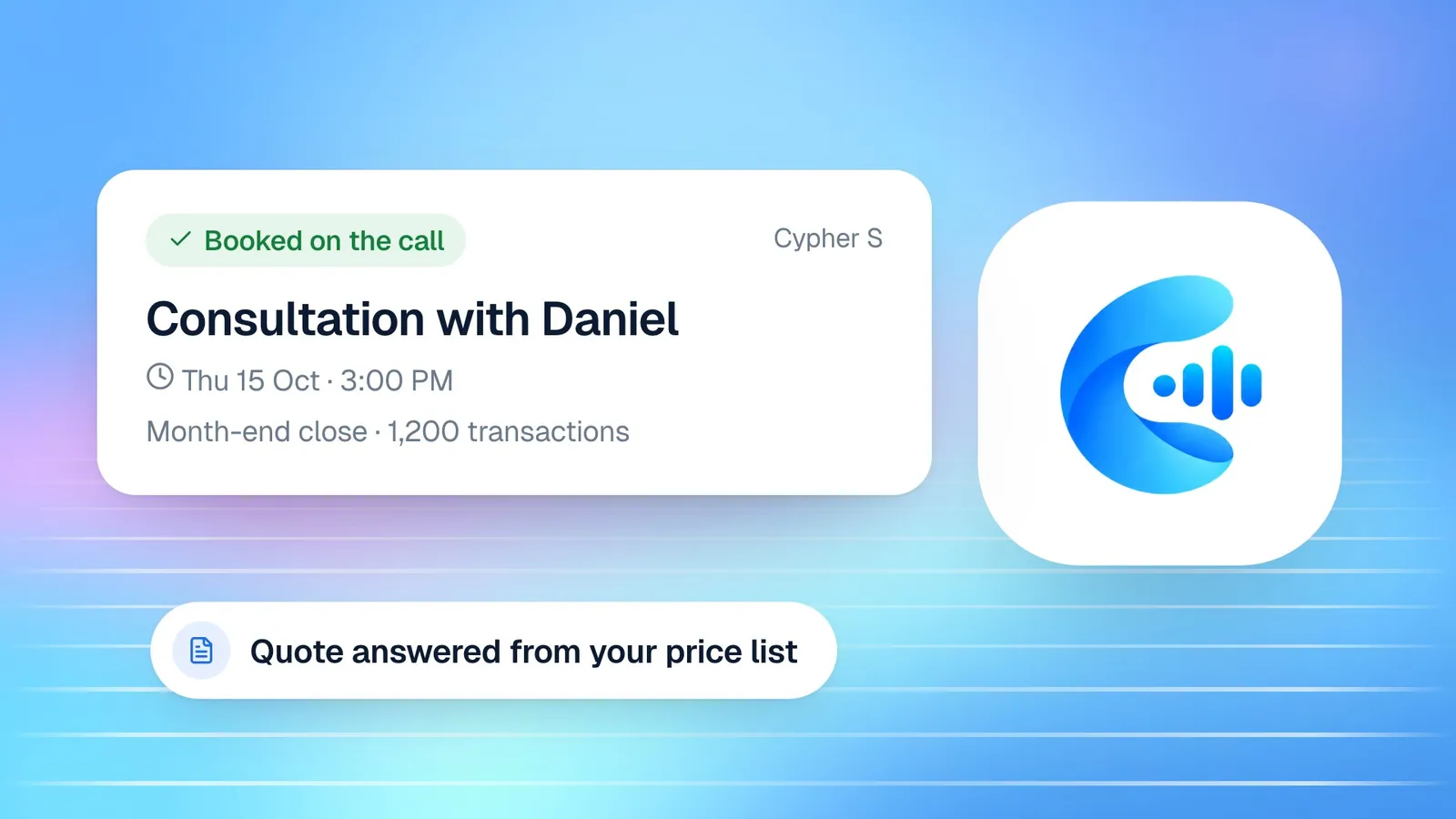
Cypher S holds each recruiter's availability and your booking types: for example, "Screening call (20 min, phone)", "Candidate interview (45 min, video)" and "Client briefing (30 min, video)". With Google Calendar connected, Cypher S checks busy times, adds each booking to the calendar, invites the candidate and creates a Google Meet link for video meetings. Buffers, daily limits and a minimum notice period keep recruiters from being booked back to back all day.
Candidates who call back to correct their email or phone number do not end up with two bookings: the agent updates the existing one and keeps the same slot. Before each meeting, Cypher S checks attendance, so a candidate who can no longer make it can reschedule instead of leaving an empty slot.
Briefs before every candidate and client call
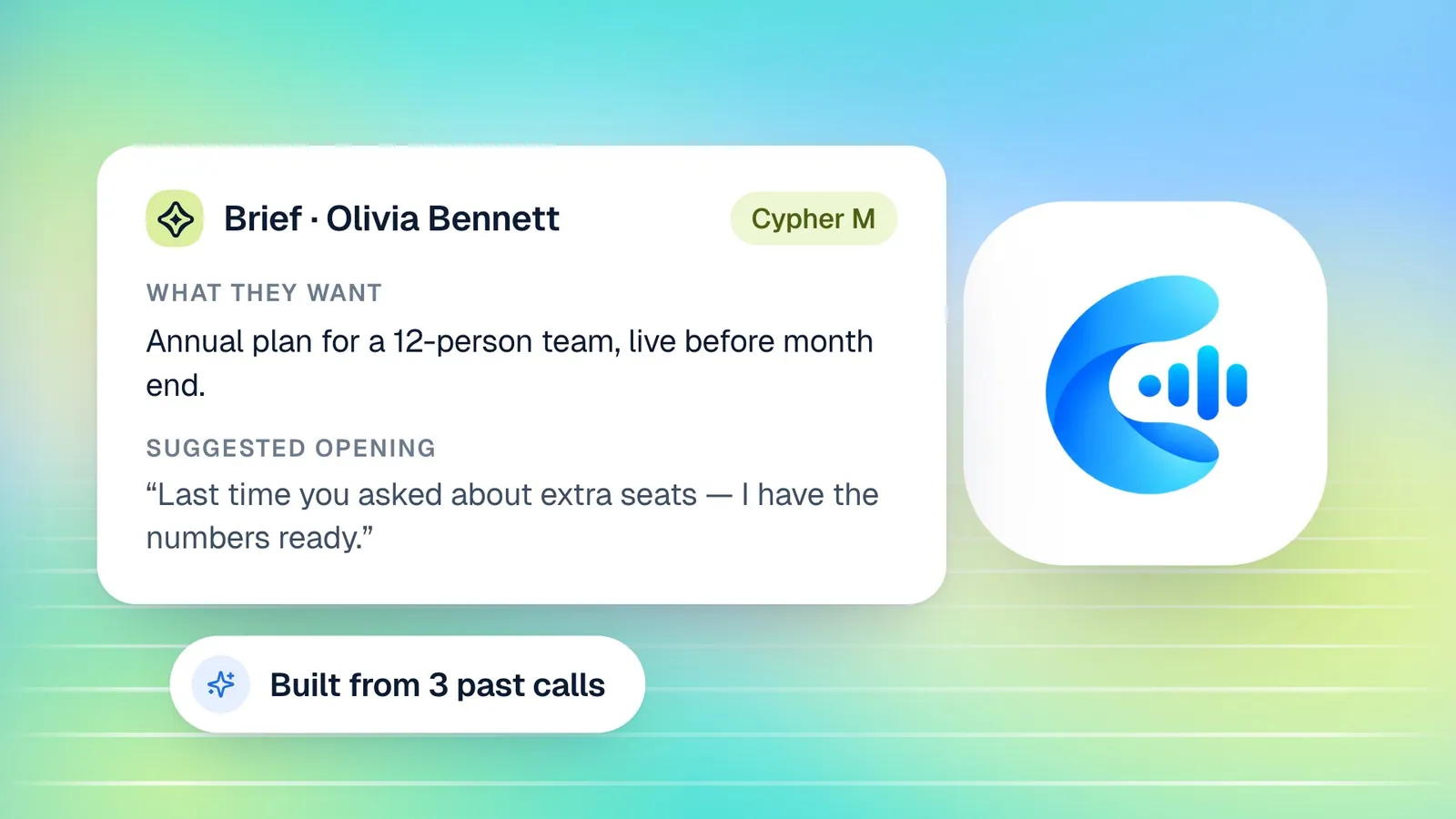
Before you call a candidate back, you want to know what they told your agent. Cypher M, the copilot, prepares a brief from every past call the candidate has had with your agent: what they want, a summary, open questions, concerns they raised, any promises made, a suggested opening and next steps. Cypher LM links calls from the same person across phone numbers, emails and reconnected calls, so the brief covers the whole history, even if the candidate gave a different email the second time.
If you connect Google with read access to Gmail, briefs can also draw on your recent emails with that person. In My Calendar, opening an interview shows the candidate's brief next to the meeting details. Choose Onboard Cypher M and the brief is emailed to you before the meeting, and Cypher M can join the Google Meet automatically.
The same applies to client calls. Before a briefing with a hiring manager, a summary of earlier conversations, agreed requirements and open questions means you start where you left off, not at the beginning.
Detailed interview notes without the typing
Interview notes feed everything that follows: the shortlist, the client submission, the feedback conversation. Cypher N, the note taker, writes them for you.
Send the note taker into a Google Meet interview from Notes › New notes by pasting the meeting link, or use Invite note taker on the booking in My Calendar. The note taker joins as a guest named "Cypher N Cypher N", and someone in the meeting admits it, just as they would admit any guest. Tell candidates at the start of the interview that notes are being taken.
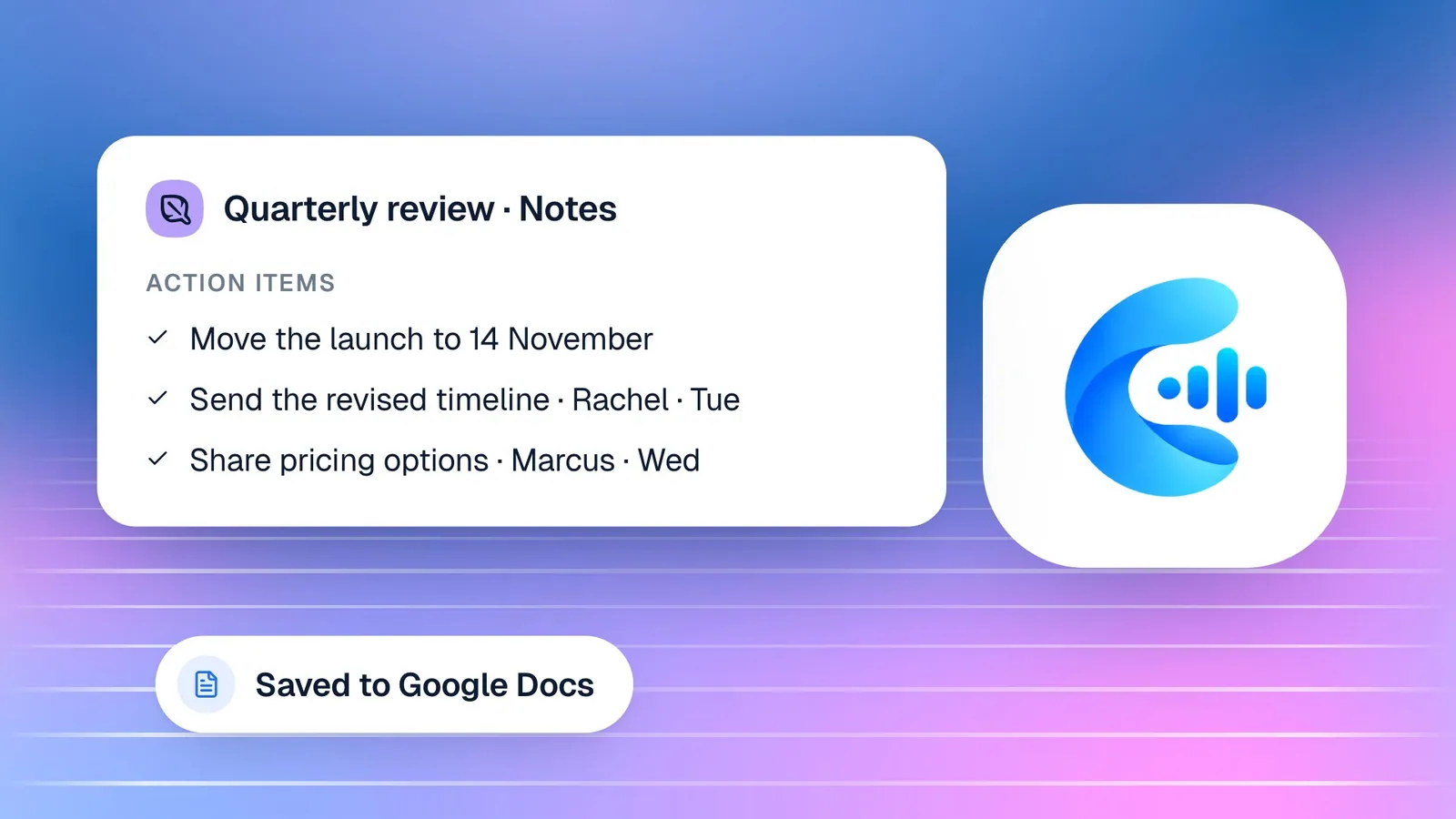
When the interview ends, Cypher N writes detailed notes from the whole transcript, not a three-line summary. You get an overview, the attendees, the topics in order with who said what, decisions, open questions and risks, commitments, the numbers and dates mentioned (notice period, salary expectations, start dates), and action items with an owner and due date. With Google Docs connected, each interview is saved as its own Google Doc. Action items flow into Automations › Follow-ups, and a daily digest email lists what is due.
For interviews held in person or on another platform, you can record on your own device or upload a recording, and Cypher N writes the notes from that.
Live suggestions on client and candidate calls
Briefs prepare you for the start of a call. During it, Cypher M can follow the conversation and offer short suggestions: an answer to a question the candidate just asked, a next step to propose, or a way to handle a concern. Each suggestion appears as a card that you can use or dismiss; nothing is said on your behalf.
You can follow along in two ways. For a Google Meet call, Cypher M can join as a guest and hear everyone, or you can share the Meet tab with its audio from your browser. For a phone call taken at your desk, Copilot can listen through your computer's microphone in Chrome, Edge or Safari. Suggestions work in English, Urdu or a mix of the two.
Playbooks make the suggestions specific to your agency. Write one for the questions candidates always ask about counter-offers, one for explaining your fee model to a new client, and one for handling a candidate who is unsure about relocating. Copilot follows the guidance in active playbooks when those situations come up. Suggestions your recruiters actually use are collected in the Suggestions library, which becomes a record of what good answers sound like at your agency, useful for coaching new recruiters.
Reaching out to candidate lists
Recruiting is not only inbound. Agencies regularly need to reconnect with past candidates about a new role, confirm availability for interviews, or check whether someone is still looking.
Cypher LM supports task calls ("call this candidate about this role and ask these questions") and campaigns over a list of contacts. You set the goal and the questions, and when the call ends, the outcome comes back with a summary, the answers and next steps.
Be clear about how these calls reach people today. Outbound phone calls need a phone number connected to your account, which our team sets up on request. Until then, task calls and campaigns reach candidates with a personal call link, sent by email or shared by you, which they open in their browser to talk to the agent. Either way, results land in Calls & tasks with recaps.
Rolling it out without disrupting your desk
Introduce the agent gradually. Start with one desk or one sector, and put the widget on the jobs page for those roles only. Ask the recruiters on that desk to read the recaps each morning for the first two weeks and to flag any answer that was wrong or incomplete. Almost every problem at this stage is a missing or outdated job description, which takes minutes to fix.
Next, move scheduling to Cypher S. Ask each recruiter to set realistic availability, including protected time for sourcing and client work, so the agent never fills an entire day with screening calls. Then bring in the note taker for interviews, starting with internal or friendly ones, so everyone gets used to admitting it and reading the notes.
Finally, agree on house rules: what the agent may say about salary ranges, which roles it may discuss, and who owns follow-ups from each call. Written down once, these rules become the agent's instructions and your recruiters' shared playbook.
How the pieces compare to a typical agency setup
| Task | Typical setup | With Cypher LM |
|---|---|---|
| Candidate calls after hours | Voicemail, returned the next day | Answered by the agent, with a recap waiting |
| First screening questions | Asked differently by each recruiter | Asked consistently by the agent, written up the same way |
| Booking interviews | Emails back and forth | Booked during the call into Google Calendar with a Meet link |
| Preparing for a call back | Searching emails and notes | A brief from every past call, plus emails if connected |
| Interview notes | Typed during or after the interview | Detailed notes from the whole transcript, saved to Google Docs |
| Reconnecting with past candidates | Manual calls and emails | Task calls and campaigns with written outcomes |
How this works in Cypher LM
Setting up an agency takes an afternoon:
- Build the agent. Use the agent builder, starting from your agency's website. Describe the sectors you recruit for and how your process works. Write clear instructions: the screening questions to ask, what not to discuss (offer negotiation, feedback on specific applications, anything about other candidates) and when to pass the caller to a recruiter.
- Add knowledge. Upload job descriptions, your candidate FAQ and process documents, or import them from Google Docs and Drive. Use folders to keep live roles organised, and remove roles when they close.
- Set up Cypher S. Create booking types for screening calls, interviews and client briefings, set each recruiter's availability, and connect Google Calendar and Meet.
- Turn on Cypher M and Cypher N. Use briefs before calls and live suggestions during them, and send the note taker into interviews.
- Deploy. Add the website widget to your careers or jobs page so candidates can call or chat from any listing.
- Invite your team. In Settings › Team & roles, invite your recruiters and pick the role that matches what each person needs to see and change.
Frequently asked questions
Can the agent decide which candidates move forward?
No. The agent asks the screening questions you define and records the answers, but hiring decisions stay with your recruiters and clients. Say so explicitly in the agent's instructions.
Does the note taker work in Zoom or Teams interviews?
Not today; the note taker joins Google Meet. For other platforms, record on your device or upload a recording afterwards, and Cypher N writes the notes.
Can candidates speak to the agent in Urdu?
Yes. Agents can work in English, Urdu or both. In bilingual mode, the agent follows candidates who switch languages during the call.
Can the agent call candidates on their phones?
Outbound phone calls need a connected phone number, which our team sets up on request. Without one, task calls and campaigns send candidates a personal call link they open in their browser.
What happens if a candidate books twice by mistake?
When a candidate calls back to correct their details, the agent updates their existing booking instead of creating a new one, so your calendar shows one interview with the right details.
Make every candidate conversation count
Recruiting rewards speed and memory: answering quickly, and remembering what each person told you. Cypher LM gives your agency both, so recruiters can spend their time on the conversations that place people in roles.
Request a free trial to try it with one of your live roles, book a demo, or read more about Cypher LM for recruiting. Plans are on the pricing page.