Every accounting firm knows the shape of its year. For a few months, the work is steady and the phone is manageable. Then the filing deadlines approach and everything arrives at once: new clients asking whether you can take them on, existing clients asking what documents you still need, and partners trying to fit a dozen client meetings into a week that already has no gaps.
In that season, the phone and the meeting calendar become the bottleneck. Calls go unanswered because everyone is heads-down in returns. Meetings start with "remind me where we left off" because nobody had time to reread the file. Promised documents never arrive because the follow-up email was never sent.
This article looks at how accounting and bookkeeping firms, from solo practitioners to firms of a few dozen people, can use Cypher LM to handle intake calls, book client meetings, prepare for every conversation and turn each meeting into clear notes and follow-ups. It is practical and specific, and it is honest about what software should and should not do in a profession built on trust.
Where the time goes in an accounting firm
Ask a partner where their week goes and the answer usually includes far more communication than accounting. A large share of client contact is repetitive: "Have you received my bank statements?", "What's the deadline this year?", "Can we meet next week?", "How much will this cost?" Each question is reasonable, and each one interrupts focused work.
New-client intake is a particular drain. A prospective client calls, explains their situation at length, and asks whether you can help. Somebody has to listen, take notes, decide whether the work fits the firm, and arrange a first meeting. If nobody answers, the prospect calls the next firm on the list. If someone answers in a hurry, the notes are thin and the first meeting starts from scratch.
Then there are the meetings themselves. A good client meeting ends with decisions and a list of documents to collect. A busy one ends with good intentions and nobody writing anything down. The follow-up email that should go out that afternoon goes out three days later, or not at all, and the documents arrive just before the deadline.
None of this is a skills problem. It is a capacity problem, concentrated into the weeks when capacity is lowest.
Answering intake calls without adding staff
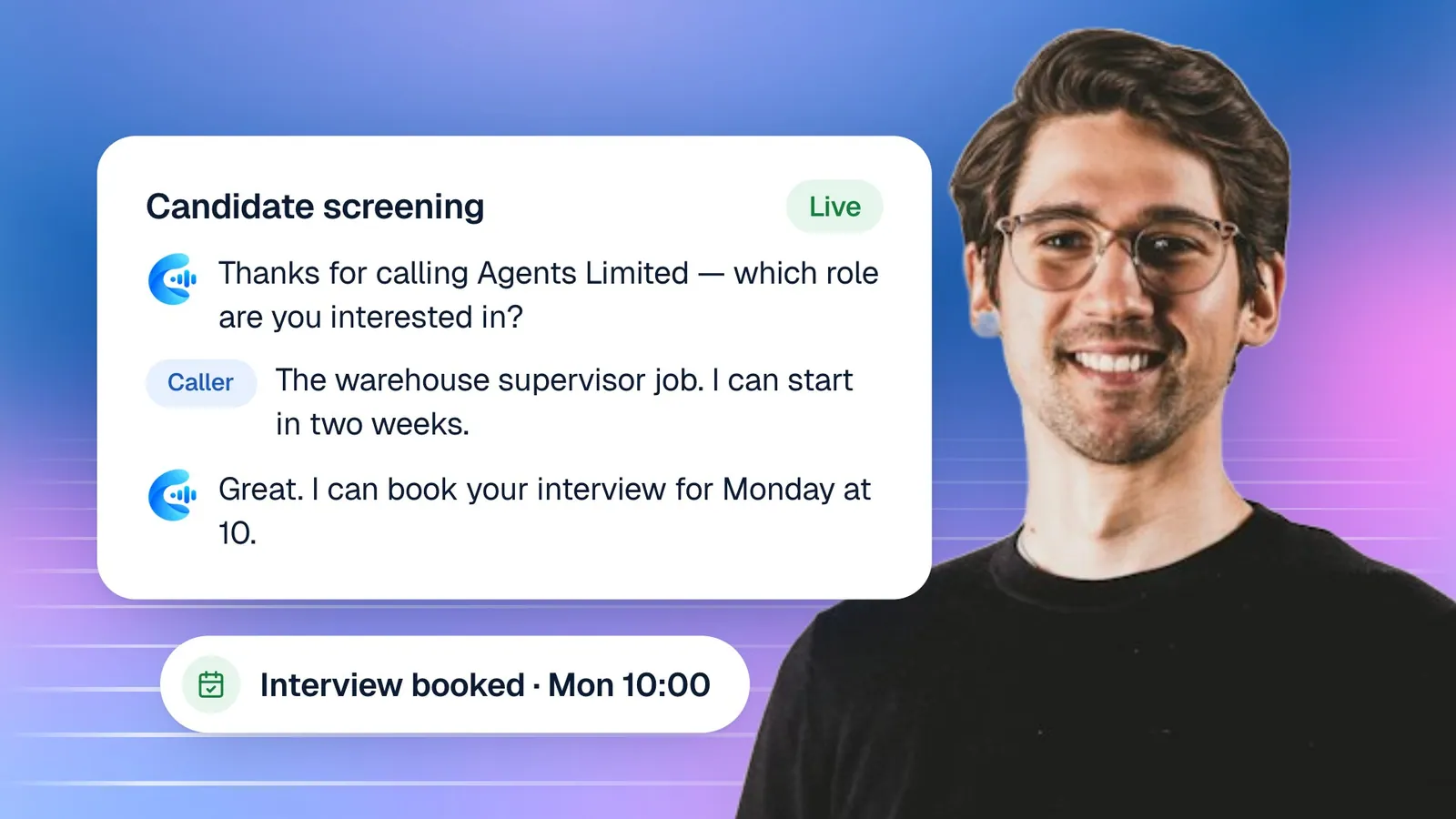
A voice agent answers calls on your website or on a phone line, in a natural voice, in under a second. For an accounting firm, its main job is to make sure every prospect and client gets a useful answer and that nothing they say is lost.
A well-configured agent can:
- Explain the services you offer, such as bookkeeping, payroll, tax returns, company formation or advisory work, from your own service descriptions.
- Answer common questions about deadlines, the documents clients usually need and how your engagement process works.
- Ask the intake questions you would ask: the type of client (individual, sole trader, company), the service they need, their timeline and how they heard about you.
- Book a first consultation into a partner's or manager's calendar during the call.
- Take a clear message when the question needs a person, with the caller's name, contact details and a summary of their situation.
What the agent should not do
Accounting advice depends on facts and judgement that a phone call cannot fully capture. Set clear limits when you build the agent: no tax advice, no opinions on a client's specific position, no quotes for complex engagements, and nothing about another client. Give it a line to use instead, such as "That's a question for one of our accountants. I can book you a consultation, or I'll make sure the right person calls you back." Then test those limits yourself before clients hear the agent.
Booking client meetings during the call
Every unanswered booking request becomes an email thread. Booking during the call removes the thread entirely.
In Cypher LM, Cypher S holds your booking types and availability. An accounting firm might set up "New client consultation (45 min, video)", "Year-end review (60 min, in person)" and "Quick question call (15 min, phone)". You set the hours each type can be booked, buffers between meetings, a daily limit for each person and a minimum notice period. If you connect Google Calendar, Cypher S checks busy times before offering any slot, adds the booking to the calendar and creates a Google Meet link for video meetings. The client is added to the calendar event, so the meeting lands in their calendar too.
The agent uses all of this live. A prospect says they need help with their company's accounts and would prefer an early morning call next week. The agent checks availability, offers two or three times, books one and confirms the details back before the call ends. The prospect leaves the call with a confirmed meeting, and your calendar already shows it.
About a day before each meeting, Cypher S runs an attendance check, so a client who can no longer make it can reschedule or cancel instead of simply not appearing. For more on that flow, see confirmation calls and no-shows.
Walking into every client meeting prepared
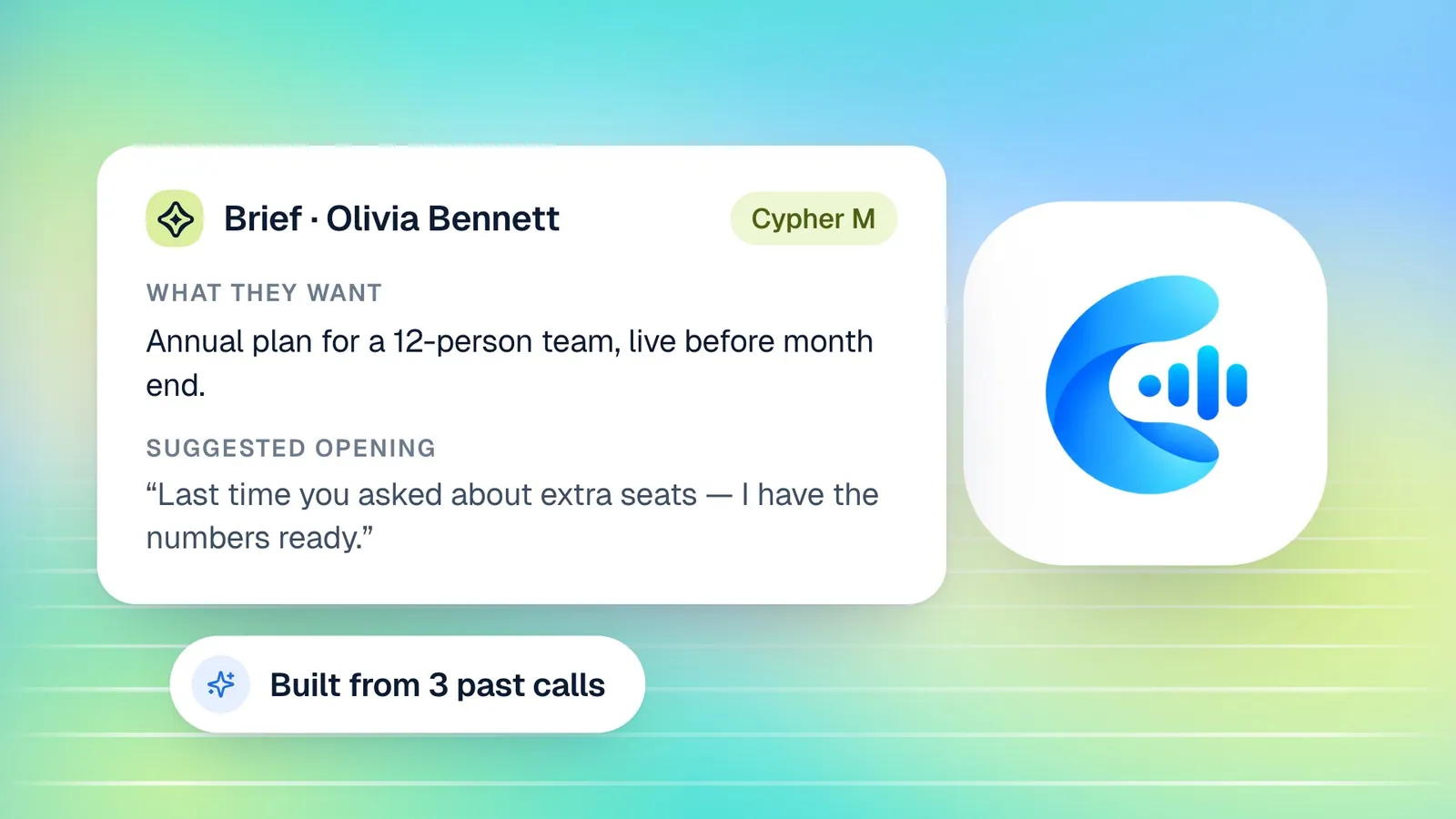
The first minutes of a client meeting set its tone. Starting with "So, remind me what you need" tells the client you have not looked at their file. Starting with "Last time you mentioned you were adding a second employee in July; did that go ahead?" tells them you know them.
Cypher M, the Cypher LM copilot, prepares that context for you. Before a meeting, it reads every past call the client has had with your agent and writes a brief: what they want, a short summary, open items, any concerns they raised, promises your firm made, a suggested opening and next steps. Because Cypher LM connects a caller's calls across phone numbers, emails and reconnects, the brief covers the client's whole history, not just the most recent call. If you connect Google with read access to Gmail, the brief can also draw on your recent emails with that client.
In the My Calendar view, opening a meeting shows the client's brief alongside the meeting details, and a banner shows your next meeting with a countdown and a one-tap Join button. Choose Onboard Cypher M on a meeting and the brief is emailed to you, and Cypher M can join the Google Meet automatically to follow along and suggest what to say.
Live suggestions during the call
During a meeting, Cypher M listens and offers short suggestions: an answer to a question the client just asked, a next step, or a way to handle a concern. You choose which to use and dismiss the rest. Playbooks let you tell Copilot what to suggest in common situations, such as how your firm explains its fee structure or what to say when a client is late with documents. Suggestions your team actually uses are collected in the Suggestions library, grouped by playbook, so good answers become shared knowledge.
Turning meetings into notes and follow-ups
The most valuable part of an accounting meeting is often the list it produces: documents to send, decisions to confirm, deadlines to meet. Cypher N, the note taker, makes sure that list exists.
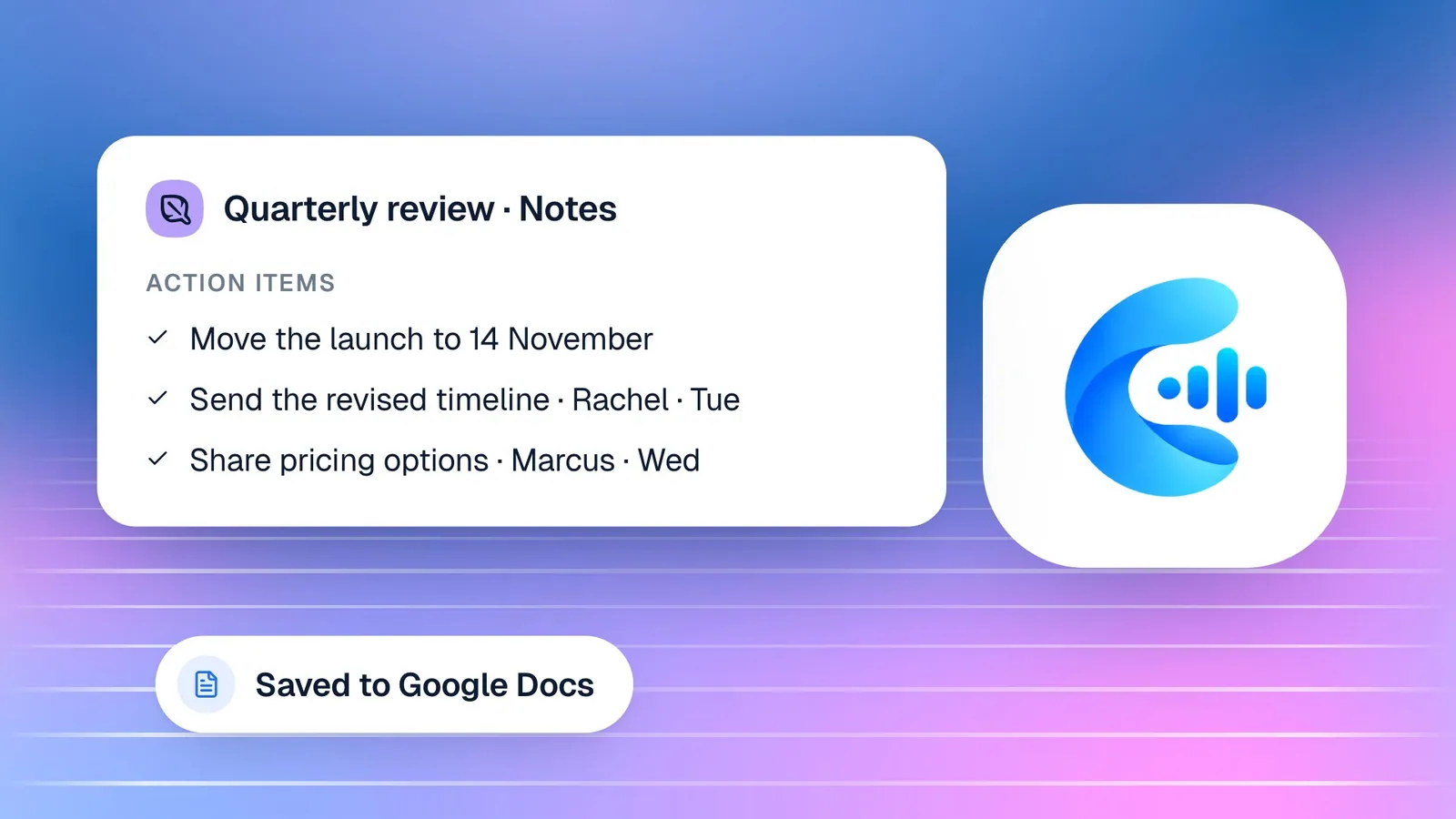
You can send the note taker into a Google Meet from Notes › New notes, by pasting the meeting link, or from the meeting in My Calendar with Invite note taker. You can also record on your own device or upload a recording afterwards. When the meeting ends, Cypher N writes detailed notes from the whole transcript: an overview, attendees, the topics discussed in order and who said what, decisions, open questions, commitments, the numbers and dates mentioned, and action items with an owner and a due date.
Each meeting is saved as its own Google Doc if you connect Google Docs, so the notes live alongside your other client files. Action items appear in Automations › Follow-ups, and a daily digest email lists what is due or overdue. Promises the client made, such as "I'll send the payroll reports by Friday", can be sent back to them as a reminder.
For calls your voice agent handles, Cypher N writes a recap with a summary, key points, action items and a drafted follow-up email that you can review and send from the call.
A busy-season workflow, from first call to filed return
Here is how the pieces fit together for a typical new client during busy season.
| Stage | What happens | Who does it |
|---|---|---|
| First call | The agent answers, asks intake questions and books a consultation | Cypher V and Cypher S |
| Before the meeting | A brief summarises the call and any emails; the client confirms attendance | Cypher M and Cypher S |
| Consultation | You lead the meeting; Copilot suggests answers and next steps | You, with Cypher M |
| After the meeting | Detailed notes, action items and a document checklist | Cypher N |
| Collecting documents | Follow-ups track what is due; reminders go to the client | Cypher N follow-ups |
| Engagement fee | A secure payment link for the agreed fee | Cypher P |
The accountant's time goes into the consultation and the work itself. Everything around them, answering, booking, preparing, writing up and chasing, is handled or at least drafted for them.
Keeping client information under control
Accounting firms hold sensitive financial information, so it is worth knowing where call and meeting data goes before you switch anything on.
Names, phone numbers and emails picked up from calls are visible only to your account and the teammates you invite. Each teammate's role decides what they can see and change: front-desk staff, for example, never see payment amounts. Recordings and transcripts are kept until you delete them, and deleting a call removes its recording, transcript, summary and details. If you need a record outside Cypher LM, you can export your calls as a spreadsheet from Settings › Privacy & data.
Google connections use only the permissions you grant, and you can disconnect at any time. When Cypher LM writes to your Google Drive, it only creates and updates its own files: the call-log sheet, the call-notes document and the meeting documents. Your Stripe key, if you connect one, is stored encrypted. For a fuller checklist, see our voice AI security checklist and the security page.
How this works in Cypher LM
To set this up for your firm:
- Build the voice agent. In the agent builder, enter your firm's website so the details are pre-filled, then describe your services, the clients you work with and your intake questions. Choose English, Urdu or both, and write clear restrictions: no tax advice, no quotes for complex work, nothing about other clients.
- Add knowledge files. Upload your service descriptions, engagement process, document checklists and FAQs (PDF, DOCX, CSV or TXT, up to 4 MB each), or import them from Google Docs and Drive.
- Set up Cypher S. Create booking types for consultations and reviews, set availability for each person, and connect Google Calendar and Meet.
- Turn on Cypher M and Cypher N. Use briefs and live suggestions for client meetings, and send the note taker to meetings you want written up.
- Connect payments if you need them. In Cypher P, connect your Stripe account for card payments or add bank transfer, JazzCash and Easypaisa details, then create payment links for fixed fees.
- Invite your team. In Settings › Team & roles, give partners and managers the Manager role and give administrative staff the Front desk role, which shows calls and follow-ups but no payment details.
Put the agent on your website with the widget so prospects can call or chat from your services page. If you want it on your phone line, our team can connect a number.
Frequently asked questions
Will the agent give tax advice?
Not if you set it up properly. Add tax advice and client-specific opinions to the topics the agent must avoid, and give it a clear alternative, such as booking a consultation or taking a message for an accountant.
Can it work with the calendars our partners already use?
Cypher S works with Google Calendar and Google Meet. It checks each person's busy times, adds bookings to their calendar and creates Meet links for video consultations.
Does the note taker work with Zoom or Microsoft Teams?
Not today. The Cypher N note taker joins Google Meet meetings. For other meetings, you can record on your own device or upload a recording afterwards, and Cypher N writes the notes from that.
Where are meeting notes stored?
Notes are kept in Cypher LM and, if you connect Google Docs, each meeting is also saved as its own Google Doc in your Drive. You can also export notes as Markdown.
Can we take engagement fees through Cypher LM?
Yes. Cypher P lets you create secure payment links and send them to clients, including during a call. Card payments go through your own Stripe account, and you can also offer bank transfer, JazzCash or Easypaisa with a reference code.
Give busy season some breathing room
Accounting firms do not need more meetings; they need better ones, with less friction around them. When every call is answered, every meeting is booked without an email thread, and every conversation ends with clear notes and follow-ups, busy season is still busy, but it is manageable.
See how this would work for your firm: request a free trial, book a demo, or read more about Cypher LM for professional services. Plans are on the pricing page.