Once your Cypher V agents are answering customer calls, a new kind of information starts to build up: when people call, how long they talk, how they sound, which language they use and what they ask about. Individually, each call is a conversation. Together, they are a clear picture of what your customers need and how well your business is meeting it.
Cypher LM Analytics turns that picture into a handful of numbers and charts you can read in a few minutes. This guide explains what each metric means, how it is calculated, what a change in it usually signals, and what to do about it. It ends with a simple weekly review routine and answers to common questions.
It is written for business owners and operations leads who want to make decisions from their call data, not just look at it: when to staff up, what to add to the agent's knowledge, which agent needs attention, and whether things are getting better.
Finding your way around Analytics
Analytics has three tabs. Overview shows the headline numbers and the main trends. Breakdowns looks at the same calls from different angles: mood, language, timing and topics. Agents compares your agents side by side, which matters as soon as you run more than one.
At the top of every tab are the controls that decide which calls are counted. You can choose a date range of 7, 30 or 90 days, or custom dates, and turn on Compare to previous to see each number against the period before (comparison works for ranges up to 45 days). You can filter to one or more agents, and choose whether to include test calls. Test calls are excluded by default, so the numbers reflect real customers.
When you need the numbers somewhere else, Download CSV exports what you are looking at. That is useful for monthly reports, or for combining call data with figures from other parts of your business.
How far back you can look depends on your plan. The Basic plan shows up to 30 days of history; Premium shows up to 90 days. If you choose a longer range than your plan allows, Analytics tells you and shows the most recent period it can.
The six headline numbers
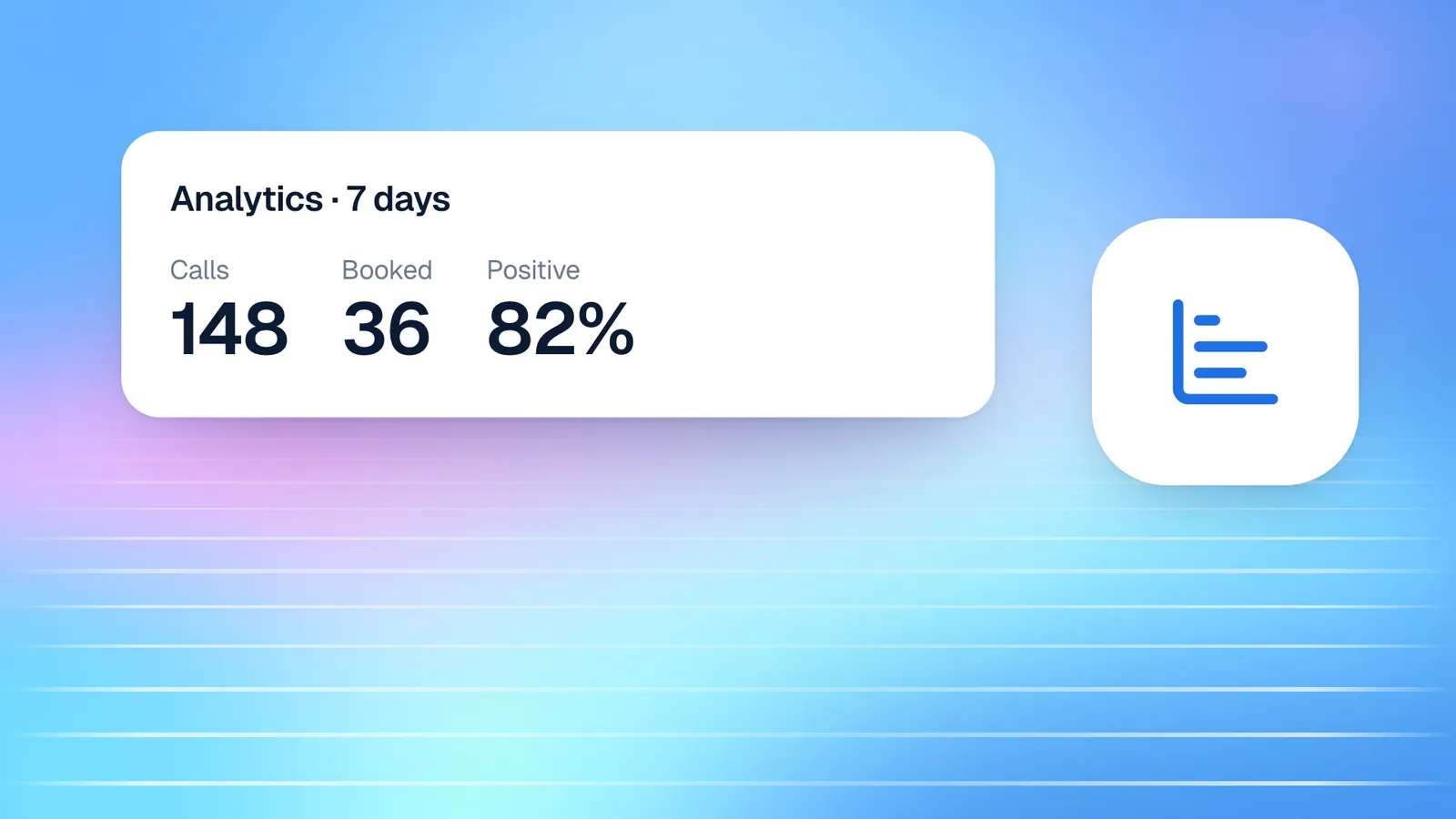
The KPI strip at the top of Overview summarises the period in six numbers. Each one has a tooltip in the dashboard explaining exactly how it is counted, and each tells you something different.
- Calls: the number of calls your agents answered from real callers in the period. Test calls are not counted unless you include them. This is your basic measure of demand.
- Minutes: the total talk time in the period. Minutes drive your plan usage, so watch this alongside your plan's allowance.
- Avg length: the average talk time per call. Rising averages can mean more complex enquiries, or an agent that takes too long to get to the point.
- Positive: the share of calls where the caller sounded happy or satisfied. Calls where the mood could not be judged are left out, so this is a share of calls with a clear mood.
- Short calls: the share of calls under ten seconds. A few are normal, such as wrong numbers and accidental taps. Many usually mean callers hang up before your agent speaks.
- Summary coverage: the share of calls that received a written summary from Cypher N. Very short calls often do not have enough content to summarise, so coverage and the short-call rate tend to move together.
None of these numbers is useful in isolation. A rise in calls is good news if positive mood holds steady, and a warning if it falls. A drop in average length is good if the short-call rate is stable, and a problem if it is rising. Reading them together is the habit that makes Analytics valuable.
It also helps to know which numbers you can influence directly. Calls and minutes mostly reflect demand, which depends on your marketing, your season and where you have placed your agent. Positive share, short calls, average length and summary coverage mostly reflect the quality of the agent's greeting, knowledge and instructions, which you control. Spend your improvement time on the second group, and use the first to plan capacity.
| Signal | What it usually means | What to try |
|---|---|---|
| Short calls rising | Callers hang up before the agent speaks | Shorten the greeting to one sentence |
| Positive share falling | Callers are not getting what they need | Review recent calls and add missing knowledge |
| Avg length rising sharply | Agent struggles to answer directly | Add a clear FAQ to the knowledge base |
| Summary coverage falling | More very short or unclear calls | Check audio quality and the short-call rate |
Understanding when customers call
Timing is one of the most practical things Analytics shows, because it affects staffing, opening hours and how you plan your team's day.
The Calls per day chart shows how many real calls your agents answered each day in the period, with the peak day highlighted. Over a few weeks it reveals your weekly rhythm, the effect of campaigns or seasonal events, and whether overall demand is growing.
The "When customers call" heatmap goes further, showing the busiest days and hours in your local time, with darker cells meaning more calls. You can view it by hour or in four-hour blocks. Many businesses discover that a significant share of their calls arrive outside office hours or during lunch, which is exactly when a voice agent earns its keep.
Use the heatmap to plan human cover. If calls cluster on Monday mornings, that is when your team should be ready to handle the follow-ups the agent creates. If you use Cypher M for call backs, schedule those sessions just after peak periods, when the briefs are freshest. And if your booking hours do not match when people actually call, consider adjusting them in Bookings.
The Minutes used chart tracks talk time in your current billing month against your plan's allowance and shows when it resets. Unlike the other charts, it follows your billing month rather than the selected dates, and it counts test calls too, so it matches how usage is billed.
Understanding how customers feel and what they ask
The Breakdowns tab moves from "how many" to "what kind". These charts are where you learn what to improve.
Mood over time shows how callers sounded, day by day: positive, neutral, frustrated, or not captured when mood could not be judged. A steady line is reassuring; a sudden rise in frustration on particular days is worth investigating. Open Calls for those dates and listen to a few. The cause is often specific and fixable: a policy the agent explains badly, a price that has changed, or a service the agent does not know about.
Languages shows which language callers spoke: English, Urdu, or Mixed when they switched during the call. Language is detected from the call, so treat it as a strong guide rather than an exact count. If a meaningful share of callers use Urdu or switch between languages, a bilingual agent that understands and answers in both will serve them better than an English-only one.
"What callers mention most" lists the details your agents pick up most often, such as appointment dates, product names or locations. You can search Calls for the calls that mention any of them. This is one of the best sources of ideas for your knowledge base: if callers keep mentioning something the agent cannot answer well, add a clear document about it.
Together, these charts close the loop between what customers ask and what your agent knows. Review them after any change to your services, prices or policies, to confirm the agent is handling the new questions well.
A useful discipline is to separate signals from noise before acting. A single difficult day can push the frustration line up without meaning anything has changed; three or four days in a row usually means something has. The same applies to topics: a product mentioned twice is a curiosity, a product mentioned on a large share of calls is a priority. Use the date range and Compare to previous to check whether a pattern holds before you rewrite the agent's knowledge around it.
Comparing your agents
If you run more than one agent, for example one per location, department or language, the Agents tab shows how they compare.
The Agent leaderboard puts your agents side by side for the selected dates, with calls, minutes, average length, positive share and their busiest hour. The Average call length by agent chart makes differences in conversation length easy to see.
Differences are not automatically problems. A booking agent for a clinic and an information agent for a property business will naturally have different call lengths. What matters is comparing agents that do similar jobs, and watching each agent's own trend over time. If one location's agent has a noticeably lower positive share than the others, compare its knowledge files and instructions with the best performer's.
If you only have one agent, Analytics shows a note that adding another lets you compare them. For many businesses, a second agent becomes useful when they want a different language, a different set of services, or separate reporting per location.
Turning insights into changes
Numbers only matter if they lead to a change. Most of what Analytics reveals can be acted on in a few minutes, and the most common actions fall into four groups: the agent's knowledge, the agent's greeting and language, your hours, and your team's time.
Knowledge is the most frequent fix. When mood dips or callers keep mentioning a topic, the cause is usually a question the agent cannot answer well. Open a few of the calls, find the question, and add a short, clear document to the agent's knowledge base that answers it the way your best team member would. If the information already lives in a Google Doc or Sheet, import it from Google Drive, and the agent stays in sync when the document changes.
The greeting and language come next. A rising short-call rate is often solved by trimming the first message to a single sentence, such as "Hi, I'm Emily from Carter Dental — how can I help?" A Languages chart showing many Urdu or mixed calls is a strong case for making the agent bilingual, so it follows callers when they switch.
Hours and staffing are the last group. If the heatmap shows demand on days or at times you do not offer appointments, consider opening a few slots in Bookings and letting the agent fill them. If call backs pile up after busy periods, plan your team's time around them. After each change, give it a week and compare the period with the one before. That simple loop of change, wait and compare is how call data turns into a better service.
How this works in Cypher LM
Analytics draws on the same calls you see in the Calls section, so every number can be traced back to real conversations. When a chart shows something surprising, the next step is always to open the calls behind it, listen to the recording and read the recap.
Other parts of the dashboard add their own figures. Bookings shows upcoming bookings, how many were booked on a call, the value expected at visits from appointment-type prices, attendance and the no-show rate for the last 30 days. Payments shows the amount collected, the number of payments, the average payment, what is waiting to be paid, and a collected-per-day chart for 7, 30 or 90 days. Settings › Usage shows your plan and what you have used this month.
A simple weekly review brings these together in about fifteen minutes:
- Open Analytics, choose the last 7 days and turn on Compare to previous.
- Read the six headline numbers together, noting anything that moved sharply.
- Check Mood over time and open a few calls from any day with high frustration.
- Check "What callers mention most" and note any topic the agent handled poorly.
- Update the agent's knowledge with anything that was missing.
- Check the heatmap and plan next week's human cover around the busiest hours.
- Glance at Bookings for the no-show rate and at Payments for anything waiting to be paid.
Over a month, this routine produces an agent that answers better, a team that is ready at the right times, and a clear record of how customer demand is changing.
Frequently asked questions
Are test calls included in my numbers?
Not by default. Turn on Include test calls if you want to see them. The Minutes used chart is the exception: it counts test calls because it follows your billing.
How is the Positive figure calculated?
It is the share of calls where the caller sounded happy or satisfied. Calls where the mood could not be judged are left out of the calculation, so it reflects calls with a clear mood.
Why is my short-call rate high?
Calls under ten seconds are usually wrong numbers or callers who hang up before the agent speaks. If the rate is rising, try a shorter greeting so the agent gets to the point quickly.
Can I export the data?
Yes. Download CSV in Analytics exports the numbers you are viewing, Calls has its own CSV export, and if you connect Google Sheets, Cypher LM keeps a call log in your Drive automatically.
How much history can I see?
Up to 30 days on the Basic plan and up to 90 days on Premium. Comparing to the previous period works for ranges up to 45 days.
Conclusion
Analytics is most useful as a habit rather than a report. A short weekly look at the headline numbers, the mood and topic breakdowns and the timing heatmap tells you where your agent needs better knowledge, when your team needs to be available, and how your customers' needs are changing.
Because every chart is built from real calls, every insight leads straight to something you can listen to and act on. If you want to see your own call data this way, request a free trial, or read how Cypher N writes up every call to understand the summaries behind the numbers.