It has been a busy few weeks at Cypher LM. Over September and early October, we shipped a full calendar inside the dashboard, made meeting notes far more detailed, taught the website widget to chat by text, and fixed some of the quiet problems that make a product feel unreliable, like duplicate bookings when a caller rings back to correct their email.
This post rounds up what is new, grouped by product, with a short explanation of what each change does and why we made it. Everything here is live today. Where a feature is in beta or limited to certain accounts, we say so. At the end, we share a little about how a few of these features work under the hood, for readers who like to know.
If you want the full list of smaller changes, see the release notes.
My Calendar: your bookings and meetings in one view
The biggest addition is My Calendar, a full calendar inside the Bookings area of the dashboard. It brings together the appointments your voice agent books with Cypher S and the meetings on your connected Google Calendar.
- Five views. Day, Week, Month, Year and Schedule, with a time grid that lays out overlapping meetings side by side and a live line showing the current time.
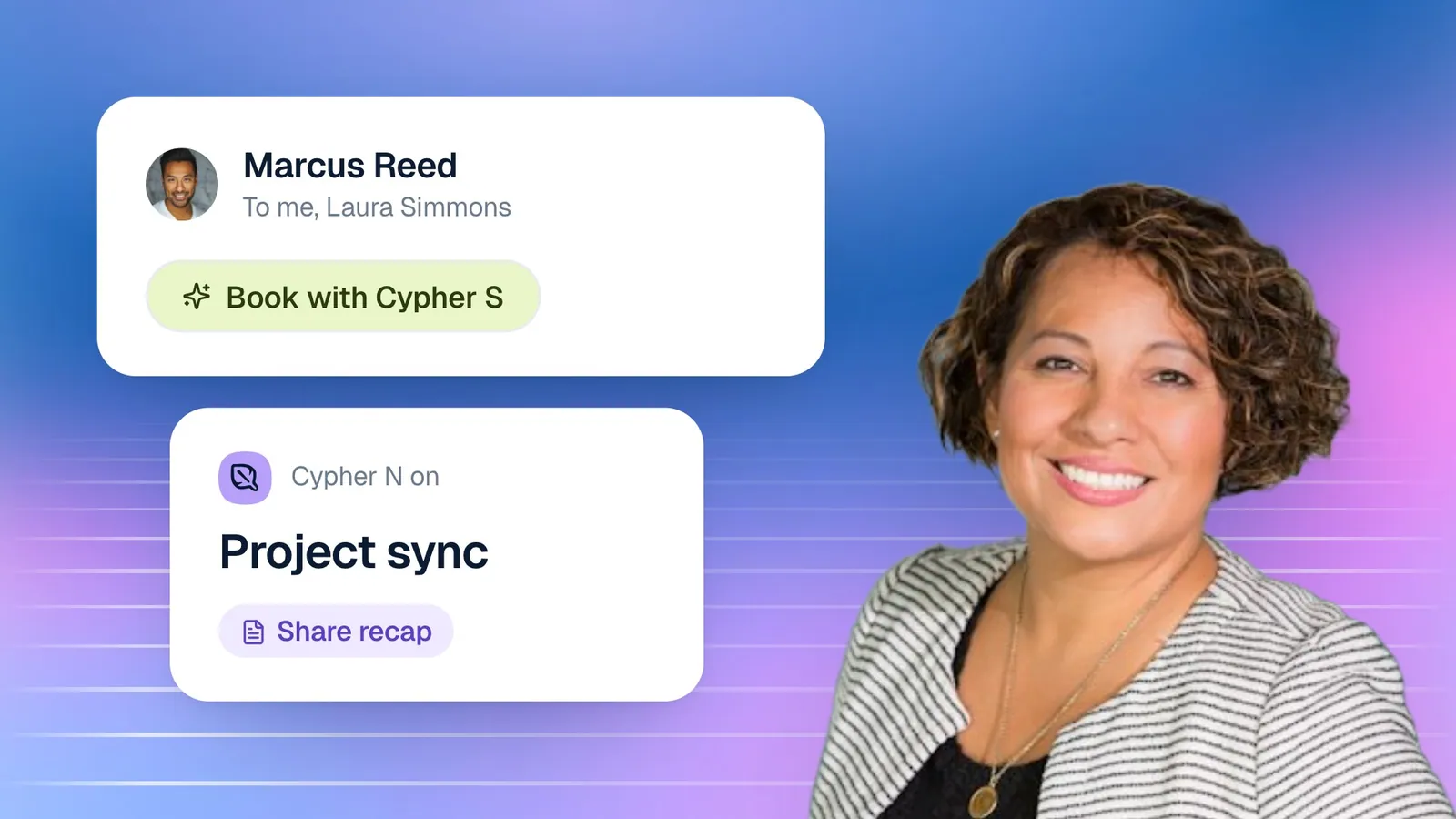
- Meeting popups with a brief. Click any meeting to see its details alongside the client's AI brief: what they want, what was discussed before, open items and a suggested opening, prepared by Cypher M from their past calls.
- Next-meeting banner. A banner shows your soonest meeting with a live countdown and a one-tap Join button, and highlights it when it is less than fifteen minutes away.
- Full-page mode. Opening My Calendar takes over the screen, Google Calendar style, with its own left rail: a New button, a mini month calendar and a list of upcoming clients with the next meeting and its brief. The dashboard navigation is one hover away on the left edge.
You can also create a booking straight from the calendar. The New button in the left rail opens the booking form, so a meeting arranged by phone or email goes into the same calendar as the ones your agent books, with the same confirmations and attendance checks. The upcoming-clients list under the mini calendar shows who you are meeting next and lets you pull up any client's brief before their meeting, without opening a separate page.
We built My Calendar because people were switching between the dashboard and their calendar app dozens of times a day. Now the meeting, the client's history and the Join button sit in one place.
Cypher M: briefs by email and automatic joining
Cypher M, the copilot, can now prepare for a meeting and join it without you lifting a finger.
On any meeting in My Calendar, choose Onboard Cypher M. Cypher M builds a pre-meeting brief from the client's calls with your agent and, if you have connected Google with read access to Gmail, your recent emails with them. It shows the brief in the dashboard and emails it to you. Then, shortly before the meeting starts, Cypher M joins the Google Meet automatically as a guest, follows the conversation and offers live suggestions throughout, with no need to press anything.
We also changed what Cypher M knows about a person. Briefs and suggestions now draw on every call that person has ever had with your agent, not only the calls that match one phone number or email. Someone who called from the website with a mistyped email and then again with the right one is now recognised as one person. Read more in our post on pre-meeting briefs.
Cypher N: detailed meeting notes and note-taker invites
Meeting notes are now written from the whole transcript and are far more detailed. Instead of a short summary, each meeting gets an overview, attendees, topic-by-topic notes with who said what, decisions, open questions and risks, commitments, the numbers and dates mentioned, action items with owners and due dates, and next steps. We also raised the length of meeting that is kept in full, so the start of a long meeting is no longer lost.
The note taker is now available to accounts that have Cypher N without Cypher M. You can bring it into a Google Meet in two ways: from Notes › New notes, by pasting a meeting link, or from My Calendar, with Invite note taker on a meeting. It joins as "Cypher N Cypher N" and writes the notes when the meeting ends.
Each meeting is now saved as its own Google Doc in your Drive when Google Docs is connected, linked from the meeting in Cypher LM. Our article on meeting notes your team will actually read goes into the detail.
Website widget: text chat and call reconnect
The website widget, the button that puts your voice agent on your website, gained two features visitors will notice.
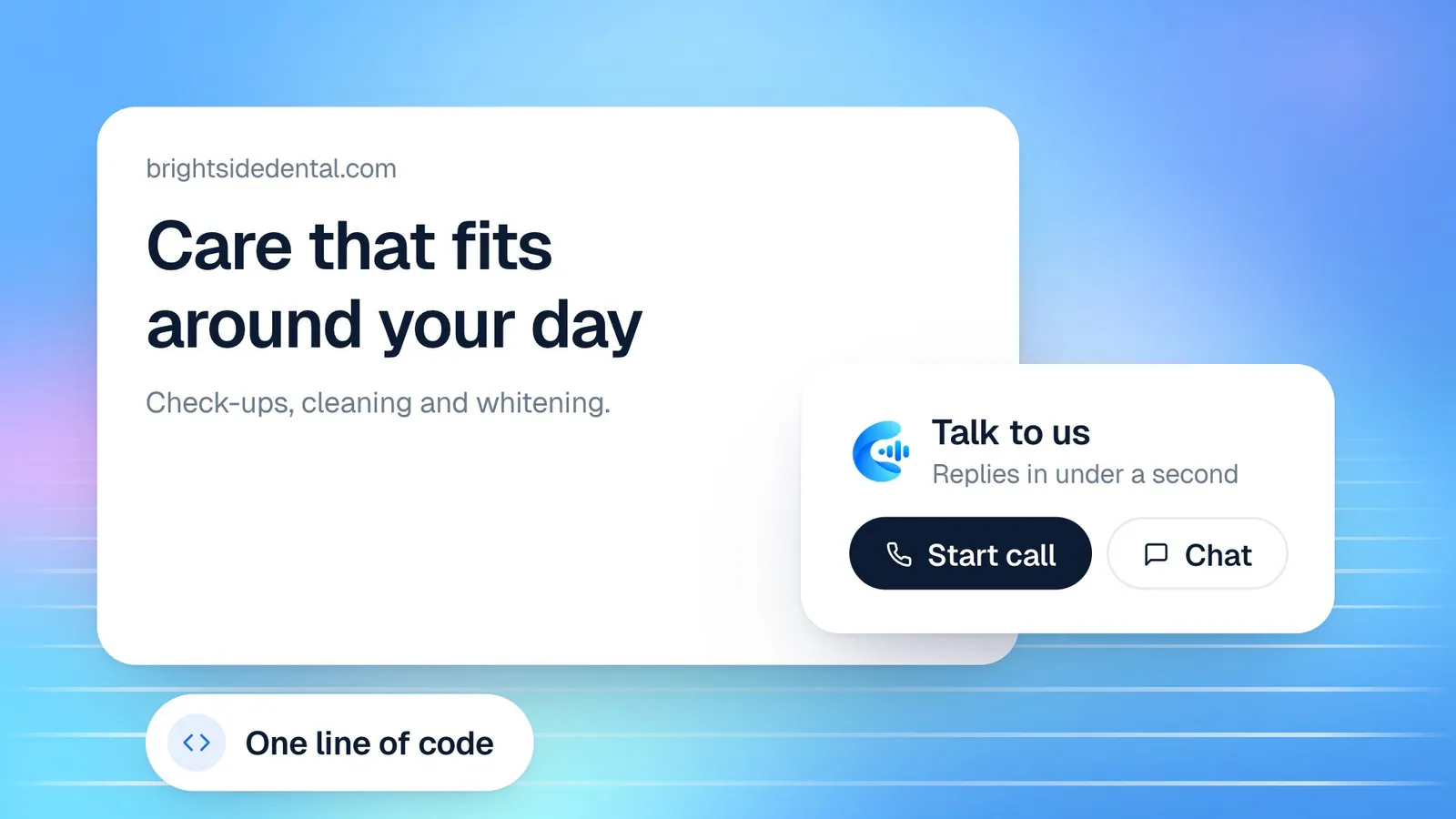
- Text chat. Next to the call button, a Chat button lets visitors type to your agent instead of talking. It is the same agent, with the same knowledge and instructions, so answers are consistent whether a visitor speaks or types.
- Reconnect. If a call ends by accident, the visitor can reconnect for about 25 seconds and the agent picks up the same conversation instead of starting over. A New call option starts fresh. In the dashboard, the reconnected call is linked to the original.
We also made the start of a call more reliable: the widget now asks for microphone permission before it connects, so a slow permission prompt no longer causes a timeout, and errors are shown in plain language. See how to add a voice agent to your website for the full setup.
Cypher S: one booking per caller
Callers often ring back to fix a detail: a misspelled email, a new phone number, a different name for the booking. Previously, that could create a second booking for the same person. Now the agent recognises the returning caller and updates the existing booking, keeping the same time slot and the same Google Meet link. Your calendar shows one booking with the corrected details, and the related calls are linked so the contact's history stays together.
This sits alongside the attendance checks Cypher S already runs before each appointment; our post on confirmation calls and no-shows explains how those work.
Payments, knowledge and team updates
A few more changes worth knowing about:
- Payment links (Cypher P). Create reusable links for a fixed amount, or let the customer enter one, and share them by email, on your website or in a message. Customers pay by card through your own Stripe account, or by bank transfer, JazzCash or Easypaisa with a reference code. See Payment links.
- Knowledge folders and shared knowledge. Organise your agents' files into folders, preview the text an agent reads, and add files as Shared knowledge used by every agent or as one agent's own knowledge.
- Import from Google. Bring Google Docs, Sheets and PDFs from your Drive into an agent's knowledge, and resync them when the original changes.
- Team roles. Invite teammates in Settings › Team & roles as Owner, Manager, Front desk or Sales rep, each with the access that role needs.
- Sign out of all devices. In Settings › Security, sign out everywhere at once if a laptop is lost or a login was shared.
- Free-trial requests. New free trials now start after a quick review by our team. Request one on the free trial page.
Cypher Dots, in beta
We are also testing Cypher Dots, which lets you text your own agent by SMS: ask it to book a meeting, check your email or call someone, and it replies by text. Dots is an invite-only beta and currently needs a US phone number with texting enabled. Dots uses one of your existing agents, with its voice, language and knowledge, and adds assistant tools to it. Once it is set up, it texts you an introduction; reply to start giving it tasks. You can also chat with it from the dashboard, and choose to save a summary of every call it handles to Google Docs. We will share more when it opens up.
What these changes mean for your team
Product updates are easiest to understand by the job you do. Here is what is most likely to change for each part of a typical team.
Owners and managers get a clearer picture with less effort. My Calendar shows the day's bookings and meetings in one place, detailed notes and follow-ups show what was agreed in every meeting, and team roles mean you can invite colleagues with exactly the access they need, without sharing a login. If a device is lost, signing out everywhere takes one click.
Front-desk and support staff spend less time on corrections and duplicates. When a caller rings back to fix their details, the agent updates the booking instead of creating a second one, so there is nothing to untangle. Website visitors who prefer typing can now use text chat, which takes simple questions off the phone entirely.
Salespeople, recruiters and account managers walk into meetings prepared. Briefs now cover a person's whole history, they can be emailed ahead of the meeting, and Cypher M can join automatically and suggest what to say. After the meeting, notes and follow-ups are written for them.
Whoever manages the agents has better tools for knowledge. Folders, shared knowledge used by every agent, text previews of what the agent reads and imports from Google Drive make it easier to keep answers accurate as your business changes.
Our approach to shipping
Every feature in this post is live, and we label anything that is not: Cypher Dots is a beta, two-step verification is coming soon, and public call links are on the way. We would rather tell you what a feature does today than promise what it might do later. When something is not ready, the dashboard says "Coming soon" instead of pretending.
How this works in Cypher LM: a look under the hood
A few of these features involved interesting engineering problems. Here is how we approached them.
| Feature | The problem | Our approach |
|---|---|---|
| Detailed meeting notes | Long meetings produce transcripts too long to process well in one pass within a reasonable time | One pass writes the overview and actions from the full transcript while, in parallel, the transcript is split into parts that each get detailed notes, merged back in order |
| One booking per caller | A web caller has no phone number, and the same person may give different details on different calls | Calls are linked by several signals (browser, phone, email, reconnects, bookings) and a correction updates the existing booking |
| Full caller history | Briefs only saw calls that matched one contact detail | The history expands across every linked signal, so briefs see all of a person's calls |
| Call reconnect | A reconnected call is technically a new call | The widget hands the earlier conversation to the new call, and the two are linked in the dashboard |
| Automatic joining | Meetings must be joined once, at the right time, even when several checks run close together | Each meeting is claimed once before the copilot is sent in, so it never joins twice |
Notes that do not lose the middle
An early version of our meeting notes had a quiet flaw: very long transcripts were shortened before they were summarised, so the middle of a long meeting could disappear. We now never cut the transcript. Writing the notes in parts and merging them in code keeps the total time close to that of a single pass, however long the meeting is. If the detailed pass ever runs late, the overview is saved immediately and the detailed notes are completed shortly afterwards.
Treating people as people, not records
The work on bookings and briefs came from one principle: a person who calls your business three times is one person. That sounds obvious, but a web caller may have no phone number, may mistype an email, and may reconnect after a dropped call. Linking those signals carefully, and using them both for bookings and for Cypher M's briefs, means your dashboard, your calendar and your copilot all agree on who someone is.
Frequently asked questions
Do I need to do anything to get these features?
Most are already live in your dashboard. To use My Calendar with your existing meetings, Gmail-enriched briefs or Google Docs notes, connect Google in Settings › Integrations.
Does automatic joining work with Zoom or Microsoft Teams?
Not today. Cypher M and the Cypher N note taker join Google Meet meetings, as a guest that someone in the meeting admits. The Cypher M Chrome extension can admit it for you.
Is Cypher Dots available to everyone?
No. Cypher Dots is an invite-only beta for now and needs a US phone number with texting enabled.
Where can I see smaller changes and fixes?
The release notes list changes as they ship.
Is two-step verification available yet?
Not yet; it is coming soon. In the meantime, you can sign out of all devices from Settings › Security at any time.
What is next
We will keep shipping in the same spirit: features that are live and honest about their limits, and fixes for the small problems that make a big difference day to day. If there is something you would like Cypher LM to do, we would like to hear about it.
To try the latest features, request a free trial or book a demo. Plans and what each includes are on the pricing page.