Most meeting notes fail in one of two ways. Either nobody writes them, and the meeting survives only in the memories of the people who were there, or someone writes three lines that say what the meeting was about without saying anything that happened in it. "Discussed the renewal. Customer had some concerns. Will follow up." Nobody can act on that, and nobody who missed the meeting learns anything from it.
Good notes are different. They tell a colleague who was not there what was decided, who said what, which questions are still open, and exactly what each person agreed to do by when. They are long enough to be useful and organised well enough to be read in a couple of minutes. And they exist for every meeting, not only the ones someone remembered to take notes in.
This article looks at what makes meeting notes worth reading, why short AI summaries miss the point, and how Cypher N, the Cypher LM note taker, writes detailed notes from the whole transcript of every meeting, saves each one as a Google Doc, and turns agreed actions into follow-ups your team can track. It is written for customer success teams, account managers and anyone in a larger organisation who spends much of the week in meetings that matter.
Why most meeting notes go unread
Notes go unread when they do not answer the questions people actually have. After a customer meeting, a manager wants to know whether the customer is happy, what they asked for and what the team promised. An engineer wants to know which problem was reported and how serious it is. A colleague taking over the account wants to know the history. A summary that says "Discussed the roadmap" answers none of these.
They also go unread when they are hard to find. Notes scattered across personal notebooks, chat messages and private documents are as good as lost to everyone else. When someone needs them a month later, it is quicker to ask around than to search.
And they go unread when they are not trusted. If notes are written from memory an hour after the meeting, people know they are incomplete. If they are written by whoever had a free hand, they reflect what that person found important. Teams learn to ignore notes that they cannot rely on.
The fix is not to ask people to write more carefully. It is to capture the whole conversation and write the notes from all of it, every time, in a structure people can scan.
What detailed notes should contain
A useful set of meeting notes has a short top section for people who need the outline and a detailed body for people who need the substance. Cypher N writes notes in this shape:
- Overview. What the meeting was for and what came out of it, in a short paragraph.
- Attendees. Who took part.
- Topics, in order. Each subject discussed, with the substantive points made and who made them.
- Decisions. What was agreed, stated plainly.
- Open questions and risks. What is unresolved and what could go wrong.
- Commitments. What each side promised.
- Numbers and dates. Prices, volumes, deadlines and dates mentioned, so nobody has to remember them.
- Action items. Each task with an owner and, where one was given, a due date.
- Next steps. What happens after the meeting.
The order matters. Someone checking quickly reads the overview, decisions and action items and is done in a minute. Someone preparing for the next meeting reads the topics and open questions. Someone resolving a dispute about what was agreed finds the exact point, attributed to the person who made it.
Who said what
Attribution is what turns notes from a description into a record. "The customer is concerned about onboarding time" is useful; "Emily Carter (customer) said onboarding needs to finish before their quarter starts on 1 January" is far more useful. Cypher N keeps each line of the meeting with the speaker's name and whether they were on the customer side or your team, so the notes can say who raised each point.
Why a three-line summary is not enough
Short summaries are tempting because they are quick to read. The problem is what they leave out. A long customer meeting may cover a renewal, two product issues, a pricing question and a change of contact. A three-line summary picks one or two of these and flattens the rest. The issue that was mentioned in passing in the last ten minutes, often the most important one, disappears.
There is a technical reason this happens with many tools: long transcripts are cut down before they are summarised, or only the end of the meeting is kept. Cypher N writes from the whole transcript and never trims it. One pass reads the full conversation to write the overview, attendees, action items and next steps. In parallel, the transcript is divided into parts, each part gets thorough topic-by-topic notes, and the parts are joined back together in order. That approach keeps long meetings complete without making you wait much longer for the notes.
If the detailed pass ever runs late, the overview is still saved straight away, and the detailed notes are finished shortly afterwards and added to the meeting's document. You never get a meeting with nothing.
Three ways to bring the note taker into a meeting
Cypher N works with Google Meet meetings, calls and recordings. You can bring it in whichever way suits the meeting.
- Send it to a Google Meet. In Notes, choose New notes and Send the note taker to a Google Meet, then paste the meeting link. The note taker asks to join as a guest called "Cypher N Cypher N", and someone in the meeting admits it.
- Invite it from your calendar. In My Calendar, open a meeting and choose Invite note taker. The note taker joins automatically shortly before the meeting starts.
- Record on this device or upload a recording. For in-person meetings or meetings on other platforms, record from your computer, or upload an audio recording afterwards, and Cypher N writes the notes from that.
If you also use Cypher M, the copilot, you do not need a separate note taker: when Cypher M joins a meeting to offer live suggestions, it takes the same detailed notes. If both are switched on for a meeting, only Cypher M joins.
When the meeting ends, or when you choose Stop and write notes, the note taker leaves and the notes are written straight away. Tell attendees at the start of the meeting that notes are being taken; the note taker is a visible guest, and that openness is part of using it well.
Where the notes go
Notes that live in one more app are notes nobody finds. Cypher N puts them where your team already works.
- Google Docs. If you connect Google Docs, each meeting is saved as its own Google Doc in your Drive and linked from the meeting in Cypher LM. You can share, comment on and file it like any other document.
- The dashboard. Notes appear on the Notes page, under Meeting notes, and on the related Copilot session.
- Markdown export. Download any meeting's notes as Markdown to paste into a wiki, ticket or CRM record.
- Follow-ups. Action items appear in Automations › Follow-ups, alongside follow-ups agreed on calls. Ticks there and in the notes stay in step, and a daily digest email lists what is due or overdue.
For calls your voice agent handles, Cypher N writes a recap: a summary, key points, action items and a drafted follow-up email you can review and send. Recaps can also be emailed to you after every call and collected in a "Cypher N — Call notes" document in your Google Drive.
How this works in Cypher LM
| Situation | How notes are captured | Where they end up |
|---|---|---|
| Customer meeting on Google Meet | Send the note taker from Notes, or Invite note taker from My Calendar | Meeting notes, its own Google Doc, Follow-ups |
| Meeting with Cypher M live suggestions | Cypher M joins and takes the same notes | The Copilot session, its own Google Doc, Follow-ups |
| In-person or other-platform meeting | Record on this device or upload a recording | Meeting notes, Markdown export, Follow-ups |
| Call answered by your voice agent | Recap written when the call ends | Calls › Recaps, recap email, call-notes document |
To set it up:
- Make sure Cypher N is part of your plan, and connect Google in Settings › Integrations so meetings are saved to Google Docs and calendar meetings can be used.
- Send the note taker to your next Google Meet from Notes, or invite it to a meeting in My Calendar.
- After the meeting, open the notes, check the action items and assign anything that needs a different owner.
- Turn on the daily follow-up digest so due items reach the right people each morning.
Notes for customer success and account teams
Customer success work is a long relationship told through many conversations: onboarding calls, quarterly reviews, escalations, renewals. Each meeting builds on the last, and the account often changes hands as teams grow. Detailed notes are what keep that relationship continuous.
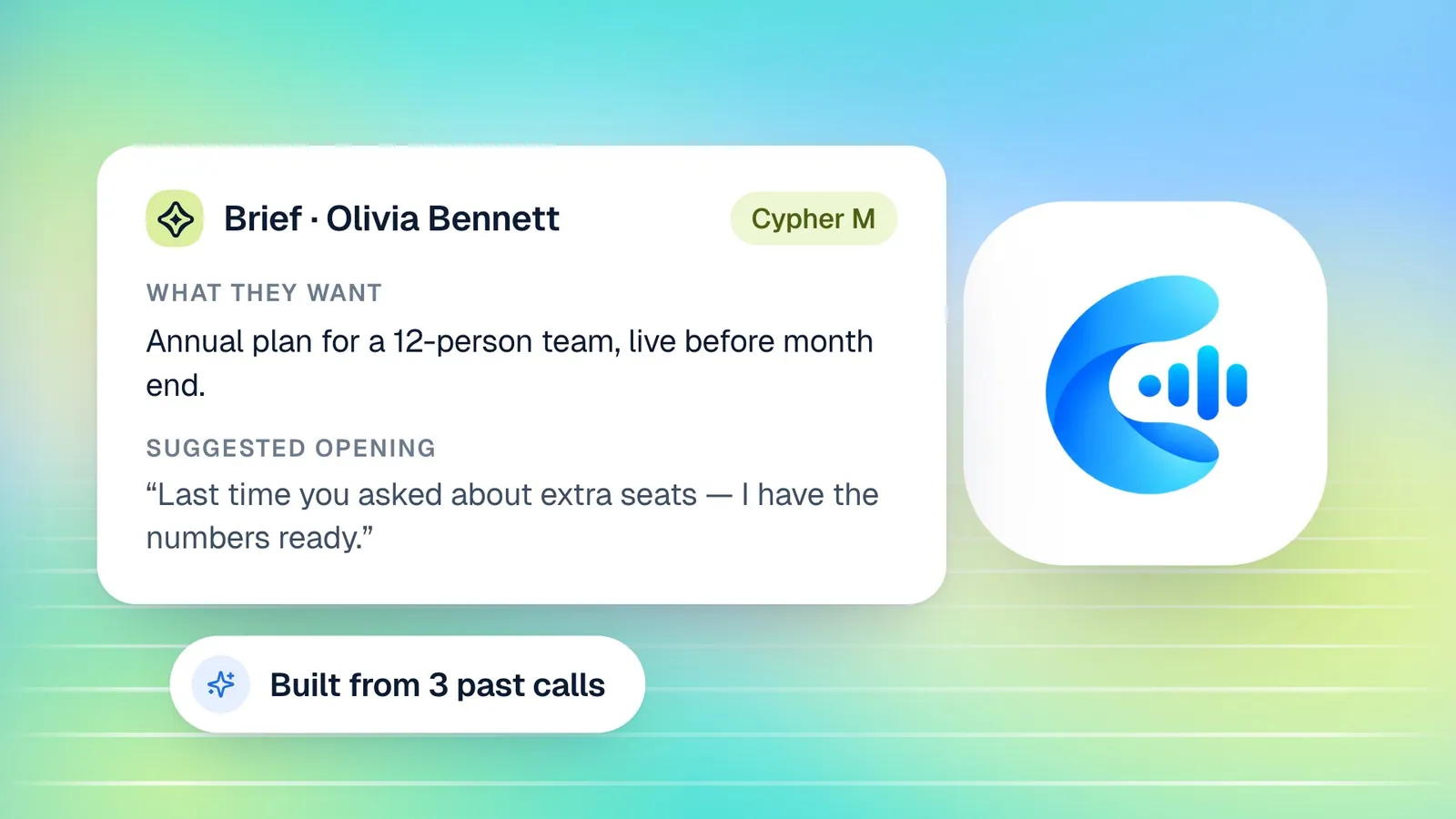
Consider a quarterly review with a customer, led by an account manager, Olivia Bennett, with the customer's operations lead and a finance contact. In an hour, they cover usage, two support issues, a request for a new feature, a change of billing contact and the renewal date. A three-line summary would mention the review and perhaps the renewal. Detailed notes record that the operations lead reported a recurring problem with imports and wants an update by the end of the month, that the finance contact asked for invoices to go to a new address from next quarter, that Olivia promised a roadmap call with the product team, and that the renewal decision depends on the import fix. Each of those becomes an action item with an owner.
Three months later, a new account manager takes over. Instead of starting with "Tell me about your account", they open the notes from the last four meetings and know the history, the open issues and the promises made. The customer never has to explain themselves again, which is exactly what good customer success should feel like.
Notes at enterprise scale
In larger organisations, the challenge is consistency. Dozens of people run customer meetings, each with their own habits. When every meeting produces notes in the same structure, saved to Google Docs and linked to follow-ups, managers can review accounts quickly, leaders can see themes across customers, and nobody depends on one person's notebook. Team roles in Cypher LM decide who can see and manage what, so access follows the responsibilities people already have.
Making notes a team habit
Tools make notes possible; habits make them useful. A few practices help larger teams in particular.
Keep meetings focused. Notes are clearer when meetings are. An agenda shared at the start, one topic at a time and a clear closing summary all make the transcript easier to follow, and the notes better as a result. The note taker records everything that is said; it cannot record a decision that was never stated out loud.
Agree on where notes live. If every customer meeting is saved as a Google Doc, decide which shared folder those documents belong in and who files them. A consistent place matters more than a perfect one.
Read the action items before you leave the meeting. The last two minutes of a meeting are the best time to confirm owners and dates. Notes that reflect a clear closing summary are always better than notes that have to guess.
Use the notes in the next meeting. Open the previous meeting's notes at the start of the next one and check the commitments. Customers notice when you remember what you promised, and teams notice when notes are actually used.
Share notes with people who were not there. The real value of notes is for the colleague who missed the meeting: the manager, the engineer, the person taking over the account. Linking the Google Doc in your team channel or the customer record turns one meeting into shared knowledge.
Frequently asked questions
Does the note taker work with Zoom or Microsoft Teams?
Not today. The note taker joins Google Meet meetings. For other platforms, record on your device or upload a recording, and Cypher N writes the notes from that.
How long can a meeting be?
The note taker keeps the whole meeting, and the notes are written from the full transcript rather than a shortened version, so long meetings are covered from start to finish.
Can we edit the notes?
Yes. Notes saved as Google Docs can be edited like any other document. You can also tick off action items, which stay in step with the Follow-ups list.
What if we only have Cypher N, not Cypher M?
The note taker works on its own. Accounts with Cypher N can send it to meetings and get the same detailed notes, without live suggestions.
Can we delete a meeting's notes?
Yes. Deleting a meeting removes its transcript, summary and follow-ups from Cypher LM. If a Google Doc was created for the meeting, the dashboard tells you that the document will be deleted from your Google Docs as well, so you can keep a copy first if you need one.
Notes worth opening
Meetings are expensive. Every hour spent in one deserves a record that tells the people who were not there what happened and tells the people who were there what they agreed to do. Detailed notes from the whole conversation, saved where your team works and connected to follow-ups, make that the default instead of the exception.
Learn more about Cypher N or read what Cypher N is and how it works. To try it in your own meetings, request a free trial or book a demo; plans are on the pricing page.