Every customer conversation contains details that matter later: what the customer needs, the budget they mentioned, the date they are working towards, and the thing you promised to send by Friday. The trouble is that nobody can listen closely and write everything down at the same time. Either the notes suffer, or the conversation does.
Cypher N is the Cypher LM note taker, built to remove that trade-off. It writes up every call your Cypher V agents take, joins or captures your Google Meet meetings, and turns each conversation into detailed notes, clear action items and a follow-up that is ready to send.
This guide explains what Cypher N produces, how it captures calls and meetings, where the notes go, how follow-ups are tracked, and how it works alongside the rest of Cypher LM. It is for anyone who spends their day in customer conversations and wants a complete record of each one without writing it themselves.
What Cypher N does
Cypher N has two jobs. The first is to write a recap of every call your voice agents take. The second is to take full notes in your meetings. Both produce the same kind of output: a clear account of what was said, what was decided and what happens next.
A transcript alone is not enough. It contains everything, but finding the three things that matter in a forty-minute conversation still takes time. A one-paragraph summary has the opposite problem: it is quick to read but leaves out the specifics you will need later. Cypher N gives you both a readable summary and the detail beneath it, with the full transcript always available when you need someone's exact words.
For calls, each recap includes a summary of what the caller wanted, the key points of the conversation, the details the caller shared (such as their name, email, phone number and preferences), action items with an owner and due date, a drafted follow-up message, and the caller's sentiment and language. For meetings, the notes go further, because meetings usually carry more decisions and more people.
Everything Cypher N writes is linked to the customer. When a caller or meeting attendee can be identified by their phone number or email, the recap appears in their timeline in Contacts, alongside their bookings, payments and other conversations.
| Approach | What you get | What it costs you |
|---|---|---|
| Notes by hand | Your own summary of what you remember | Divided attention, gaps in long conversations |
| Transcript only | Every word, unstructured | Time spent searching for the parts that matter |
| Cypher N | Summary, full notes, action items, follow-up and transcript | A few seconds to review before you send |
Recaps for every call your agents take
When Cypher V finishes a call, Cypher N writes the recap straight away. You do not need to listen to the recording or read the transcript to know what happened. Open the call in Calls and the recap is at the top: who called, why, what the agent told them, whether an appointment was booked or a payment requested, and what still needs a person.
You can have a recap emailed to you after every call. It is switched on by default, and you can turn it off in Automations or in Settings › Notifications if you prefer to check the dashboard. Many owners find the recap email is the easiest way to stay on top of what their agent is handling without opening the dashboard at all.
Each recap includes a drafted follow-up message written from the conversation itself. You can edit it, copy it, open it in WhatsApp, or send it to the caller by email. If you have connected Gmail, the email goes from your own address, so replies come straight back to your inbox.
Recaps also feed your records. If you connect Google Docs, every recap is added to a "Cypher N — Call notes" document in your Drive, newest first. If you connect Google Sheets, each call adds a row to the Calls tab of your "Cypher LM — Call log" spreadsheet, with the summary and action items. Calls also has a CSV export when you need the data elsewhere.
A note on plans: the transcript of every call is available on every plan. The written recap, key points and caller details come with Cypher N.
Notes for your meetings
Many important conversations happen in meetings rather than on calls to your agent: a discovery call with a prospect, a project review, a consultation with a client. Cypher N captures these in three ways, so you can choose what suits each meeting.
- Send the note taker to a Google Meet. In Notes, choose New note, then "Send the note taker to a Google Meet", and paste the meeting link. The note taker asks to join as "Cypher N Cypher N"; admit it from the meeting and it records the conversation, then writes full notes when the meeting ends.
- Invite it from your calendar. For a meeting in your Cypher LM calendar, choose Invite note taker, and it joins automatically at the meeting time.
- Record on this device. Use your microphone for an in-person meeting or a call, share a Google Meet tab so both sides are captured, or upload a recording afterwards and let Cypher N transcribe and summarise it.
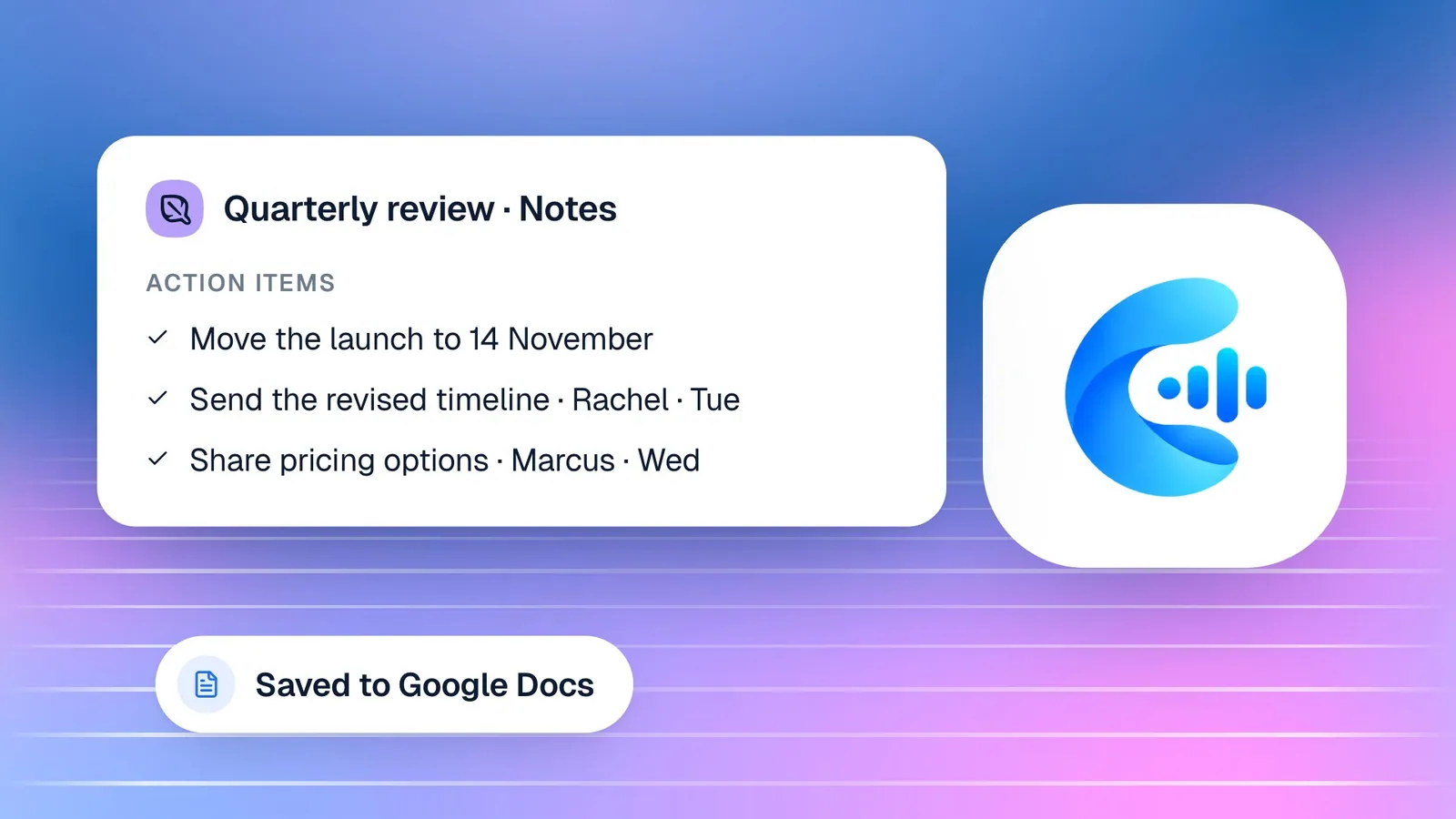
Whichever way you capture it, the notes are written from the whole transcript. Long meetings are not cut short or summarised from a sample. Cypher N works through the conversation in order and records the overview, the attendees, every topic discussed, each substantive point and who made it, the decisions taken, open questions and risks, the commitments people made, and the numbers and dates that came up. It then lists action items with an owner and a due date, and the next steps.
Each meeting's notes are saved in the dashboard and as their own Google Doc in your Drive, and you can export them as Markdown. If you stop the note taker early with Stop and write notes, it leaves the meeting and writes up what it heard.
The meeting note taker works with Google Meet. It does not join meetings on other video platforms; for those, recording on your device or uploading a recording is the way to capture them.
From action items to follow-ups that actually happen
Notes are only valuable if what they say gets done. Cypher N turns every agreed next step into a tracked follow-up, so nothing depends on someone remembering to reread their notes.
Action items from call recaps and meeting notes are collected in one list in Automations › Follow-ups. Each one shows the task, who owns it (you or the customer), the customer it relates to and when it is due. Ticking an item done in a note and ticking it done in Follow-ups stay in step, so there is one source of truth.
Every morning, a daily follow-up digest email lists the items that are due or overdue. It is a short, practical way to start the day knowing which promises need keeping, without opening a task manager.
Customer promises are handled too. When a customer agreed to send something, such as a document, a decision or a signed form, you can choose Send reminder and Cypher LM emails them a polite reminder. If the customer has no email on record, you will see that before you try.
Over time, the follow-ups list becomes a record of reliability. You can see which promises were kept and when, which customers are waiting on you and which you are waiting on. For owners, it is a simple way to see whether the team is following through without asking everyone for an update.
Privacy and accuracy
A note taker hears sensitive conversations, so it is worth being clear about what happens to the audio and how far to rely on the output.
For meetings captured on your device, audio is transcribed and not stored, and uploaded recordings are deleted right after transcription. What remains is the transcript and the notes. For calls taken by your agents, recordings and transcripts are kept in Calls until you delete them, and deleting a call removes its recording, transcript, summary and details from Cypher LM.
Cypher N writes from what it hears. When audio is unclear, a recap is marked as possibly less accurate, and caller details picked up from speech can be incomplete or misheard. Action items are drawn from the conversation automatically and should be checked before you rely on them, especially when they involve money or deadlines.
It is also good practice to tell people when a meeting is being recorded. The note taker joins a Google Meet under its own name, so attendees can see it in the participant list, and you admit it yourself.
Getting the most from Cypher N
Cypher N works without any configuration, but a few habits make its notes noticeably more useful, both on the day and months later when someone needs to know what was agreed.
Give each meeting a clear title and link it to the customer. When you start a note, add a descriptive title and the contact's email or phone. The title makes the Google Doc easy to find in your Drive, and the contact details link the notes to that customer's history in Contacts, where Cypher M can use them for future briefs.
Say decisions and owners out loud. The note taker records what is said, so a meeting that ends with "James will send the revised proposal by Friday" produces a clear action item with an owner and a due date. A meeting that ends with "let's pick this up later" produces a vague one. A short spoken recap at the end of a meeting is one of the best ways to sharpen the notes.
Review before you send. The drafted follow-up is written from the conversation, but you know the relationship. A quick read, a personal line and a check of any figures takes a minute and makes the message unmistakably yours.
Finally, close the loop on follow-ups. Tick items done as you complete them, and use the daily digest as your morning checklist. When every agreed next step is tracked and visibly completed, customers notice that your business does what it says.
How this works in Cypher LM
Cypher N sits in the middle of the platform, taking what happens in conversations and passing it to everything else.
Call recaps appear in Calls and in the Calls tab of Notes, where each call your agents took is listed with the notes Cypher N wrote. Meeting notes appear in the Meeting notes tab, each linked to its Google Doc. Follow-ups flow to Automations › Follow-ups and the daily digest. Everything relating to a known customer appears on their timeline in Contacts.
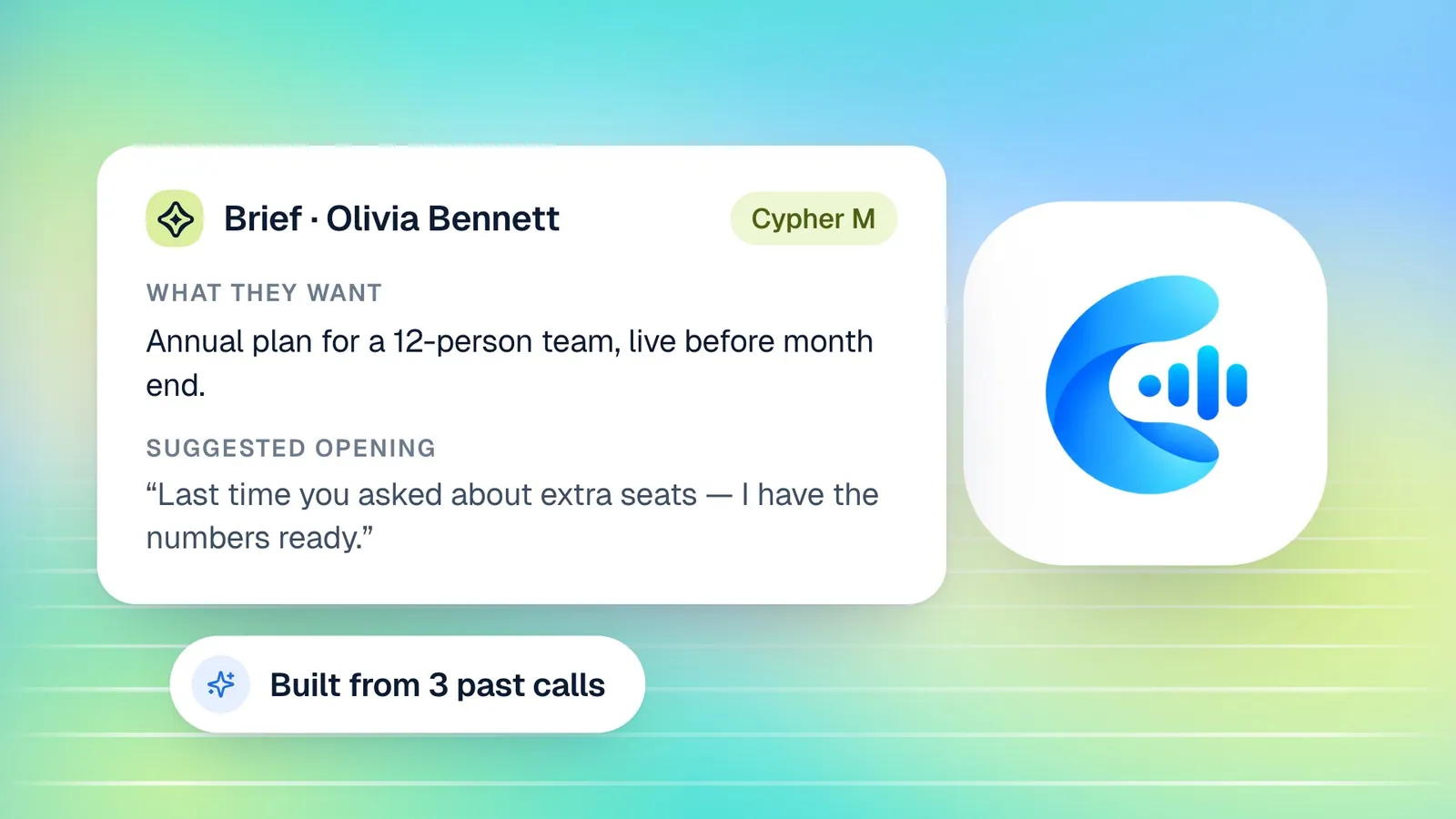
Cypher N also works closely with Cypher M, the live copilot. When Cypher M is used in a meeting, it already takes the notes, so if a booking has both turned on, only Cypher M joins and Cypher N's notes come from that session. Before your next call with the same customer, Cypher M reads the earlier recaps and notes to prepare a brief, which is where complete, detailed notes pay off a second time.
To set it up, connect Google in Settings › Integrations and allow Docs (for the notes documents), Sheets (for the call log) and Gmail (to send follow-ups from your address). Then check Automations to confirm the recap email and follow-up digest are on. From that point, every call your agents take is written up automatically, and you can send the note taker to your next Google Meet from Notes.
Frequently asked questions
Does Cypher N work on calls my agents take, or only on meetings?
Both. Every call your Cypher V agents take gets a recap, and meetings can be captured by sending the note taker to a Google Meet, inviting it from your calendar, or recording on your device.
Can I send the follow-up from my own email address?
Yes. Connect Gmail in Settings › Integrations and follow-up emails are sent from your own inbox, so replies come back to you. You can also copy the draft or open it in WhatsApp.
Which meeting platforms does the note taker join?
The note taker joins Google Meet. For meetings on other platforms, you can record on your device or upload a recording afterwards.
Are long meetings summarised in full?
Yes. The notes are written from the whole transcript, covering every topic in order, the decisions, commitments, open questions, and the numbers and dates mentioned, so a long meeting produces correspondingly detailed notes.
Where are my notes stored?
In your Cypher LM dashboard, and, if you connect Google Docs, in your own Drive: each meeting as its own Google Doc, and call recaps in a "Cypher N — Call notes" document. Meeting notes can also be exported as Markdown.
Is meeting audio kept?
No. For meetings captured on your device, audio is transcribed and not stored, and uploaded recordings are deleted right after transcription.
Conclusion
Cypher N gives every conversation a complete, useful record: a recap for every call your agents take, full notes for your meetings, action items that become tracked follow-ups, and drafts that are ready to send. You stay focused on the person in front of you, and the details are there when you need them.
The quickest way to see the difference is to try it on your own conversations. Request a free trial to have Cypher N write up your next calls and meetings, or book a demo to see a recap and a full set of meeting notes from start to finish.