Running a small business means doing every job at once. The same person who delivers the service also answers the phone, books the appointments, sends the follow-ups, chases the payments and keeps the records. Good tools do not remove that work entirely, but the right set of them turns it from a constant interruption into something that mostly runs in the background.
This guide covers thirteen kinds of tools that solo founders and small teams rely on to get more done. For each, it explains the job the tool does, what to look for when choosing one, and how the pieces fit together. Some of the categories are covered by Cypher LM; most are general business tools you may already use. Where Cypher LM connects to a tool, we say so, and where it does not, we say that too.
The list is organised by job rather than by brand, because the right choice depends on how you work. It is written for owners of service businesses, shops, practices and agencies with anywhere from one to a few dozen people.
Answering and booking: tools 1 and 2
The first two tools deal with the moment a customer reaches out. For most small businesses, this is where the most revenue is quietly lost, because the owner is busy, the phone goes unanswered and the customer moves on.
1. An AI voice agent. A voice agent answers customer calls instantly, at any hour, and handles the conversation: answering questions about your services, prices and policies, capturing the caller's details and taking action. Cypher V is the Cypher LM voice agent. You build it in a no-code builder from your website and a few questions, add knowledge files such as price lists and FAQs, and put it on your website with a two-line widget. It speaks English, Urdu or both. When choosing a voice agent, look for answers grounded in your own information rather than generic responses, a clear record of every call, and the ability to take real actions such as booking.
2. Scheduling. A scheduling tool turns "when are you free?" into a confirmed appointment. It needs to know your hours, your services and your existing commitments, and to protect your time with buffers, daily limits and minimum notice. Cypher S does this for Cypher LM: your agent books appointments during calls, and customers can book themselves from your booking link. Look for real availability checks against your calendar, automatic confirmations and reminders, and an easy way to reschedule.
The reason to choose these two together is simple: a voice agent that can only take messages moves the work rather than removing it. When the agent can see your availability and book, the call ends with an appointment instead of a call back to make.
A useful test when comparing options is to call your own business at nine in the evening and see what happens. Whatever a customer experiences then is what your answering and booking tools are really delivering.
Meetings and notes: tools 3 to 5
Once customers are booked, much of the work happens in meetings and calls. Three tools make that time more productive.
3. Calendar and video meetings. A shared calendar and a reliable video meeting tool are the backbone of a service business. Google Calendar and Google Meet are a common pairing, and Cypher LM connects to both: bookings are added to your calendar, busy times are respected, and video appointments get their own Meet link. Look for a calendar your whole team can see and a meeting tool your customers can join without installing anything.
4. Business email. A professional email address on your own domain builds trust, and a good email service keeps everything searchable. Gmail is widely used, and Cypher LM can send follow-ups, confirmations and payment links from your own Gmail address when you connect it, so replies come back to you. Look for reliable delivery, good search and shared access if more than one person handles customer email.
5. Documents and meeting notes. You need somewhere to write proposals, policies and notes, and ideally a way to capture meetings without typing during them. Google Docs covers documents. For notes, Cypher N writes up every call your agents take and joins your Google Meet meetings as a note taker, producing detailed notes, action items and a follow-up draft, and saving each meeting as its own Google Doc. Look for notes that cover the whole conversation, not just a short summary, and action items that become tracked tasks.
Getting paid: tool 6
6. Payments. Few things affect a small business more directly than how quickly it gets paid. A good payments setup lets customers pay in the way they prefer, at the moment they agree to, and shows you clearly what has arrived.
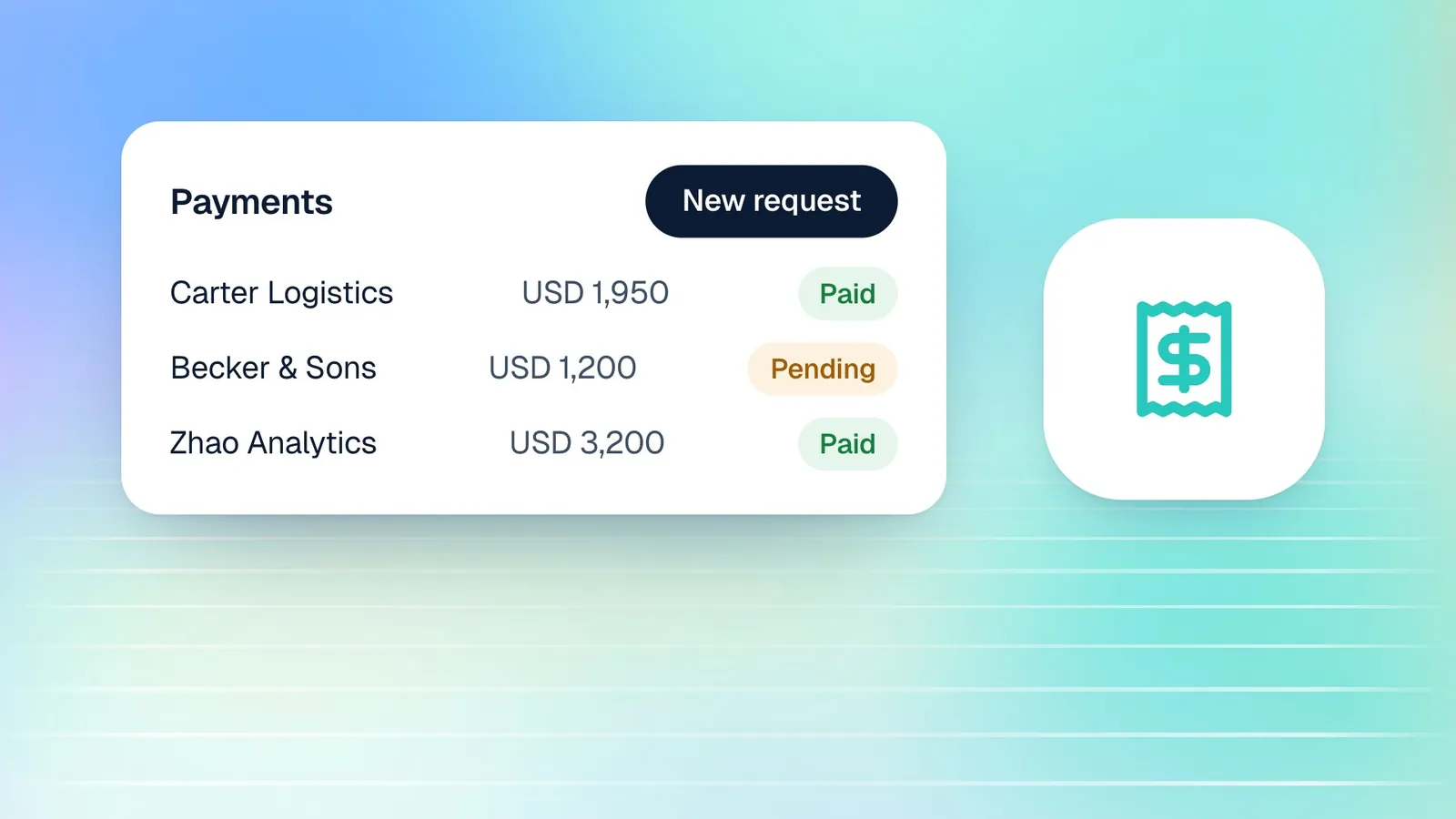
For card payments, Stripe is a widely used option, with checkout pages, receipts and refunds handled for you. In many markets, customers also expect to pay by bank transfer or mobile wallet. Cypher P, the payments product in Cypher LM, supports both: card payments through your own Stripe account, and bank transfer, JazzCash and Easypaisa with a reference code. It lets your voice agent request a deposit during a call, and lets you send payment requests and reusable payment links from the dashboard.
When choosing a payments setup, look for several things. Money should go straight to your own account. Customers should be able to pay from their phone in under a minute. Each payment should be confirmed and receipted without manual work, and you should be able to see what is still waiting to be paid. If your customers prefer local methods, make sure those are offered alongside cards.
Payments also need to fit with your accounting. Cypher P does not issue formal tax invoices, so if you need numbered invoices, keep them in your accounting software and use payment requests or links to collect. Our guide to sending payment requests explains the approach.
Customer records and reporting: tools 7 to 9
As a business grows, knowing your customers and your numbers becomes as important as serving them. Three tools keep that information organised.
7. Contacts or a lightweight CRM. You need one place to see each customer's history: their calls, bookings, payments and conversations. Many small businesses find a full CRM more than they need. Cypher C, the contacts part of Cypher LM, builds itself from your calls, bookings and payments, groups each customer's activity on one timeline, and lets you keep private notes, with no fields or pipelines to configure. Look for records that update themselves, because a contact list that depends on manual entry goes out of date quickly.
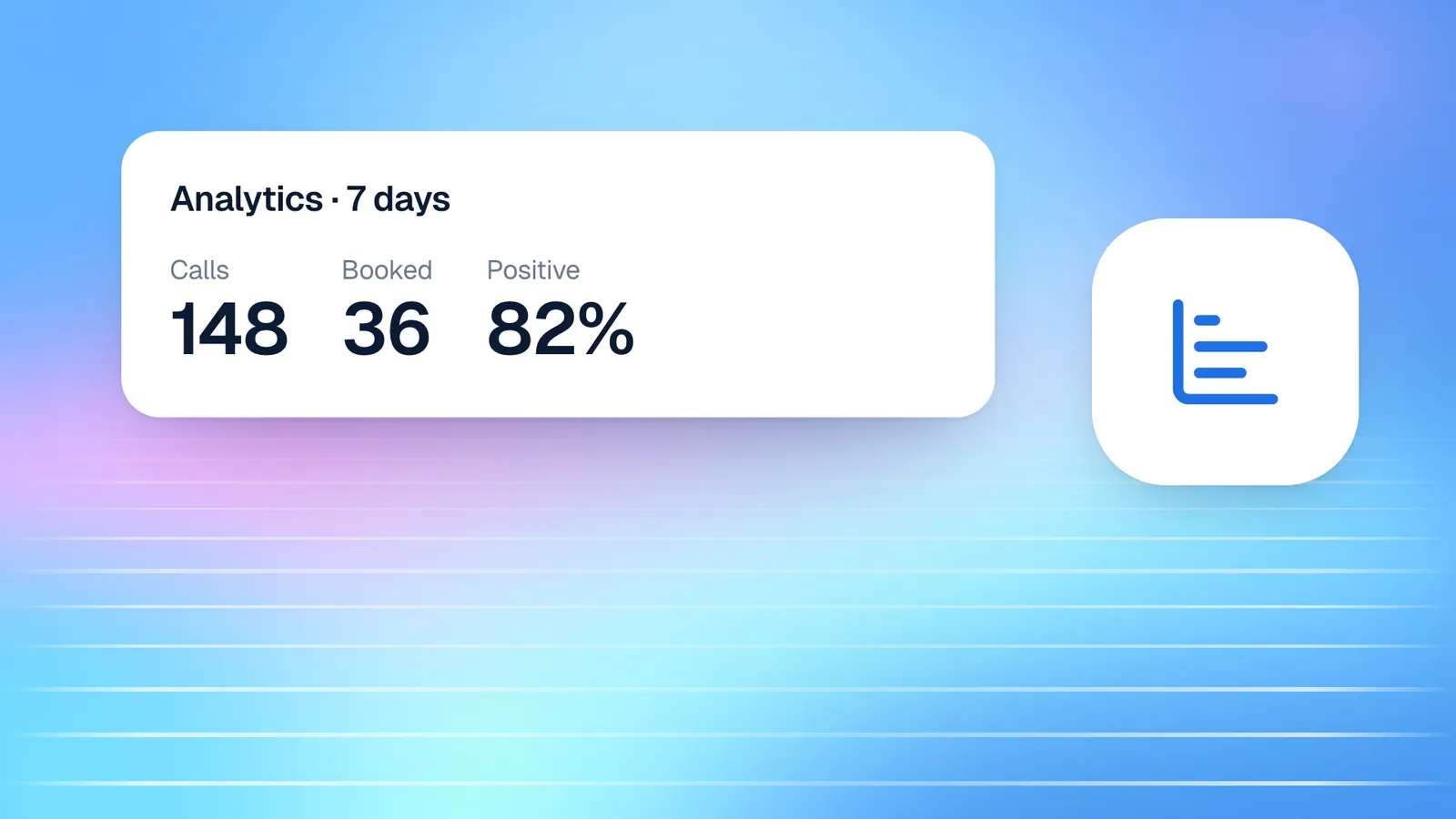
8. Spreadsheets. A spreadsheet remains the most flexible way to analyse data, build simple reports and share figures. Google Sheets is a popular choice, and Cypher LM can keep a "Cypher LM — Call log" spreadsheet in your Drive with tabs for calls, bookings and payments, updated automatically. Look for a tool you can share easily and connect to the rest of your reporting.
9. File storage. Contracts, price lists, policies and brochures need a home your team can reach from anywhere. Google Drive is a common choice, and Cypher LM can import documents from Drive into your agent's knowledge base, keeping them in sync when they change. Look for good search, sensible sharing permissions and access from any device.
Your website and automation: tools 10 and 11
10. A website builder. Your website is where many customers decide whether to get in touch. Builders such as WordPress, Wix, Shopify and Squarespace let you run a professional site without a developer. The Cypher V widget can be added to sites built with any of them by pasting a short embed code, and the dashboard includes short guides for each. Look for a builder that lets you edit pages yourself, works well on phones and allows custom code in the page.
11. Automation tools. As your tools multiply, you will want them to pass information to each other without copying and pasting. General automation tools such as Zapier connect thousands of apps through triggers and actions. Cypher LM does not have a native Zapier app yet. Many of the most common automations are built into Cypher LM itself, such as recap emails, booking confirmations, reminders, receipts and the Google Sheets log, and its developer platform, with signed webhooks that Zapier's generic webhook trigger can receive, is in beta. Our post on Cypher LM automations explains what runs today.
When choosing an automation tool, start with the jobs you repeat every day and check whether your existing tools already handle them before adding another layer.
Security and the books: tools 12 and 13
12. A password manager. A small business accumulates dozens of logins: email, banking, payments, social accounts, suppliers and software. A password manager stores them securely, generates strong passwords and lets you share access with a team member without sending passwords over chat. It is one of the cheapest and most effective security measures a small business can take. Look for shared vaults, two-step sign-in and an easy way to remove someone's access when they leave.
13. Accounting software. Your accounting tool is where invoices, expenses, tax and the true financial picture of your business live. Choose one your accountant is comfortable with, that handles your local tax requirements, and that can import transactions from your bank. Cypher LM does not connect directly to accounting software, but exports from Payments, Calls and Contacts, and the Google Sheets call log, make it straightforward to bring payment records across.
Together, these two tools protect what you have built: your accounts and your money. They are easy to postpone because neither brings in revenue directly, and that is exactly why they belong on the list.
How this works in Cypher LM
One Cypher LM account covers several of these jobs at once, and connects to the tools that cover others.
- Answering: Cypher V answers customer calls on your website, and on a phone number connected by our team, at any hour, in English, Urdu or both.
- Booking: Cypher S books appointments on calls and from your booking link, with confirmations, reminders and attendance checks.
- Notes: Cypher N writes up every call and captures your Google Meet meetings.
- Payments: Cypher P takes payments on calls, through payment requests and through payment links, by card or local methods.
- Customer records: Cypher C keeps each customer's history on one timeline.
- Preparation: Cypher M briefs your team before they call a customer back and suggests what to say during the call.
It connects live to Google Calendar, Meet, Gmail, Docs, Sheets and Drive, and to Stripe. Other app connections shown in the dashboard are marked as coming soon. In practice, that means a small business can cover answering, booking, notes, payments and customer records with one account, and keep using Google Workspace and Stripe for the rest.
| Tool | Job it does | Covered by Cypher LM? |
|---|---|---|
| 1. AI voice agent | Answers every call | Yes, Cypher V |
| 2. Scheduling | Books appointments | Yes, Cypher S |
| 3. Calendar and video meetings | Holds the schedule, hosts meetings | Connects to Google Calendar and Google Meet |
| 4. Business email | Customer correspondence | Sends from your Gmail when connected |
| 5. Documents and meeting notes | Writing and records of meetings | Cypher N, saved to Google Docs |
| 6. Payments | Getting paid | Cypher P, with Stripe and local methods |
| 7. Contacts | Customer history | Yes, Cypher C |
| 8. Spreadsheets | Reporting and analysis | Keeps a call log in Google Sheets |
| 9. File storage | Documents your team shares | Imports Google Drive files into agent knowledge |
| 10. Website builder | Your online presence | Hosts the Cypher V widget |
| 11. Automation tools | Connecting apps | Built-in automations; webhooks in beta |
| 12. Password manager | Protecting logins | No, use a dedicated tool |
| 13. Accounting software | Invoices, tax and the books | No, export payment records to it |
The pattern in the table is deliberate. Cypher LM takes on the jobs that happen around customer conversations and connects to the tools where your records already live, while leaving specialist jobs such as accounting and password management to tools built for them.
Frequently asked questions
Do I need all thirteen tools?
No. Start with the jobs that cost you the most time or the most customers. For many small businesses, that is answering calls and booking appointments, followed by getting paid.
Which tools does Cypher LM connect to directly?
Google Calendar, Google Meet, Gmail, Google Docs, Google Sheets, Google Drive and Stripe. Other apps shown in the dashboard are marked as coming soon.
Can Cypher LM replace my CRM?
For many small businesses, Cypher C covers what they need: one record per customer with calls, bookings, payments, notes and follow-ups. Businesses with complex sales pipelines may still prefer a dedicated CRM.
Can I add the Cypher V widget to my existing website?
Yes. Paste the embed code from Deploy › Website widget into your site, just before the closing body tag or in your builder's custom code box. There are guides for WordPress, Wix, Shopify and Squarespace.
Does Cypher LM work with Zapier?
Not natively yet. Many common automations are built in, and Cypher LM's webhooks, currently in beta, can be received by Zapier's generic webhook trigger once developer access is available to your account.
Conclusion
The best small-business toolkit is the smallest one that covers every job: answering, booking, meeting, getting paid, keeping records and protecting your accounts. Choose tools that do real work rather than adding more places to check, and connect them so information flows without copying and pasting.
If answering calls, booking appointments and getting paid are taking more of your time than they should, that is where Cypher LM helps most. Request a free trial to try it with your own business, or compare plans to see what is included.