A well-configured agent and a carefully planned calendar are only useful if customers can find them. The most common reason a new Cypher LM setup takes off slowly is not the agent's answers or the booking rules. It is that customers still reach the business the old way, because nobody told them there is a better one.
This guide covers the practical side of putting Cypher LM in front of your customers. It explains the ways customers can reach you today, what each one is best for, how to set each one up in the dashboard, and where to place your links so they are used. It is aimed at owners and operations leads who have built their first agent and want it working for real customers this week.
Throughout, we will be specific about what each channel does today, including the ones that are still being rolled out, so you can plan with confidence.
The ways customers can reach you
Cypher LM gives customers several routes to your business, and each fits a different moment. Understanding the difference helps you put the right one in the right place.
The Cypher S booking link is a public booking page for one of your appointment types. A customer opens it, sees your free times, picks one and books, without needing to talk to anyone. It suits people who already know what they want and prefer to book at their own pace.
The Cypher V website widget puts your voice agent on your website. A small button sits in the corner of each page; when a visitor taps it, they talk to your agent in the browser, with no app to download. The agent can answer questions, book an appointment and, if you allow it, take a payment, all in one conversation.
Call links open a call with your agent from a link. Personal call links are used today for task calls, where your agent reaches out to a specific customer and sends them a link to open the call in their browser. A general share link and QR code for your agent are also available in the dashboard, but at the moment the person opening it needs a Cypher LM login, so they are best used for testing with your team. Public call links for customers are coming soon.
Finally, phone numbers let customers ring your agent like any other line. They are connected by our team rather than bought in the dashboard; once connected, the agent answers calls on that number around the clock.
| Channel | Best for | Customer effort | Where to set it up |
|---|---|---|---|
| Booking link | People who know what they want to book | Pick a time and fill in a short form | Bookings › Share booking link |
| Website widget | Website visitors with questions | Tap the button and talk | Deploy › Website widget |
| Personal call link | Customers your agent reaches out to | Open the link and talk | Calls & tasks |
| Phone number | Customers who prefer to call | Dial the number | Connected by the Cypher LM team |
Setting up and sharing your booking link
Your booking link comes from your appointment types, so start there. Each active appointment type in Bookings › Appointment types has its own booking page, showing its name, duration, price if you set one, location and description. If an appointment type is switched off, it disappears from your booking link as well as from your agents.
To get the link, open Bookings and choose Share booking link, or use Copy booking link from an appointment type's menu. You can open the link in a new tab to see exactly what customers will see. It is worth doing this once as a customer would: choose a date, pick a time, fill in your details and check the confirmation email arrives.
The booking page uses the same availability as your agent. Your weekly hours, date overrides, gaps between bookings, daily limit, minimum notice and Google Calendar busy times all apply, in the time zone you set. A customer booking through the link and a caller booking through the agent can never take the same slot.
When someone books through the link, the booking appears in Bookings marked as booked from your link. The customer receives a confirmation email, a reminder 24 hours before, and, for video appointments with Google Calendar connected, a Google Meet link. Everything else works exactly as it does for bookings made on calls.
One practical tip: if you offer several appointment types, share the specific link for the one that fits the context. A link in a follow-up email after a free consultation should go straight to your paid session, not to a menu the customer has to read through.
Adding the Cypher V widget to your website
For most businesses, the website widget is the most important channel, because it catches people at the moment they are reading about your services. It is set up in Deploy › Website widget in three short steps.
- Choose where the widget will appear. Add the website addresses where the widget should work. Subdomains are included. The widget only works on the sites you list, which stops anyone else from embedding your agent on their own pages.
- Choose how it looks. Pick the position, bottom left or bottom right, and a colour: one of the preset colours or your own hex code to match your brand. The preview shows the button on a sample page, or on your real site once you have added its address.
- Add it to your site. Copy the embed code and paste it just before the closing body tag of your site, or into your site builder's custom code box. There are short guides in the dashboard for WordPress, Wix, Shopify and Squarespace.
Changes you save to the widget settings, such as a new colour or position, show on your site within about a minute, without changing the code. If you build more than one agent, you choose which agent the widget connects to, so a clinic group could run a separate agent on each location's site.
Once the widget is live, visit your site on a phone and a computer and make a test call from each. Check that the agent greets visitors the way you expect and that a booking made through the widget appears in Bookings. Calls made through the widget appear in Calls like any other call, with their recording, transcript and recap.
A final check that is easy to forget: make sure your website's existing contact options point to the same place. If your contact page still lists only a phone number that nobody answers after hours, or a form that goes to an unattended inbox, visitors will keep using those instead of your agent. A short line such as "Talk to us now — tap the button in the corner" beside your contact details points people to the widget.
Where to place your links
A link nobody sees does not get used. The aim is to put your booking link and your website, with the widget on it, everywhere customers already look when they are ready to get in touch.
- Your website: the widget on every page, and your booking link on your contact page and next to each service description, so visitors can book the service they are reading about.
- Email signatures: a short line such as "Book a time with us" linking to your most common appointment type. Every email your team sends becomes a booking opportunity.
- Follow-up emails: after a first conversation, include the link for the next step. Cypher N's drafted follow-ups make this easy to add before you send.
- Social profiles and business listings: your booking link in your profile or bio, and your website address wherever customers search for local businesses.
- Messaging apps: when customers message you to ask for an appointment, reply with the booking link instead of negotiating times back and forth.
- Printed material: a QR code on your counter, reception desk, menu or business card that leads to your booking link or website.
Consistency matters more than volume. If every touchpoint leads to the same two places, your website and your booking link, customers quickly learn how to reach you, and your team stops fielding the same scheduling questions by hand.
It also helps to tell existing customers directly. A short message explaining that they can now book online or talk to your agent at any hour on your website will move many of them to the new channels within a few weeks.
How this works in Cypher LM
Each channel draws on the same setup underneath, so you configure your business once and every route to it behaves consistently.
Your agents, built in the agent builder with your knowledge, language and voice, answer every conversation that arrives through the widget, a call link or a phone number. Your appointment types and hours in Bookings decide what can be booked and when, whether the booking comes from a caller or from your booking link. Your payment settings in Payments decide how customers can pay, whether on a call or through a payment link.
Everything that arrives through any channel ends up in the same places. Calls lists every conversation, labelled by where it came from. Bookings shows every appointment and whether it was booked on a call, from your link or by hand. Contacts groups each customer's activity across all channels into one timeline, so it does not matter which door they came through.
Task calls use personal call links in a slightly different way. When you ask an agent to reach a customer, for example to confirm an address or collect a missing document, the customer receives a personal link by email that opens a call with your agent in their browser. You can also copy the link and send it yourself, for example on WhatsApp. When a phone number is connected, the agent can call the customer directly instead.
If you need a phone number, talk to our team. We can connect a local Pakistani number through a licensed operator, or a US or UK number, and link it to the agent of your choice. UAE numbers can receive calls only.
Measuring what works
Once your links are out in the world, it is worth checking which channels customers actually use, so you can put more effort into the ones that work.
In Bookings, the statistics show how many upcoming bookings were made on a call, and each booking is labelled with how it was made: on a call, from your link, or added by hand. Over a few weeks this tells you whether customers prefer to talk to your agent or to book themselves.
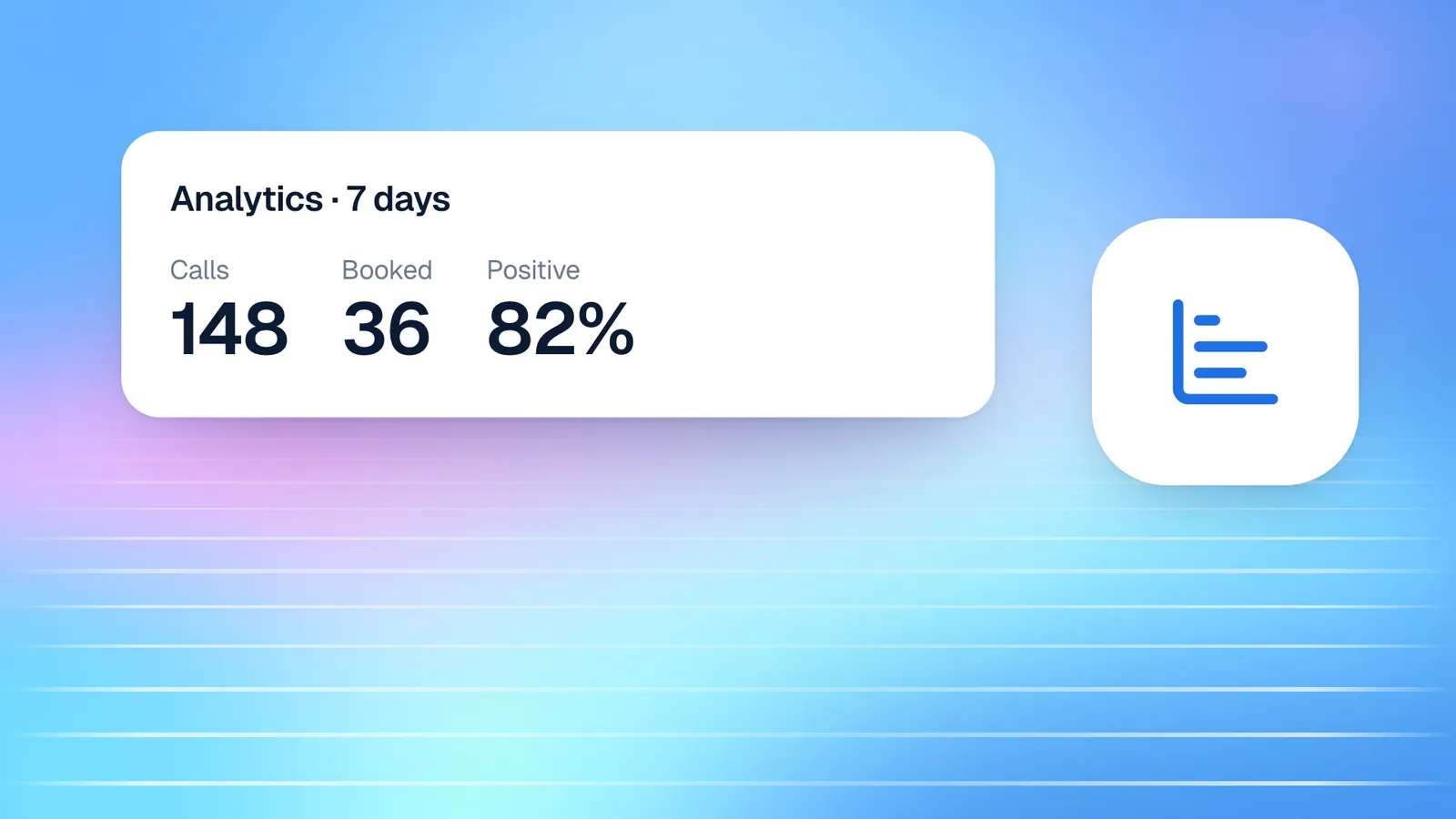
In Analytics, the heatmap of when customers call shows the days and hours your agent is busiest, and the calls-per-day chart shows whether volume is growing as you share your links more widely. If you see many short calls under ten seconds, callers may be hanging up before the agent speaks, which usually means the greeting is too long. Our post on Cypher LM Analytics explains each chart.
Use what you learn to adjust. If most bookings come from your link, make it more prominent in your emails. If most come through the widget, make sure the pages with the most traffic have clear prompts to talk to your agent.
Finally, ask customers. When your agent books an appointment, the recap from Cypher N shows what the caller wanted and often how they found you. Over time, those recaps tell you which links and channels customers actually notice, which is more reliable than guessing from page views alone.
Frequently asked questions
Do customers need an account to use my booking link?
No. Anyone with your booking link can choose a time and book. They only need to give their name and an email address or phone number, and they receive a confirmation by email.
Can I put the widget on more than one website?
Yes. Add each website address in Deploy › Website widget. Subdomains are included automatically, and the widget will not work on sites you have not listed.
Can I share a link that lets customers talk to my agent directly?
Personal call links are used today for task calls, where your agent reaches out to a specific customer. A general public call link for any customer is coming soon; until then, the website widget is the best way for customers to talk to your agent.
Why does my booking link show fewer times than I expected?
The link shows only times that pass every rule: your hours, overrides, the gap around bookings, the daily limit, minimum notice, existing bookings and busy times in the Google calendars you selected. The "What callers will be offered" preview in Bookings helps you see which rule is removing a time.
Do calls from the widget count toward my minutes?
Yes. Every real conversation with your agent counts toward your plan's minutes, whichever channel it arrives through. Test calls are labelled separately and do not count toward your statistics.
Conclusion
Getting customers to the right place is as important as what happens when they arrive. With your booking link for people who want to book themselves, the website widget for people who want to talk, task calls for the customers you need to reach, and a phone number when you are ready, every route leads into the same agent, the same calendar and the same customer record.
Start with two steps today: add the widget to your website and put your booking link in your email signature. Then watch Bookings and Analytics for a couple of weeks and build from there.
If you have not built your agent yet, request a free trial, or book a demo and we will help you plan your rollout.