Ask anyone who has worked the front desk of a busy clinic what the hardest part of the job is, and the answer is rarely the patients in the waiting room. It is the phone. It rings while someone is checking in, while a doctor needs a file, while a parent at the counter is asking about a prescription. Every unanswered ring is a patient who may not call back, and every rushed call is a booking that might land in the wrong slot.
An AI voice agent does not replace the people at your front desk. It takes the repetitive part of the phone off their hands: the opening hours, the directions, the "which doctor sees children on Saturday", and above all the booking itself. This article walks through what a voice agent can realistically do for a small or mid-sized clinic, how to set one up responsibly, and how it works inside Cypher LM, from the first ring to the confirmation the day before the visit.
It is written for clinic owners, practice managers and the people who run the front desk: anyone who has watched the phone light up at 9:01 in the morning and wished there were one more person to pick it up.
Why the phone is a clinic's busiest front door
Most clinics have a website, a social page and a listing on a map. Patients still call. They call because their question is specific ("Is Dr. Carter in on Thursday afternoons?"), because they want reassurance, or because booking a health appointment feels like something you should do by talking to a person. For many patients, especially older ones, the phone is the only channel they trust.
The trouble is that calls arrive in waves. There is a surge when the clinic opens, another at lunch, and a steady trickle after closing time when people finally have a moment to themselves. A front desk sized for the average hour is overwhelmed at the peaks and idle in between. Hiring for the peaks is expensive; not hiring means voicemail.
Voicemail is where bookings go to die. Many callers hang up without leaving a message, and those who do leave one expect a call back that has to be squeezed between patients. By the time someone returns the call, the patient may have booked elsewhere. For a clinic, a missed call is not just a missed sale; it can be a patient who delays care because getting an appointment felt like too much effort.
There is also the quality problem. When the desk is busy, calls get shorter and details get lost. A phone number is written down with a digit missing. The reason for the visit is noted as "check-up" when the patient actually said they had a rash that is getting worse. These small gaps cost time later, when the doctor has to start the consultation from scratch.
What an AI voice agent can do for a clinic
A voice agent is software that answers the phone or a web call, listens to what the caller says, and replies in a natural voice in under a second. There is no menu and no "press 1". The caller simply says what they need, and the agent responds from the information you have given it.
For a clinic, the useful jobs fall into a few groups:
- Answering routine questions: opening hours, location and parking, which services you offer, which doctors are available on which days, what to bring to a first appointment, and your policies on cancellations and late arrivals.
- Booking appointments during the call: checking real availability, offering a few times, and confirming the booking before the caller hangs up.
- Capturing details cleanly: the patient's name, phone number, email and the reason for the visit, written down the same way every time.
- Handling the overflow and after-hours calls: picking up when every person at the desk is busy, and at 10 PM when nobody is there at all.
- Passing on what needs a human: noting the request and making sure your team sees it, rather than guessing.
Notice what is not on that list. A voice agent for a clinic should not give medical advice, interpret symptoms, discuss test results or make clinical decisions. Those boundaries are not a limitation to work around; they are part of setting the agent up properly, and we will come back to them below.
The booking is the job that matters most
Of all these, booking is where an agent pays for itself. A booking that happens during the first call does not need a call back, does not sit in a voicemail inbox overnight, and does not depend on someone remembering to return a message. The patient ends the call knowing exactly when they are coming in, and your calendar already shows it.
Setting boundaries: what your agent must never do
Clinics have a responsibility that most businesses do not. A caller may describe symptoms, ask whether they should be worried, or ask which medicine to take. Your agent needs clear instructions for these moments, and you write them before the agent goes live.
In the Cypher LM agent builder you describe the agent's behaviour in plain language: its core responsibilities, the topics it must avoid, what it says when it does not know something, and when a caller should be passed to a person. For a clinic, a sensible starting point looks like this:
- Core responsibilities: answer questions about the clinic, its services, doctors, hours and policies; book, move and cancel appointments; take a message for the team.
- Topics to avoid: medical advice of any kind, interpreting symptoms, test results, medication questions, and anything about another patient.
- Fallback: "I can't advise on that, but I've noted your question and our team will get back to you."
- Urgent situations: if a caller describes an emergency, the agent should tell them to contact emergency services or go to the nearest emergency department immediately, rather than book a routine appointment.
Write these in full sentences, not keywords. "Do not give medical advice" is a start; "If a caller asks whether a symptom is serious, explain that you can't give medical advice, offer the earliest appointment, and tell them to call emergency services if it is an emergency" is far better, because it tells the agent what to do instead.
Test these boundaries yourself before any patient hears the agent. Call it and ask the awkward questions: "I've had chest pain since this morning, should I come in on Friday?" The answer should be calm, clear, and point to emergency care. If it is not, adjust the instructions and test again.
How booking during the call works
Booking on a call sounds simple, but it depends on the agent knowing three things: which kinds of appointments you offer, when they can happen, and what is already booked.
In Cypher LM, these live in Cypher S, the scheduling product. You set up booking types, one for each kind of visit, with a name, a duration and a location such as in person, video or phone. A clinic might have "New patient consultation (30 min)", "Follow-up visit (15 min)" and "Vaccination (10 min)". You set your availability: weekly hours, days off and date-specific changes, buffers between appointments, a maximum number per day, and a minimum notice period so nobody books a slot that starts in ten minutes.
If you connect Google Calendar, Cypher S also checks your calendar's busy times, so a slot that clashes with something already in the calendar is never offered. When a booking is made, it is added to the calendar, and video appointments get a Google Meet link automatically.
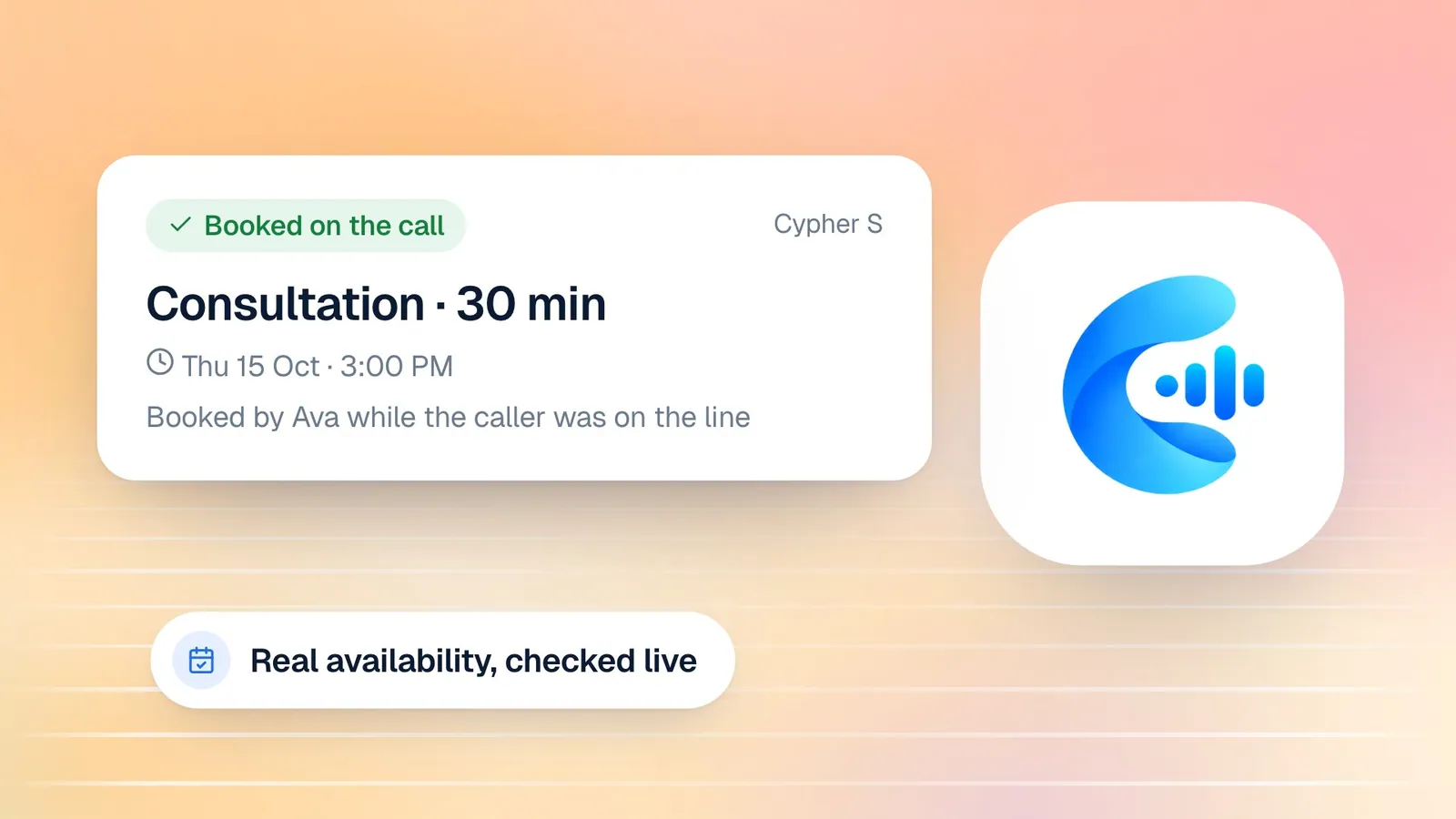
During the call, the agent uses that information live. A patient says, "I'd like to see someone about my knee, ideally Thursday afternoon." The agent checks Thursday, offers two or three open times, and books the one the patient picks. It confirms the details back: the day, the time, the type of visit, and the name and contact details it has written down. Then it tells the patient the booking is made.
One patient, one booking
Patients often call back to fix something: a misspelled email, a new phone number, the right name for a child. Cypher LM treats that as a correction, not a new appointment. When a caller rings back to fix their details, the agent updates the existing booking, keeping the same slot, so your calendar shows one appointment with the right information rather than two near-duplicates that someone has to untangle.
Confirmations before the visit: fewer empty chairs
A booked slot is only valuable if the patient turns up. No-shows are one of the most common frustrations in clinic scheduling: the chair is empty, the doctor's time is lost, and another patient who wanted that slot could not have it.
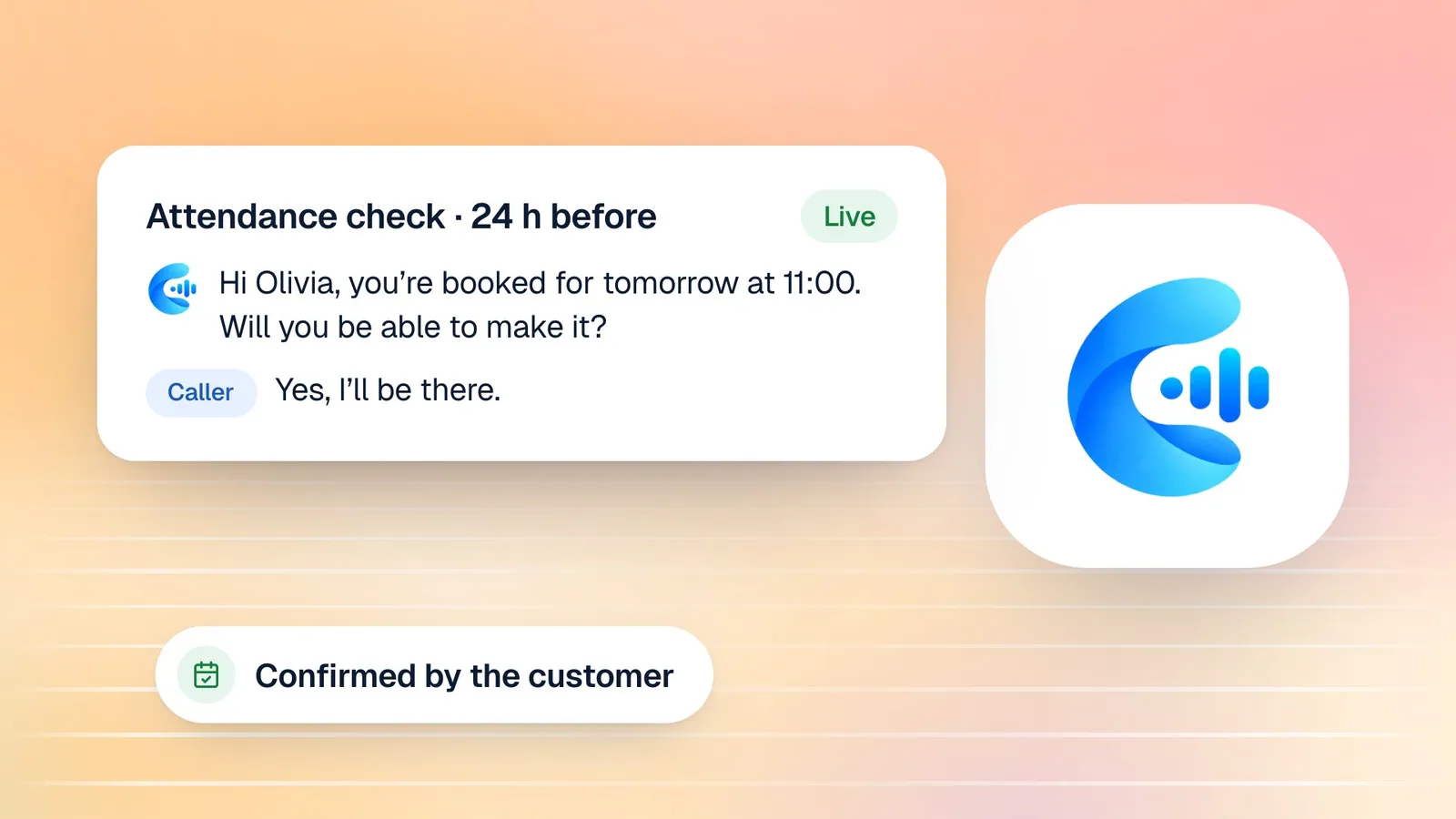
Cypher S runs an attendance check about 24 hours before each appointment. If your clinic has a phone number connected, the agent can call the patient to confirm they are still coming. If not, or if the call cannot be placed, the reminder email does the job: it includes clear buttons to confirm, reschedule or cancel. Appointments booked less than 12 hours before they start are skipped, because the booking confirmation itself is recent enough.
What happens next is recorded on the booking. If the patient confirms, you can see that. If they say they cannot make it, the slot frees up for someone else. After the appointment time passes, the booking moves to "Needs outcome" rather than being marked as attended automatically. A booking the patient confirmed settles as completed after 24 hours; one they declined is recorded as a no-show; the rest wait for your team to mark them, so your attendance numbers reflect what actually happened.
For a deeper look at this flow, read confirmation calls and no-shows.
Patients who speak more than one language
Many clinics serve patients who are more comfortable in a language other than English, and many patients switch between languages mid-sentence. Cypher LM agents can speak English, Urdu, or both. In bilingual mode the agent understands and replies in either language within the same call, so a patient who starts in English and switches to Urdu to describe their concern is not forced back into one language.
This matters more in healthcare than almost anywhere else. People describe how they feel most accurately in the language they think in. An agent that can follow them there makes the call easier for the patient and the details more accurate for your team. If your patients are bilingual, test the agent the way they actually talk, mixing languages, before you go live. Our guide to bilingual English and Urdu voice agents covers this in more detail.
Comparing the options for clinic phone cover
Clinics usually weigh a voice agent against the ways they already handle calls. Here is a fair comparison.
| Option | Answers at peak times | Books during the call | After hours | Consistent details | Best for |
|---|---|---|---|---|---|
| Front desk only | Only when someone is free | Yes, when not interrupted | No | Varies with workload | Small clinics with low call volume |
| Voicemail | No | No | Takes messages | Depends on the caller | A last resort |
| Answering service | Usually | Rarely; often takes messages | Yes | Varies by operator | Clinics that only need messages taken |
| AI voice agent | Yes, every call | Yes, into your calendar | Yes, 24/7 | Same format every call | Clinics that want bookings without call backs |
In practice, the best setup is often a combination: the agent answers every call and handles the routine ones in full, and your front desk handles the calls that need a person, with the agent's notes already in front of them.
How this works in Cypher LM
Here is how the pieces fit together for a clinic using Cypher LM.
- Build the agent. Open the agent builder and enter your clinic's website address. Cypher LM reads your site and pre-fills the business details, which you then review and correct. Add your services, your doctors' days and your policies, choose English, Urdu or both, and give the agent a name and a short, friendly greeting.
- Set the boundaries. Write the topics to avoid, the fallback line and the emergency instruction described above.
- Add knowledge files. Upload your price list, service descriptions, preparation instructions and FAQ as PDF, DOCX, CSV or TXT files (up to 4 MB each, 10 at a time), or import them from Google Docs and Drive. The agent answers from these files on every call.
- Turn on booking. In Cypher S, create your booking types and availability, connect Google Calendar, and switch on bookings for the agent so it can check times and book during calls.
- Put it where patients are. Add the website widget to your site so patients can talk to the agent from any page. If you want the agent on a phone line, our team can connect a number for you.
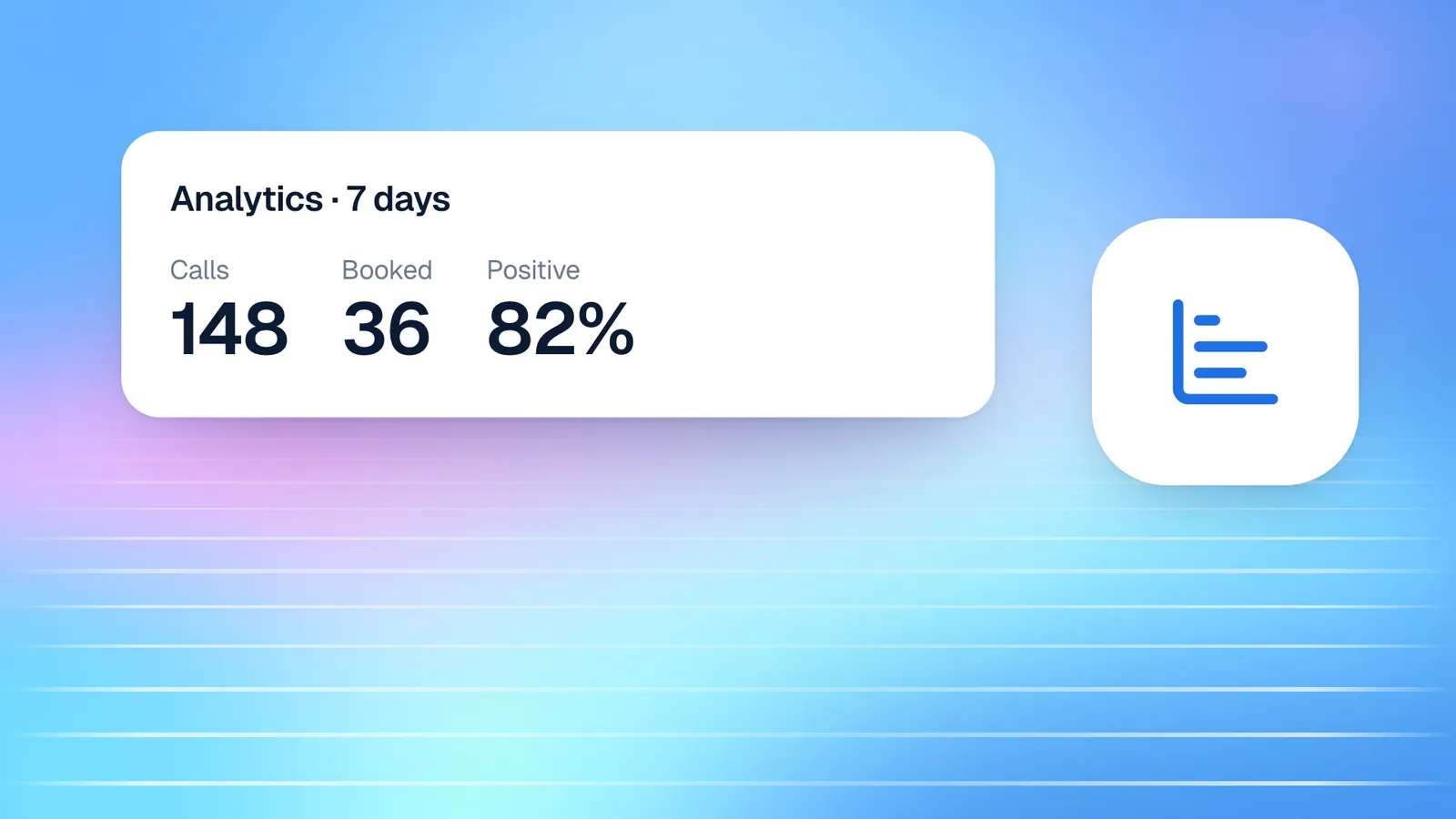
- Review the calls. Every call appears in Calls with a transcript and, with Cypher N, a recap: a summary, key details, action items and a drafted follow-up. You can switch on an email recap after every call so nothing waits for someone to check the dashboard.
Every patient who shares a phone number or email becomes a contact in Cypher C, grouped across calls, so the next time they call, your team can see their history at a glance.
Getting your front desk on board
The people at your front desk are the ones who will live with the agent every day, so involve them early. Ask them which questions they answer twenty times a day, which booking mistakes cause the most trouble, and which calls they would never want an agent to handle. Their answers are the best possible input for your agent's instructions and knowledge files.
Start with a soft launch. Put the agent on the website widget first, or use it only after hours for the first couple of weeks. Read the recaps together each morning. You will quickly spot questions the agent could not answer, which usually means a gap in the knowledge files rather than a problem with the agent, and you can fill them in minutes.
Be clear with your team about what changes and what does not. The agent takes routine calls and bookings; your team keeps the conversations that need care and judgement, now with better notes. Most front-desk teams find the biggest benefit is not fewer calls but calmer ones: fewer interruptions while a patient is standing at the counter.
Frequently asked questions
Will the agent give medical advice to patients?
No, as long as you set it up that way, which you should. You tell the agent which topics to avoid, what to say instead, and how to handle anything that sounds urgent. Test these instructions yourself before the agent goes live, and review recaps regularly so you can see how it handles real calls.
Can patients book, move and cancel appointments with the agent?
Yes. With Cypher S switched on, the agent checks your availability during the call and books directly into your schedule. Patients also receive a self-service link to manage their booking, and the attendance check before the visit lets them confirm, reschedule or cancel.
What happens if a patient calls back to correct their details?
The agent updates the existing booking instead of creating a second one. The appointment keeps the same time, and your calendar shows one booking with the corrected name, email or phone number.
Does it work with our calendar?
Cypher S works with Google Calendar: it checks busy times before offering slots, adds each booking to the calendar and creates Google Meet links for video appointments. If you do not use Google Calendar, the agent can still book against the availability you set in Cypher LM.
Can the agent speak Urdu?
Yes. When you build the agent you choose English, Urdu or both. In bilingual mode, the agent understands and responds in either language and follows the caller when they switch mid-conversation.
How long does setup take?
Most people complete the agent builder in five to ten minutes; adding detailed knowledge files takes a little longer. Setting up booking types and availability takes a little longer the first time. Plan a few days of testing and a soft launch before you rely on the agent for every call.
Start with the calls you miss most
You do not need to change everything at once. Start with the calls you currently miss: the lunchtime surge, the first hour of the morning, or the evenings. Let the agent answer those, book what it can, and hand the rest to your team with clean notes. Once you trust it, widen its role.
If you would like to see how this would work for your clinic, request a free trial or book a demo and we will walk through your booking types and your most common calls with you. You can compare plans on the pricing page.