Most appointments start with a conversation. A patient wants to know whether the clinic has anything on Thursday, a homeowner wants a quote visit before the weekend, a prospective client wants half an hour with a consultant. When that conversation happens on the phone and nobody is free to answer, the appointment is usually lost, not delayed.
AI voice agents change that, but only if they can do more than talk. An agent that answers politely and then says "someone will call you back" has only moved the problem. The agent has to see your real availability, follow your booking rules, confirm the details and put the appointment in your calendar before the caller hangs up.
This guide explains how Cypher V, the Cypher LM voice agent, books appointments with Cypher S, our scheduling product. It covers what happens on the call, how the agent decides which times to offer, what the caller and your team receive afterwards, and how to set it up. It is written for clinics, agencies, consultancies, home-service companies and any business whose calendar fills through conversations.
Why booking on the call matters
When a caller asks for an appointment, they are at the point of highest intent. They have decided they want the service and they have taken the time to call. Every step you add between that moment and a confirmed booking is a chance for them to change their mind, call a competitor or simply forget.
The traditional options all add steps. Voicemail asks the caller to wait for a call back, and call backs often turn into phone tag. A web form asks them to type what they just tried to say. A receptionist works well during office hours, but cannot answer three calls at once, and nobody is there at nine in the evening when many people finally have time to sort out their appointments.
Booking on the call removes those steps. The caller asks, the agent offers times that are genuinely free, the caller picks one, and the booking exists before the conversation ends. The caller leaves with a confirmation in their inbox rather than a promise that someone will be in touch.
There is a second benefit that is easy to overlook: consistency. A voice agent applies the same rules on every call. It never forgets the buffer you need between appointments, never books past your daily limit, and never offers a slot that is already taken. That consistency is what lets you trust it with your calendar.
| Approach | When it works | What it costs you |
|---|---|---|
| Voicemail and call back | Low call volume, patient callers | Phone tag, slow response, lost after-hours callers |
| Web form | Customers who prefer typing | Callers who wanted to talk give up |
| Human receptionist | Office hours, complex conversations | Missed calls when busy or closed |
| Cypher V with Cypher S | Every hour of the day, many calls at once | Setup time for your hours and appointment types |
What happens during the call
From the caller's side, booking with Cypher V feels like talking to a well-organised front desk. They explain what they need, the agent asks the questions it needs to ask, and a few moments later they have an appointment. Behind that conversation, the agent works through a clear sequence.
First, the agent works out which kind of appointment the caller needs. If you offer several appointment types, such as a free 15-minute call, a 30-minute consultation and a 60-minute assessment, the agent matches the caller's request to the right one, asking a clarifying question if it is not obvious. If you offer only one, it skips this step.
Next, the agent checks availability for the day the caller wants. It can understand "tomorrow", "next Tuesday" or "the 30th", and it receives a short list of free times on that day, or the next day with openings if that day is full. It then offers a couple of options in natural language, for example: "I can offer you 10:30 or 2:00 — which works better for you?"
Once the caller chooses, the agent collects the details the booking needs: the caller's full name and an email address or phone number, plus a short note on what the appointment is about in the caller's own words. It spells the email address back to confirm it, because a mistyped email means a lost confirmation. Then it books the appointment.
On a web call, the confirmation appears on the caller's screen as a card with the appointment details, and a Google Meet link if it is a video appointment. The caller also receives a confirmation email. The agent closes the call by confirming the time once more, so there is no ambiguity about what was agreed.
How the agent decides which times to offer
The quality of an AI booking depends entirely on the quality of the availability behind it. Cypher S calculates free times from several sources, and the agent only ever offers times that pass every check.
- Your weekly hours: the days and times you accept bookings, set once in your account's time zone. Everyone, including your agents and people using your booking link, sees times in that zone.
- Date overrides: holidays, closures and special hours for a single date, such as Eid or a staff training day. An override replaces the normal hours for that day.
- Gap around each booking: a buffer kept free before and after every appointment, so your team has time to prepare, travel or write up notes.
- Most bookings per day: a daily cap. When the day is full, the agent offers the next day instead.
- Minimum notice: how far ahead someone must book, so nobody books a slot that starts in ten minutes.
- Existing bookings: times already taken by other customers are never offered, and the agent cannot double-book a slot.
- Your Google Calendar: if you connect it, busy times in any calendar you choose are never offered, so a dentist appointment or a team meeting in your own calendar blocks the slot automatically.
Bookings has a preview called "What callers will be offered" that shows exactly which times the agent would suggest for a given appointment type, and how it would phrase them. It is worth checking whenever you change your hours or rules, because it shows the effect immediately rather than after the next call.
If you run several agents, for example one per location or one per department, they share your account hours by default. You can give an individual agent its own meeting hours when it needs different ones, without changing the rest.
What everyone receives after the booking
A booking is only useful if everyone who needs to know about it does. Cypher LM sends the right information to the right people as soon as the agent books.
The caller receives a confirmation email with the appointment details and a link to manage it. If the appointment is a video call and Google Calendar is connected, it includes the appointment's own Google Meet link, and the caller is added to the calendar event as a guest, so it lands in their calendar too. Twenty-four hours before the appointment, they receive a reminder.
Your team sees the booking in Bookings, marked as booked by the agent on a call, with a link to open the call itself. The call's recap from Cypher N shows what the caller wanted and any details they shared, so whoever takes the appointment is prepared. The booking also appears in the customer's timeline in Contacts, alongside their calls and any payments.
If you connected Google Calendar, the appointment is added to the calendar you chose. If you connected Google Sheets, a row is added to the Bookings tab of your "Cypher LM — Call log" spreadsheet, and that row updates in place if the booking is later moved or cancelled.
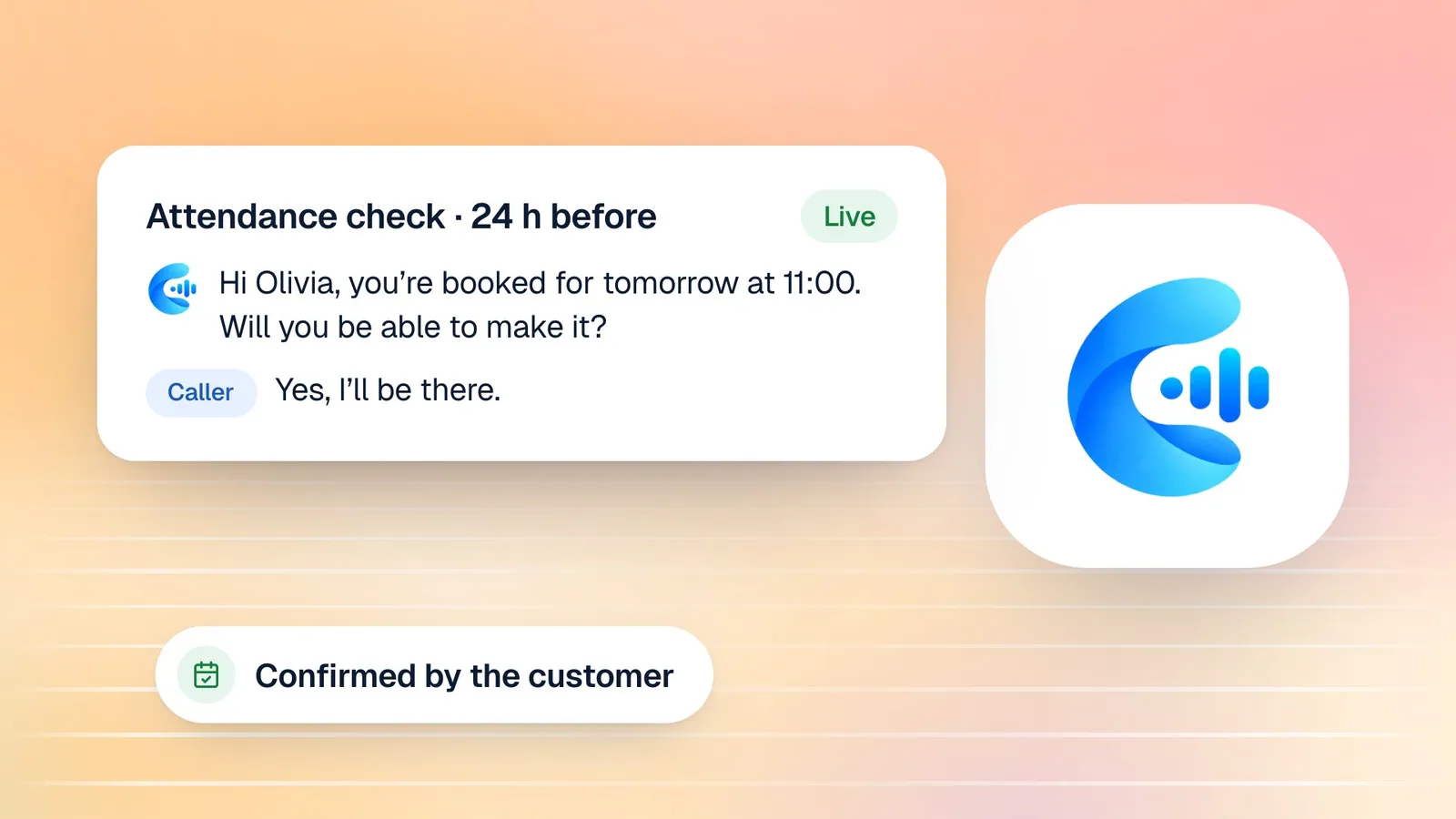
Cypher LM also checks attendance ahead of time. Twenty-four hours before an appointment, it asks the customer to confirm, by a short confirmation call if a phone number is connected, or by an email confirmation link if not. The booking then shows whether the customer has confirmed, has not confirmed yet, or cannot make it, which gives you a day's notice to fill the slot.
The value of this chain is that nobody has to do anything for it to happen. A booking made at ten at night is in your calendar, confirmed with the customer, logged in your spreadsheet and linked to its recap by the time you open your laptop the next morning. Your team starts the day with a schedule, not a list of voicemails to return.
Changes, cancellations and corrections by voice
Real calendars change. A good booking agent has to handle the second call as well as the first, and Cypher V can manage an existing booking during a call.
When a caller says they need to move their appointment, the agent finds their booking by the phone number or email they booked with, checks free times for the new day, offers options and moves it. When they need to cancel, the agent finds the booking and cancels it, freeing the time for someone else. In both cases the customer receives an email confirming the change.
Corrections are handled carefully. If a caller realises they gave the wrong email address earlier, the agent updates the same booking and re-sends the confirmation to the corrected address. It never creates a second booking for the same person, which keeps your calendar clean and avoids confusing duplicate confirmations.
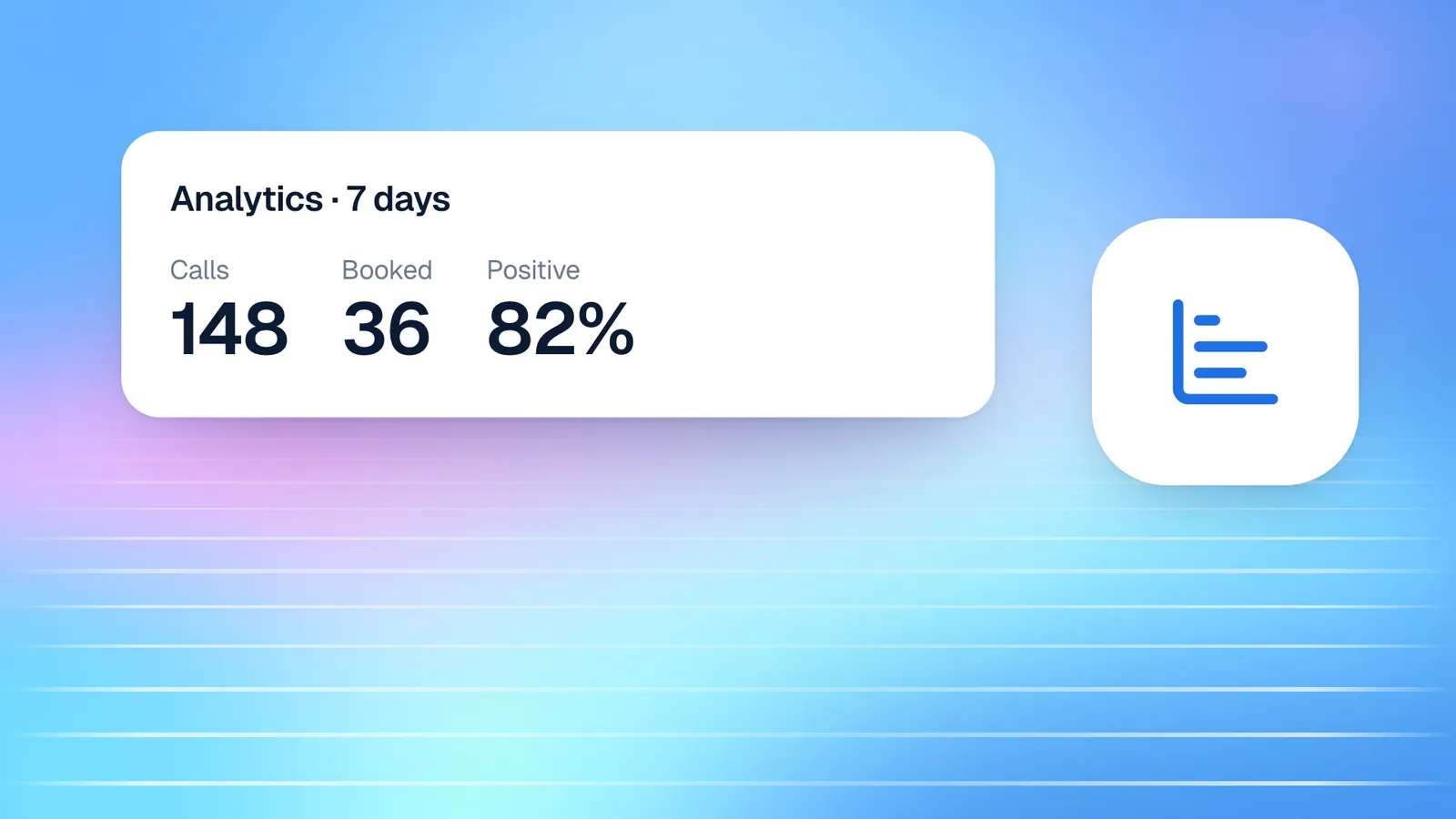
Your team can make the same changes in the dashboard. From a booking's detail panel you can reschedule, cancel, mark the customer as attended or as a no-show, or book them again. Marking outcomes matters, because it keeps your attendance and no-show figures accurate in the Bookings statistics.
How this works in Cypher LM
Setting up booking on calls takes four steps in the dashboard. You can complete them in under an hour and refine them later.
- Create appointment types. In Bookings › Appointment types, add each kind of appointment people can book: a name, a duration, an optional price, where it happens (in person with an address, a video call, or a phone call) and a short description. Keep the names clear, because the agent uses them in conversation.
- Set your hours and rules. In Bookings › Hours, choose your time zone, set your weekly hours, add date overrides for holidays, and choose the gap around each booking, the most bookings per day and the minimum notice.
- Connect Google Calendar. In Settings › Integrations, connect Google and allow Calendar and Meet. Then choose which calendar bookings are added to, and which calendars to check for conflicts.
- Let your agent book. In the agent's settings, or from Bookings › Manage agents, switch on Book appointments for each agent that should take bookings.
Then test it. Open your agent, start a call and ask for an appointment the way a customer would, including the awkward cases: a day you are closed, a time that is already taken, a misspelled email. Check that the booking appears in Bookings and in your calendar, and that the confirmation email arrives.
Language is handled for you. If your agent is bilingual, it books in English or Urdu, following whichever language the caller uses, and the confirmation and booking details are recorded the same way regardless of the language of the call.
The same appointment types and hours also power your booking link, so customers who prefer to book themselves see exactly the same availability as callers. Our guide to sharing your booking link covers that side.
Writing appointment types the agent can use well
Because the agent speaks your appointment type names aloud and matches callers to them, the names and descriptions deserve a little care. Use the words your customers use: "Teeth cleaning" rather than an internal code, "Site visit" rather than "Type B". Keep the list short enough that a caller could hear it read out without losing track, and merge types that differ only in ways the caller does not care about.
Use the description to say who each type is for and what happens in it. The same description appears on your booking page, so it helps both the agent and the customers who book themselves. If an appointment type has a price, set it, so the agent can answer "how much is it?" accurately and your Bookings statistics can show the value expected at visits.
Frequently asked questions
Can the agent book into my existing Google Calendar?
Yes. Once Google Calendar is connected, bookings are added to the calendar you choose, busy times in the calendars you tick are never offered, and video bookings get their own Google Meet link.
What if two callers want the same slot at the same time?
The slot can only be booked once. If another booking takes it first, the agent will not book over it and offers the caller another time instead.
Can callers pay a deposit when they book?
Yes, if you use Cypher P. With Take payments on calls switched on for the agent, it can send a secure payment request during the same call. The booking page itself does not take payment; our guide to collecting payments for appointments explains the options.
Does the agent work outside office hours?
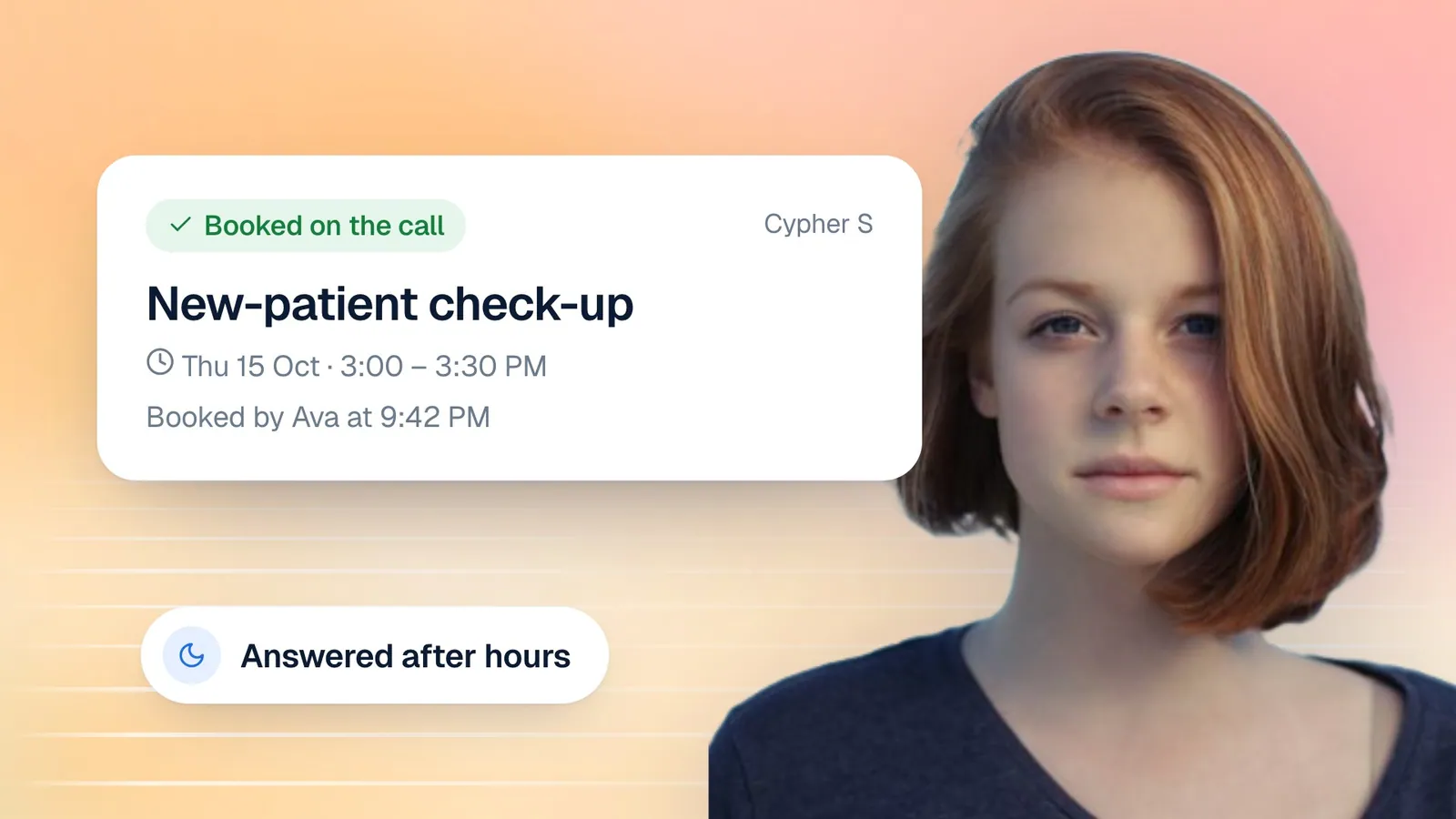
Yes. Cypher V answers at any hour, and it offers times based on your booking hours, not on the time of the call. A caller at eleven at night can book a slot for nine the next morning.
Can I see what the caller said when they booked?
Yes. Each booking made on a call links to the call itself, with its recording, transcript and the recap from Cypher N, including the agenda the caller described.
Conclusion
An AI voice agent is most valuable when it finishes the job. With Cypher V and Cypher S, the call that starts with "do you have anything on Thursday?" ends with a confirmed appointment, a calendar entry, a confirmation in the caller's inbox and a recap for your team, whatever the time of day.
The setup is mostly about describing how you already work: what people can book, when you are available and how much breathing room you need between appointments. Once that is in place, the agent applies it consistently on every call.
If you want to see it in action, book a demo, or request a free trial and set up your first appointment type today.