Schools and nonprofits run on relationships. A parent who gets a clear, friendly answer about admissions is more likely to enrol their child. A volunteer who gets a quick reply about Saturday's event is more likely to turn up. A supporter who reaches a real answer rather than a full voicemail box is more likely to stay involved. Yet these organisations rarely have the staff to answer every call, and their busiest weeks, admissions season or a fundraising campaign, are exactly when the phone gets out of hand.
A voice agent can carry much of that load. It answers questions from your own documents, books visits and meetings, takes clear messages, and speaks the languages your families and communities speak. This guide explains what a voice agent can do for a school, college or nonprofit, and then walks through a complete setup in Cypher LM, step by step, using the labels you will see in the dashboard.
It is written for admissions offices, school administrators, programme managers and small nonprofit teams who want every call answered without adding a phone team.
Why calls matter so much in education and nonprofits
Most calls to a school are not complicated. Parents want to know the fee structure, the admission dates, the documents they need, whether there is a bus route near their home, or when the next open day is. Each answer takes a minute. The problem is the volume, concentrated into a few weeks of the year, and the fact that the people answering also have to run the office.
Nonprofits see a similar pattern with a different cast. Beneficiaries call to ask about eligibility and opening times. Volunteers call about schedules. Supporters call about donations, receipts and events. Partners call to arrange meetings. A small team may handle all of these with one shared phone and a voicemail box that fills up over the weekend.
What these calls have in common is that the caller's experience shapes the relationship. A parent who cannot get through during admissions week may simply apply elsewhere. A volunteer who never hears back may not offer again. For organisations that depend on goodwill, an unanswered call costs more than time.
There is also a fairness question. Families who are confident on the phone, or who can visit in person during office hours, tend to get answers. Families who work shifts, or who are more comfortable in another language, often do not. An agent that answers at any hour, in more than one language, narrows that gap.
What a voice agent can handle for you
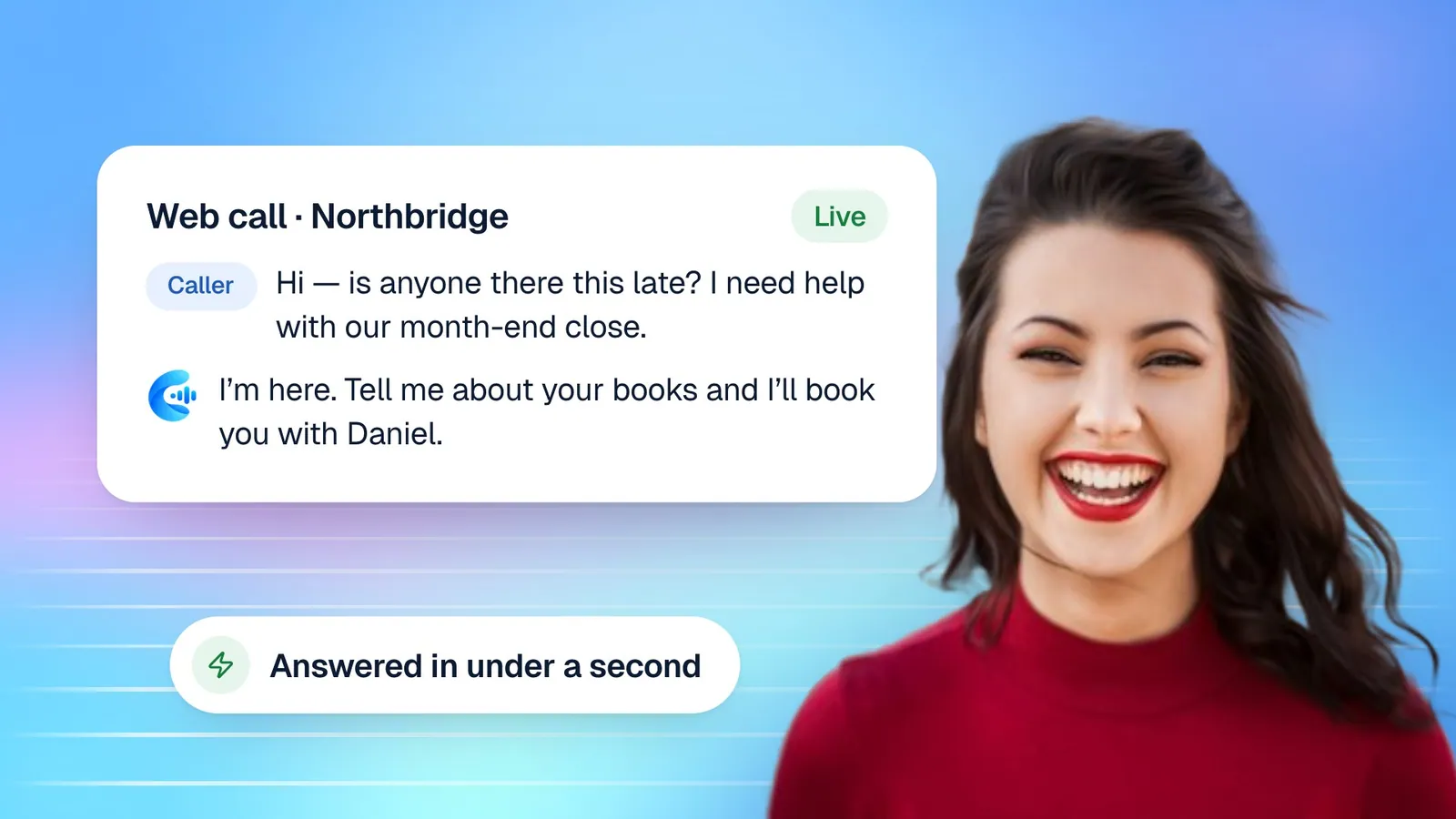
A voice agent answers phone or web calls in a natural voice and replies in under a second, using the information you give it. For schools and nonprofits, the most useful jobs are:
- Answering common questions about admissions, fees, documents, dates, timings, transport, programmes, eligibility and events, from your own handbooks and FAQs.
- Booking visits and meetings: campus tours, open-day slots, parent meetings, intake appointments, volunteer orientation sessions.
- Taking clear messages when a question needs a person, with the caller's name, contact details and the reason for the call written down consistently.
- Answering after hours and at peaks, so a parent calling at 9 PM during admissions week still gets an answer.
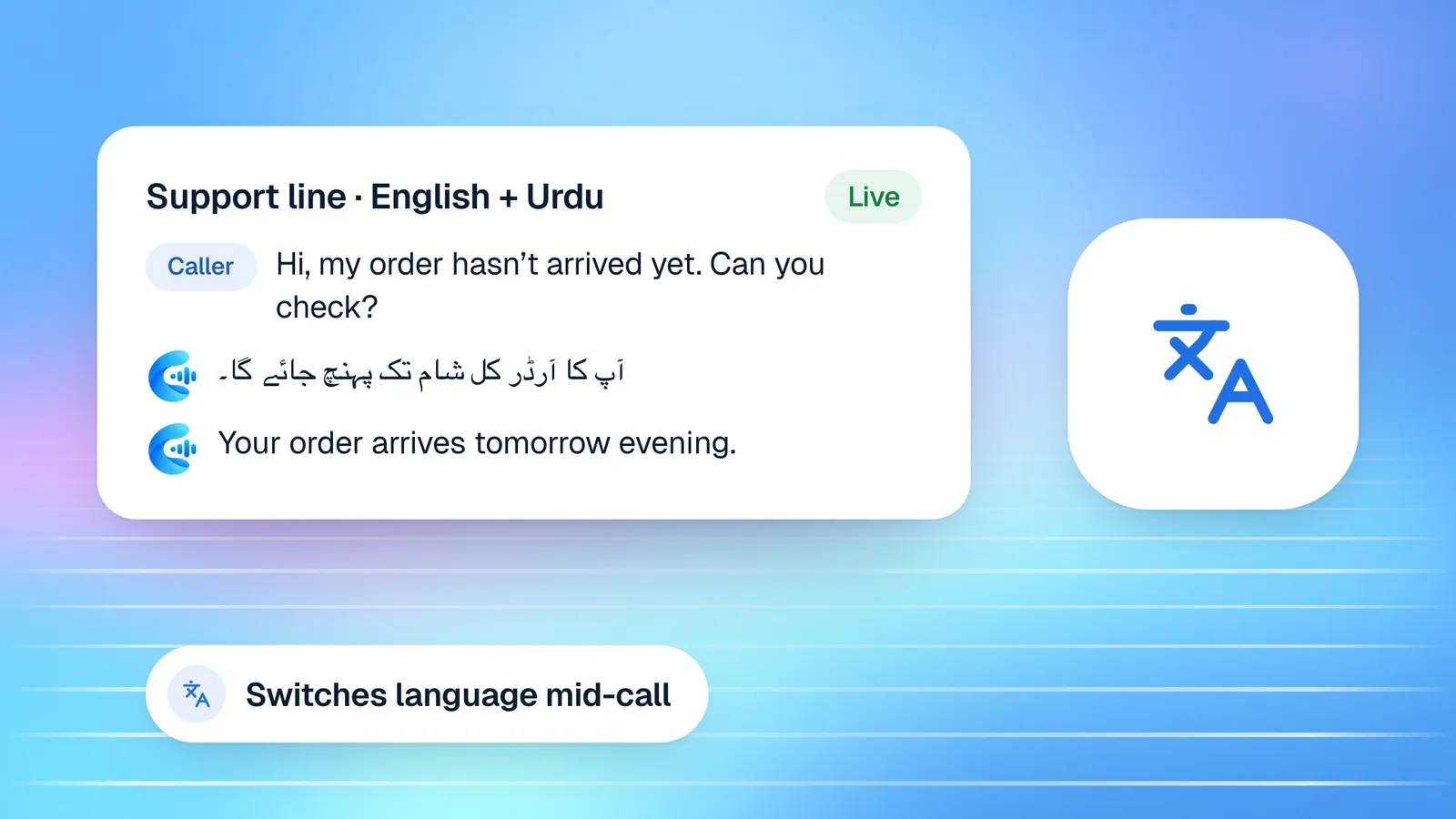
- Speaking English, Urdu or both, so families can talk the way they are most comfortable.
What an agent should not do is just as important. It should not make admissions decisions, promise places or scholarships, discuss individual students or beneficiaries, or handle safeguarding concerns. Those belong with your staff, and you will tell the agent so during setup.
Where an agent fits alongside your team
Think of the agent as the first person who answers the phone, not the last. It resolves the routine calls fully and passes the rest to your team with a clean summary, so the staff member who calls back already knows what the parent asked and what they were told.
Before you start: gather your source material
The quality of a voice agent depends almost entirely on what you give it. Before you open the dashboard, spend an hour collecting the documents your office already uses to answer questions:
- The admissions or intake guide, including dates, eligibility and required documents.
- The fee structure or a description of how services are funded.
- Term dates, timings, holidays and event calendars.
- Transport routes, campus or centre locations and directions.
- Programme descriptions, for each grade, course or service.
- A list of the questions your office gets most often, with the answers staff actually give.
If some of this only exists in people's heads, write it down now. A one-page FAQ written in plain language by the person who answers the phone is often the single most valuable file you can give an agent. Our guide on writing a knowledge base your voice agent can use goes deeper into structuring these files.
Step-by-step: setting up your agent in Cypher LM
Here is the full setup, in order, with the labels you will see in the dashboard.
- Create your account. Sign up and open the dashboard. New accounts start with a free trial once our team has reviewed the request.
- Open the agent builder. Choose Build Your Agent. Enter your school or organisation's website address; Cypher LM reads the site and pre-fills your business details. Review every pre-filled answer and correct anything that is out of date.
- Describe your organisation. Add what you do, who you serve and your main programmes or services. Be specific: "Primary and secondary school, grades 1 to 10, with a separate early-years section" is far more useful than "school".
- Give the agent an identity. Choose a name and a short greeting, for example: "Hello, you've reached Riverside School admissions. I'm Emma. How can I help?" Choose a tone; friendly works well for most schools and charities.
- Set behaviour and restrictions. List the agent's responsibilities, the topics to avoid (admissions decisions, individual students, safeguarding matters, anything about a specific donor), what to say when it does not know, and when to pass a caller to a person.
- Choose the language. Pick English, Urdu, or English and Urdu. For communities that mix languages, bilingual mode lets the agent follow the caller.
- Add knowledge files. Upload the documents you gathered as PDF, DOCX, CSV or TXT (up to 4 MB each, 10 at a time), or import them from Google Docs, Sheets or Drive. Files you add as Shared knowledge are used by every agent; files under This agent's knowledge are used only by that agent.
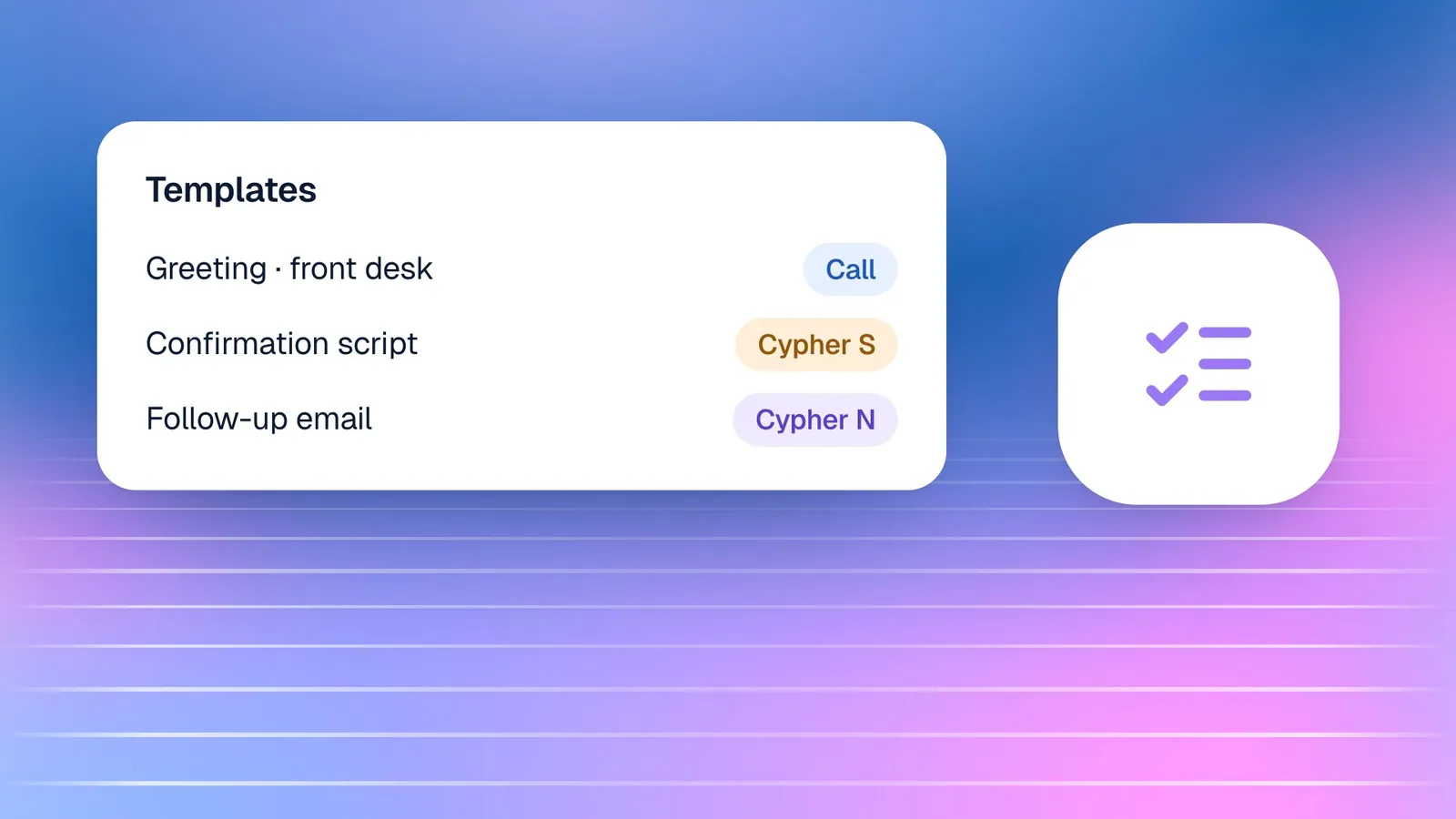
- Turn on booking. If you want the agent to book tours, meetings or intake appointments, set up booking types and availability in Cypher S and switch on bookings for the agent.
- Test the agent. Talk to it yourself. Ask the questions parents and supporters really ask, including the awkward ones, and check every answer against your documents.
- Put it on your website. In Deploy › Website widget, add your website address, choose the widget's position and colour, and paste the embed code into your site. Visitors can then call or chat with the agent from any page.
Most organisations complete the builder itself in five to ten minutes. Gathering documents and testing properly takes longer, and it is time well spent.
Use cases, side by side
Schools and nonprofits use the same building blocks for different jobs. Here is how the main ones map to Cypher LM.
| Situation | What the agent does | Cypher LM product |
|---|---|---|
| Admissions questions | Answers fees, dates, documents and eligibility from your guide | Cypher V |
| Campus tour or open day | Offers available slots and books one during the call | Cypher S |
| Parent meeting request | Books a meeting with the right staff member, with a Google Meet link for video meetings | Cypher S |
| Volunteer orientation | Explains roles and books an orientation session | Cypher S |
| Supporter call about an event | Answers event details and takes a message for anything specific | Cypher V |
| Staff meeting or partner call | Writes detailed notes, action items and follow-ups | Cypher N |
| Event fees or registration payments | Sends a secure payment link during the call | Cypher P |
You do not need all of these on day one. Most organisations start with questions and bookings, then add notes and payments once the basics are working.
How this works in Cypher LM
Behind the setup steps, a few parts of Cypher LM do the daily work.
Cypher V, the voice agent, answers each call from your knowledge files and the details you entered in the builder. It is grounded in your material, so when a parent asks about the documents needed for grade 6, the answer comes from your admissions guide rather than from general knowledge.
Cypher S handles bookings. You create booking types such as "Campus tour (45 min)" or "Intake appointment (30 min)", set the hours each one is available, add buffers and limits, and connect Google Calendar so busy times are respected. When the agent books a visit, it lands in the calendar, and the family receives a confirmation. About a day before the visit, Cypher S checks attendance: a reminder with confirm, reschedule and cancel options, or a confirmation call if your organisation has a phone number connected.
Every call appears in Calls with its transcript. With Cypher N, each call also gets a recap: a short summary, key details, action items and a drafted follow-up. You can switch on Email me a recap after every call so your admissions lead sees each conversation without logging in. Callers who share a phone number or email are grouped in Contacts, so when a parent calls for the third time, your team can see the earlier conversations.
If your team is more than one person, invite colleagues in Settings › Team & roles. Owners control everything, including the plan; managers build and edit agents and review calls; front-desk staff see calls and follow-ups without access to money; sales reps work on their own follow-ups. Choose the role that matches what each person needs.
Making it work over a full year
Schools and nonprofits have a rhythm, and your agent should follow it. Admissions dates change, fees are revised, events come and go. Put a recurring reminder in the calendar at the start of each term or campaign to review the knowledge files, and replace outdated documents rather than adding new ones on top. Two conflicting fee sheets will confuse the agent just as they would confuse a new member of staff.
Read the recaps regularly, especially in the first few weeks. The questions the agent could not answer tell you exactly what to add to the knowledge files. The questions callers ask most often tell you what to put on your website, too.
Learn from your busiest hours
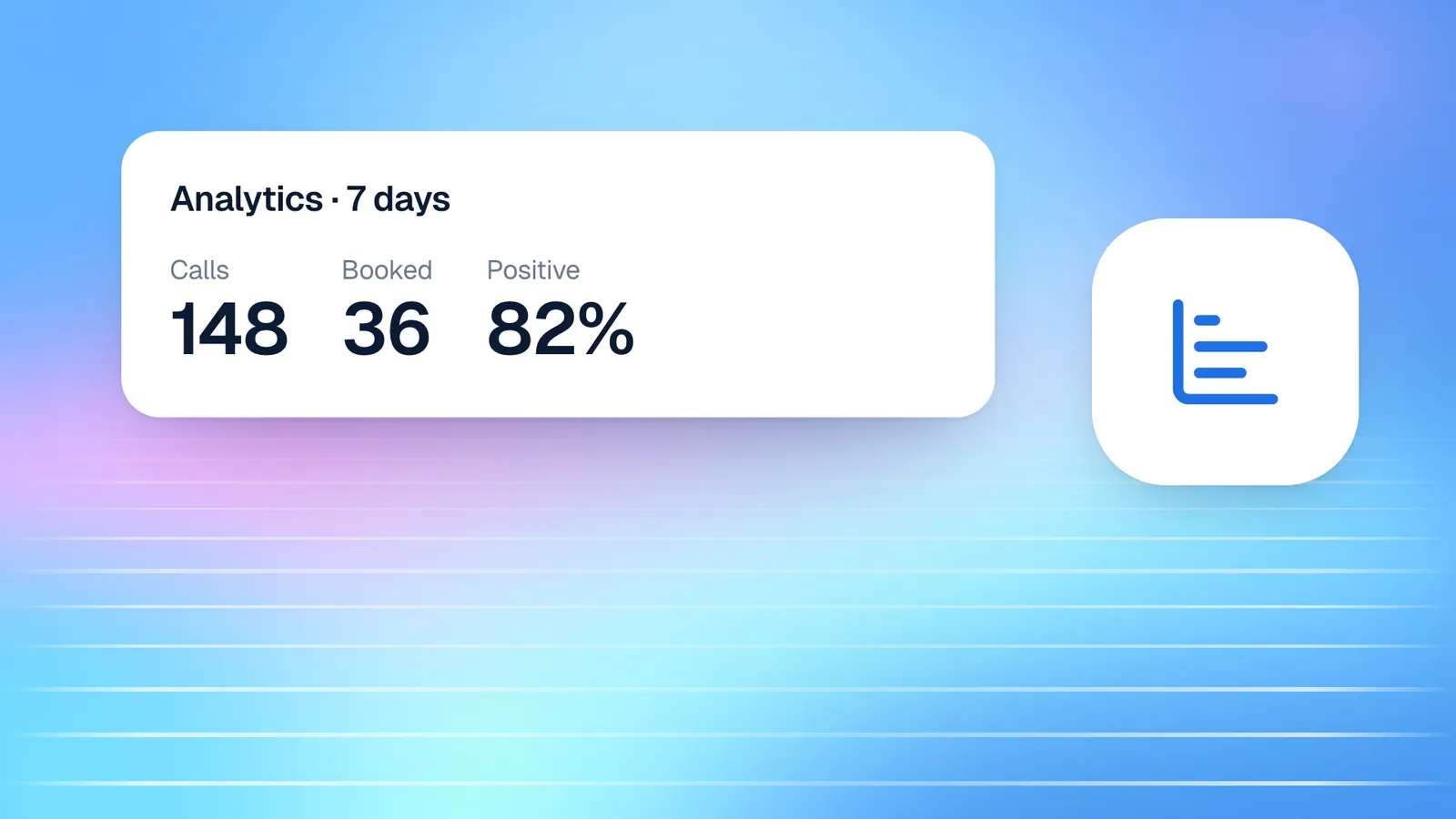
The Analytics section shows calls per day, how long they last, which languages callers spoke, how they sounded, and a When customers call chart of your busiest days and hours. For a school, that chart usually confirms what the office suspected: a wave at drop-off and pick-up times, and a surprising number of calls in the evening, when parents are finally free. For a nonprofit, it may show that most calls arrive in the days after a newsletter or appeal goes out. Use that pattern to plan staff time, to schedule campaign announcements, and to decide which questions deserve a clearer answer on your website.
Finally, tell your community the agent exists. A line in your newsletter, on the admissions page, or on the volunteer sign-up form explaining that they can call or chat with your assistant at any time sets expectations and encourages people to use it.
Frequently asked questions
Can the agent make admissions decisions or promise a place?
It should not, and you will tell it not to. Set admissions decisions, scholarships and anything about individual students as topics to avoid, and give the agent a clear line such as "Our admissions team decides on places; I've noted your interest and they'll be in touch."
Can families speak to the agent in Urdu?
Yes. You can choose English, Urdu or both when you build the agent. In bilingual mode, it understands and replies in either language and follows the caller when they switch.
How do parents reach the agent?
Most organisations start with the website widget, which lets visitors call or chat with the agent from any page of your site. If you need the agent on a phone line, our team can connect a number for you.
Who sees the details callers share?
Names, numbers and emails captured from calls are visible only to your account and the teammates you invite. Recordings and transcripts are kept until you delete them, and you can export your calls as a spreadsheet from Settings.
Can we use one agent for admissions and another for our programmes?
Yes. You can build more than one agent, each with its own instructions and knowledge files. Shared knowledge, such as your address and term dates, can be used by every agent, while each agent keeps its own specialist files.
Answer every family and supporter
For schools and nonprofits, every answered call strengthens a relationship you have worked hard to build. A voice agent gives your community a reliable way to reach you, in their own language, at the time that suits them, while your team spends its time on the conversations that need a person.
To try it with your own documents, request a free trial, or book a demo to plan your setup with our team. You can also read more about Cypher LM for education or compare plans on the pricing page.