Most of what makes a customer conversation feel professional is decided before the phone rings. The greeting, the way a question is handled when nobody knows the answer, the words used to confirm a booking, the email that arrives an hour after the call: each of these is a small piece of writing, and each one either builds trust or quietly erodes it.
When a voice agent answers your calls, that writing matters even more, because the agent will use it hundreds of times. A clumsy greeting is clumsy on every call. A vague fallback line leaves every caller with the same uncertainty. The good news is the reverse is also true: a few well-written lines, set up once, improve every conversation your business has.
This article is a template library. It covers the greeting your agent opens with, the lines it uses when it cannot help, booking confirmations, follow-up emails after a call, reminder and rebooking messages, and the goals and questions for task calls. Every template is ready to copy, with placeholders in square brackets such as [Business name] and [Customer name]. Adapt the tone to your brand, keep the structure, and test each one by calling your own agent.
Why templates matter more with a voice agent
A person answering the phone adapts naturally. They hear that the caller is in a hurry and get to the point; they notice confusion and slow down. A voice agent can do a good deal of this too, but it works from the instructions and examples you give it. The clearer and more concrete those are, the more consistently it behaves the way you want.
Templates also keep your human team and your agent aligned. If the agent confirms bookings one way and your front desk confirms them another way, customers notice the difference. When both work from the same wording, every customer has the same experience, whoever or whatever answered.
There is a sales and marketing angle as well. The first ten seconds of a call and the first line of a follow-up email are some of the most-read words your business produces. They deserve the same care as a landing page headline. A follow-up that restates exactly what the customer asked for, with one clear next step, converts far better than a generic "thanks for calling".
Finally, templates make review easier. When something goes wrong on a call, you can compare what happened with what was meant to happen, adjust the wording and test again. Without a written standard, every fix is a guess.
Greetings and first messages
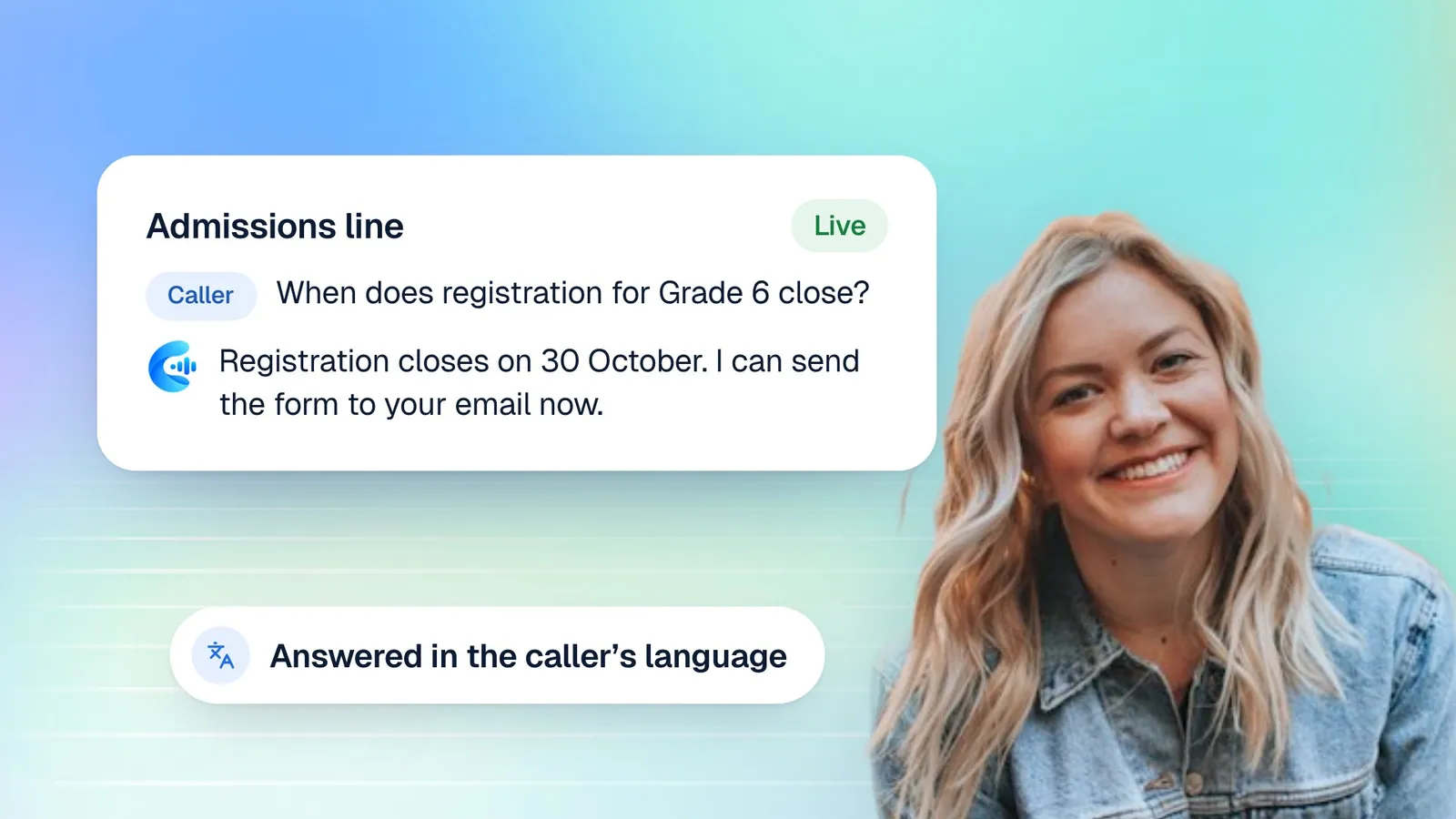
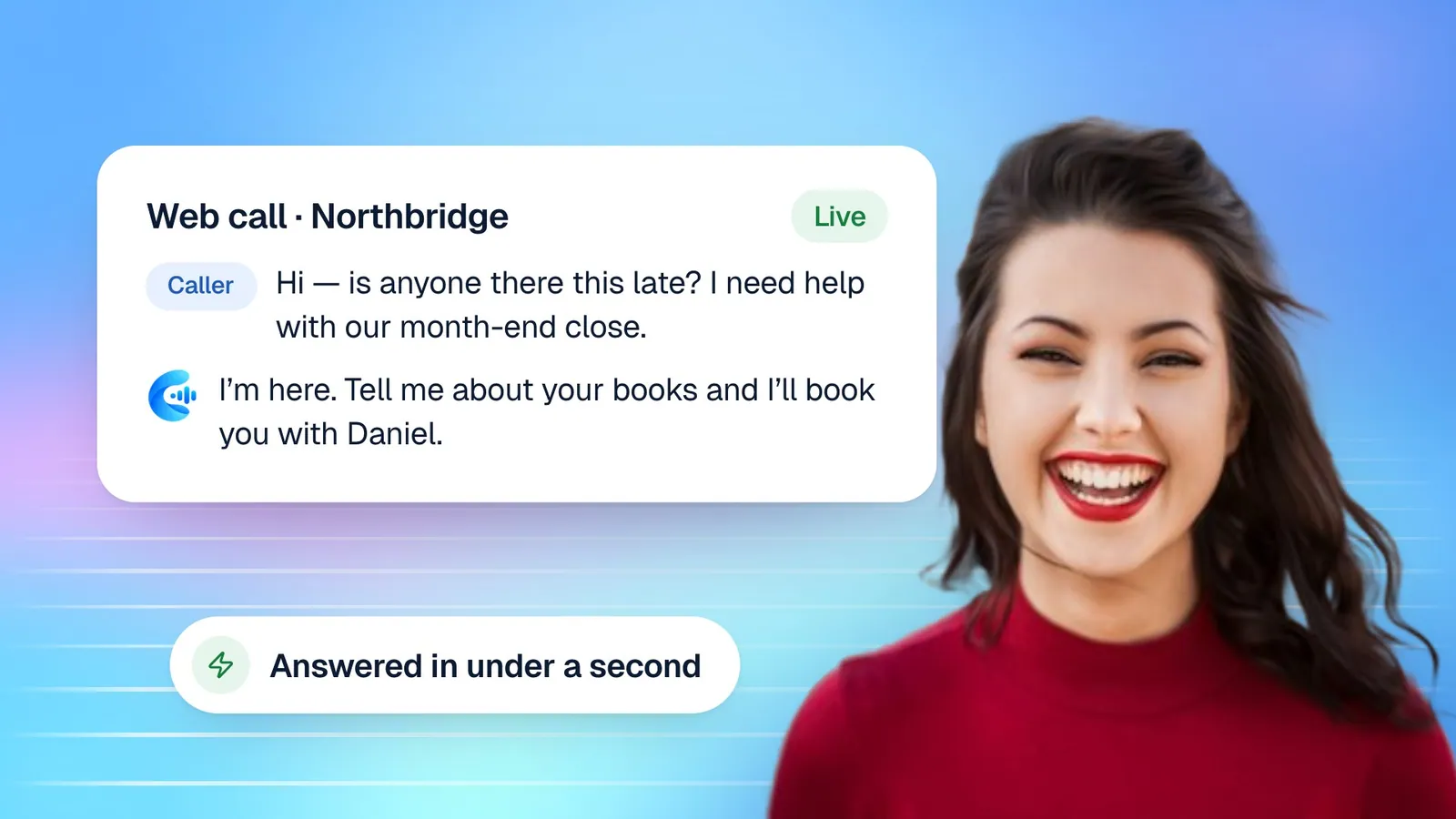
The greeting is the first thing every caller hears. Keep it short: callers want to speak, not listen to an introduction. One sentence that says who they have reached and invites them to talk is ideal.
Template: standard greeting
"Hi, you've reached [Business name]. I'm [Agent name]. How can I help you today?"
Template: greeting for a busy service business
"Thanks for calling [Business name], this is [Agent name]. I can answer questions or book an appointment for you. What do you need?"
Template: bilingual greeting
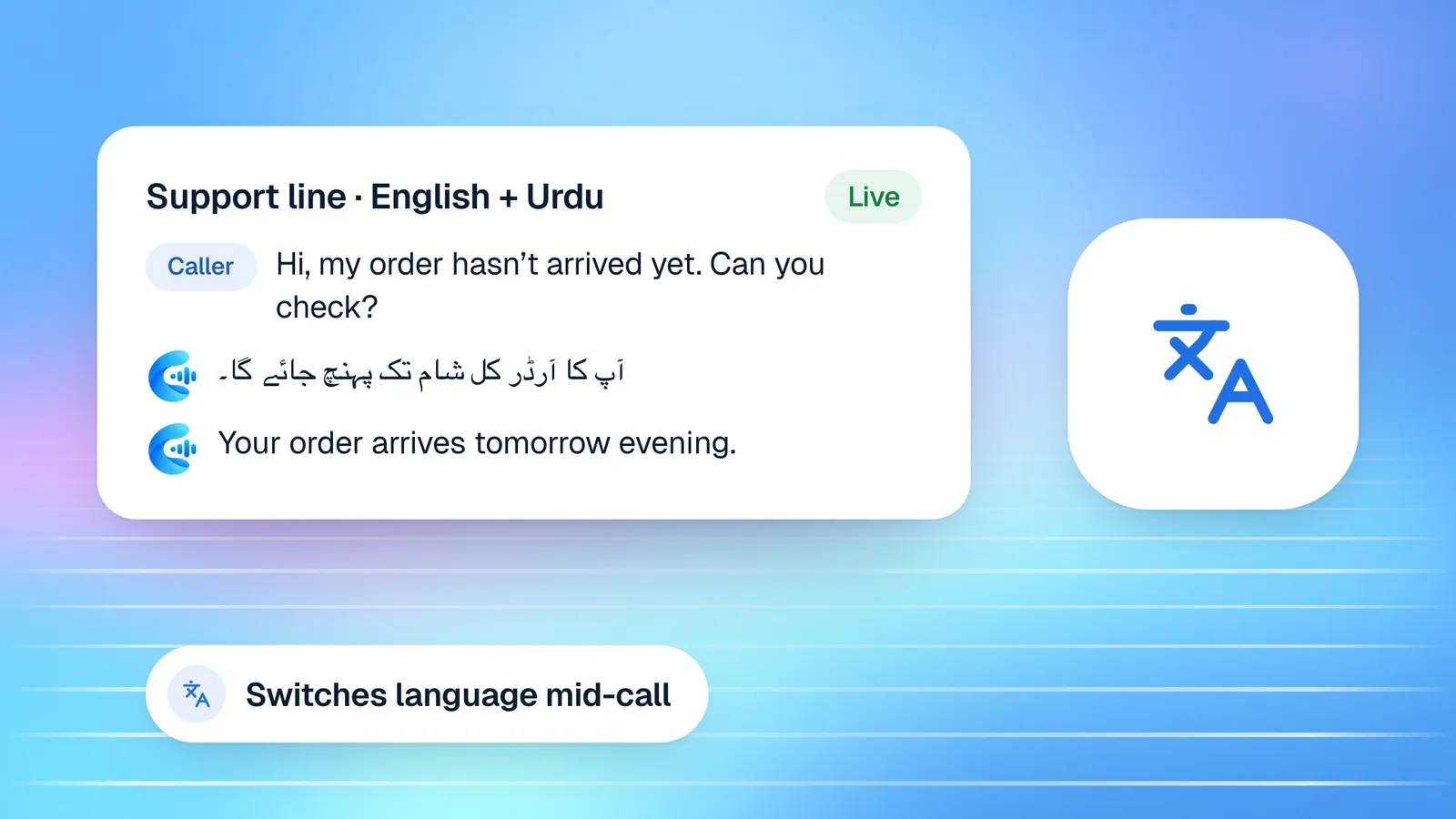
"Hello, this is [Agent name] from [Business name]. You can speak to me in English or Urdu. How can I help?"
A few rules apply to every greeting. Avoid long disclaimers at the start; if you need to tell callers that calls are recorded or that they are speaking with an AI assistant, do it in one short clause. Avoid listing everything the agent can do, because callers stop listening after the second item. And match the tone to your business: a law firm's greeting should sound different from a café's, even if the structure is the same.
In Cypher LM, you set the agent's name and first message when you build it, and you can choose a tone of voice such as professional, friendly, formal or casual. Friendly suits most businesses; formal is better for legal, medical or financial services.
Fallback and escalation lines
Every agent will meet questions it cannot or should not answer. What it says in those moments shapes how callers feel about your business more than almost anything else. A good fallback line is honest, tells the caller what will happen next, and captures what is needed to make that happen.
Template: the agent does not know the answer
"That's a good question, and I don't want to guess. I'll note it down and someone from our team will get back to you. Can I confirm the best number or email to reach you?"
Template: the topic is off-limits
"I'm not able to advise on that over the phone. What I can do is book you a time with [Role, e.g. one of our specialists], or take a message so they can call you back. Which would you prefer?"
Template: the caller is upset
"I'm sorry this has been frustrating. I want to make sure the right person looks at it. Let me take down what happened, and I'll pass it to [Team or manager] so they can follow up with you directly."
Template: urgent situations
For businesses where callers may describe something urgent, such as clinics, property maintenance or security, write an explicit instruction: "If it sounds like an emergency, please contact [Emergency contact or service] straight away. I can't handle emergencies on this line."
Give the agent these lines as part of its behaviour settings: its responsibilities, the topics to avoid, what to say when it does not know, and when a caller should be passed to a person. Write them as full sentences, not keywords. Because every call is written up with a recap, the questions captured by your fallback line appear in Calls and in Follow-ups the next morning, rather than disappearing into a voicemail box.
Booking confirmation scripts
When the agent books an appointment during the call, the confirmation is the moment that prevents most no-shows and mix-ups. It should read back the essentials, check the details that most often go wrong, and tell the caller what happens next.
Template: confirming a booking on the call
"Great, you're booked for a [Booking type] on [Day, date] at [Time]. I have your name as [Customer name] and your email as [Email]. Is that all correct? You'll get a confirmation by email with the details and a link to change the booking if you need to."
Template: confirming a video meeting
"You're all set for [Day] at [Time]. Because it's a video meeting, your confirmation email includes a Google Meet link. Just open it a minute or two before the start."
Template: when the caller corrects a detail
"Thanks for catching that. I've updated your booking with the new [email or phone number]. Your appointment is still on [Day] at [Time]."
The last template matters more than it looks. In Cypher LM, a caller who rings back to correct a misspelled email or a wrong phone number does not get a second booking: the agent updates the existing one and keeps the same slot. Your agent's wording should reflect that, so callers are reassured that nothing has been duplicated.
Follow-up email templates after a call
A follow-up email turns a good call into a next step. The best ones are short, specific and sent quickly. In Cypher LM, every call recap from Cypher N includes a drafted follow-up that reflects what was actually discussed; you can edit it and send it to the caller with Send email. The templates below are structures you can teach your team to shape those drafts into.
Template: after an enquiry call
Subject: Your call with [Business name] today
"Hi [Customer name], thanks for speaking with us today about [Topic]. As promised, here is [Information, link or document]. The next step is [Next step, e.g. a 20-minute consultation]. You can book it here: [Booking link]. If anything has changed, just reply to this email. Best regards, [Your name], [Business name]"
Template: after a call where something was promised
Subject: Following up on [Topic]
"Hi [Customer name], on our call you asked about [Question]. I checked with [Team], and [Answer]. I've also [Action taken]. If you would like to go ahead, [Next step]. Thanks again for your patience. [Your name]"
Template: after a booked appointment
Subject: See you on [Day]
"Hi [Customer name], just a quick note to say we're looking forward to seeing you on [Day, date] at [Time] for your [Booking type]. To make the most of the time, please bring [Items or documents]. If you need to change the time, use the link in your confirmation email. [Your name]"
Keep each follow-up to one clear request. Customers act on emails that tell them exactly what to do next, and ignore emails that ask for three things at once.
Reminder and rebooking messages
Reminders and rebooking messages protect your calendar. Cypher S sends reminder emails automatically before appointments, with buttons to confirm, reschedule or cancel. When your team writes its own messages, for example after a no-show or a cancellation, the tone should be warm and practical, never accusatory.
Template: after a missed appointment
"Hi [Customer name], we missed you at your [Booking type] today. These things happen. If you'd still like to [Goal], you can pick a new time here: [Booking link], or reply and we'll find one for you."
Template: after a cancellation
"Hi [Customer name], thanks for letting us know you couldn't make it. Whenever you're ready, you can book a new time here: [Booking link]. We'll be happy to see you."
Template: re-engaging a lead who went quiet
"Hi [Customer name], when we spoke on [Date], you were looking into [Need]. Is that still on your list? If it helps, I can hold a slot for a short call this week. Just reply with a time that works."
Task-call goals and questions
Cypher LM agents can also make task calls, where you ask the agent to call a customer about something specific, and campaigns that run the same task over a list. Each task has a goal and a short list of questions, and when the call ends you get the outcome, a summary, the answers and next steps. Outbound phone calls need a phone number connected to your account, which our team sets up on request; until then, tasks reach customers with a personal call link they open in their browser.
The quality of a task call depends on how clearly you write the goal and questions. Here are templates for common tasks.
| Task | Goal | Questions |
|---|---|---|
| Delivery check | Confirm the delivery address and a convenient time for order [Order number] | Is [Address] still correct? What time of day suits you best? |
| Lead qualification | Find out whether [Customer name] is still interested in [Service] and book a consultation if so | Are you still looking at [Service]? What is your timeline? Would a short call this week help? |
| Feedback after service | Ask how the [Service] went and whether anything needs attention | How did the visit go? Is there anything we should fix? Would you recommend us? |
| Renewal reminder | Remind [Customer name] that [Plan or contract] renews on [Date] and ask whether they want to continue | Do you want to continue? Have your needs changed? |
| Event attendance | Confirm attendance at [Event] on [Date] | Are you still able to attend? How many people are coming? |
Write each goal as one sentence that a new employee would understand. Keep questions to three or four, ordered from most to least important. If a question depends on the answer to another, say so in plain language: "If they are still interested, ask about their timeline."
How this works in Cypher LM
Here is where each template lives in Cypher LM.
- Greeting and tone. Set the agent's name, first message and tone in the agent builder. You can adjust them later in the agent's settings.
- Fallback, restrictions and escalation. Write these in the agent's behaviour settings: core responsibilities, topics to avoid, what to say when it does not know, and when to hand a caller to a person.
- Booking confirmations. Switch on bookings for the agent in Cypher S, set up booking types and availability, and add your confirmation wording to the agent's instructions. Confirmation emails are sent automatically.
- Follow-up emails. Every call recap from Cypher N includes a follow-up draft. Open the call, edit the draft using your templates, and send it.
- Reminders. Cypher S sends reminder emails before appointments with confirm, reschedule and cancel buttons. Switch reminders and confirmations on or off in Automations.
- Task calls and campaigns. Create tasks and campaigns in Calls & tasks, using the goal and question templates above. Outcomes and recaps appear there when the calls end.
Store your templates where the whole team can find them. A shared document works; so does a file in your agent's Shared knowledge, if the templates also help the agent answer questions about your process.
Frequently asked questions
Can the agent use different greetings for different callers?
Each agent has one first message. If you need very different greetings, for example for sales and support, build two agents, each with its own greeting, instructions and knowledge.
Can I edit the follow-up draft before it is sent?
Yes. The draft in each recap is a starting point. You can edit it, copy it, or send it to the caller by email from the call. Nothing is sent to the caller until you choose to send it.
Do reminder emails go out automatically?
Yes, when the booking reminder automation is on. Cypher S sends a reminder about a day before each appointment, with buttons to confirm, reschedule or cancel.
How long should a greeting be?
One sentence is ideal. Callers want to start talking. Say who they have reached, give the agent's name, and ask how you can help.
Can campaigns call customers on their phones?
Outbound phone calls need a phone number connected to your account, which our team sets up on request. Without one, task calls and campaigns send customers a personal call link instead.
Put your best words on every call
Templates are not about making conversations robotic. They capture the best version of what your team already says, so every customer hears it, every time. Start with the greeting and the fallback line, test them by calling your own agent, then work through confirmations and follow-ups.
To try these templates with your own agent, request a free trial or book a demo. For more on the follow-up side, read about what Cypher N does, and compare plans on the pricing page.